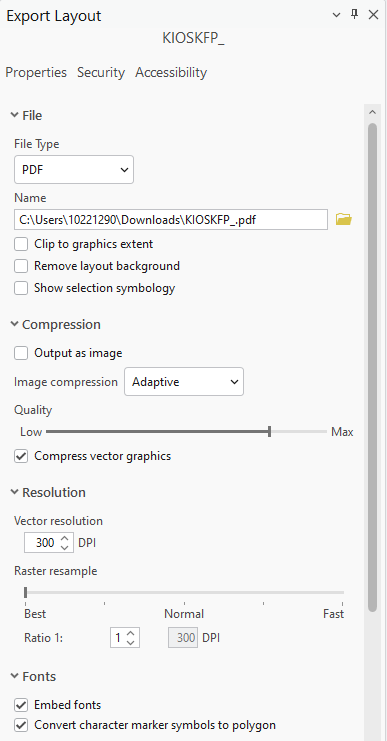
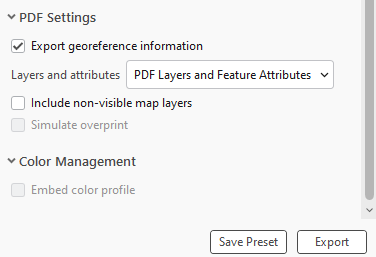
After we updated to ArcGIS Pro 3.4.2, I started to experience issues with exporting my Georeferenced PDFs. After the PDF finished exporting, I noticed some of my line features were not showing in the exported PDF. The funny part is, they did show up in the legend. We cannot use “flattened PDF” because a flattened PDF is not usable by our Creative Services Team. Below are the export options I used:
I did find this article and tried all suggestions for a work around
Problem: Layers Fail to Display in PDF Exported from ArcGIS Pro
In the first example below, I noticed I was missing my “sidewalks”. Our “sidewalk” feature is pulled from SDE. So, I thought maybe the issue was because it was coming from SDE. I exported the area I needed to a local FGDB. The same issue persisted in the exported PDF.
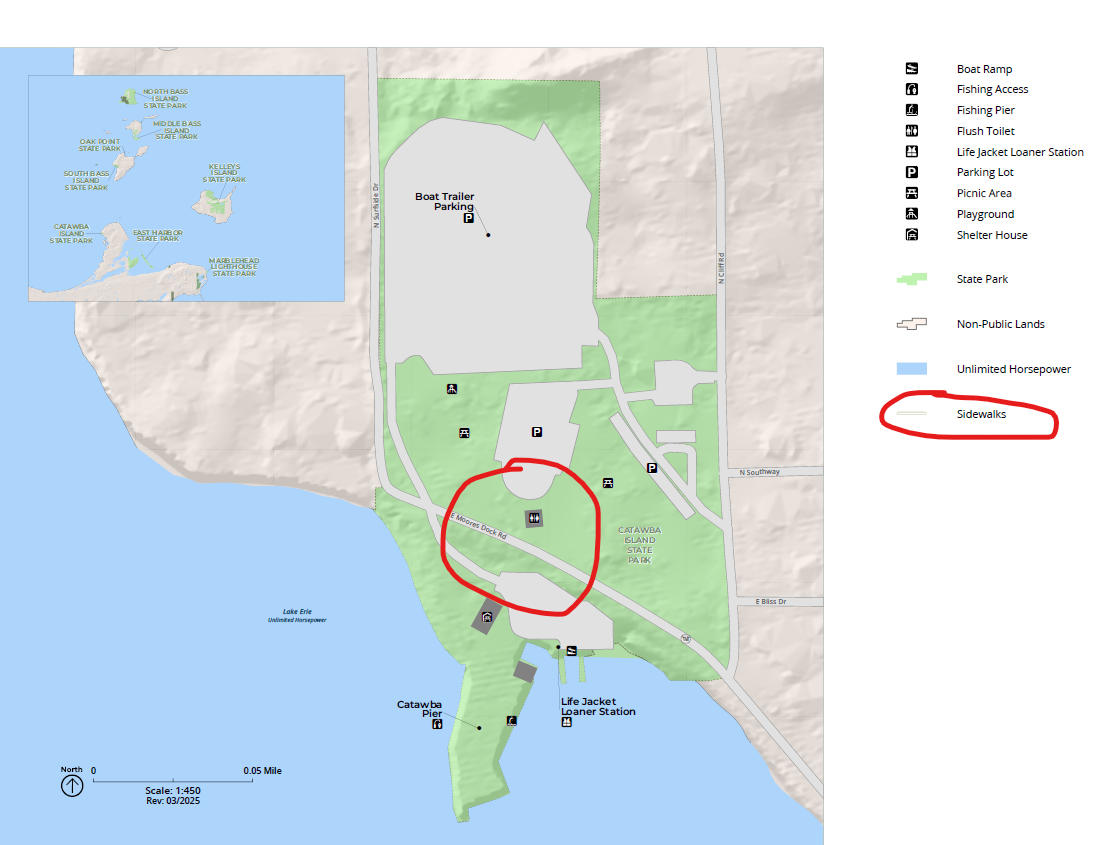
We then thought to maybe export the lines to Shapefile. After I exported the layer to Shapefile, the “sidewalks” showed up in the exported PDF. This is a useable work-around, however this is not sustainable since we export multiple Georeferenced PDFs of these maps a day.
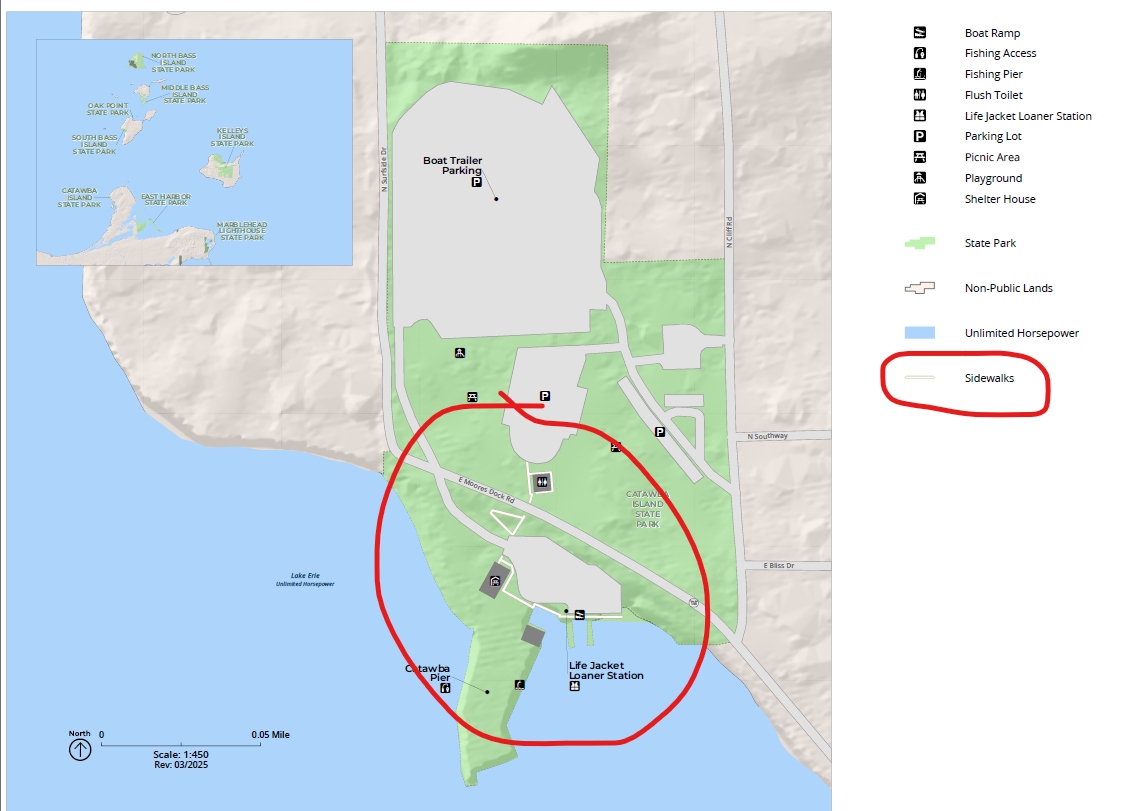
We also noticed there seems to be an issue with the groupings of layers and the group Symbology drawing order. We think this is what is causing the export issues. We have tried this with many different layers, and still get random issues with layers not exporting, but showing up in the legend.
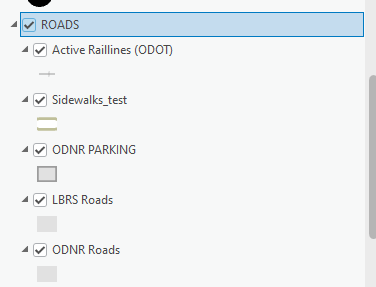
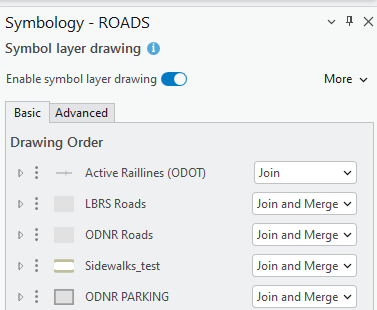
Has anyone else experienced this? We had no issues in previous versions of Pro. This only started with the latest update to 3.4.2. We did reach out to ESRI about the issue and they "cannot replicate the issue". If anyone else has experienced this, or has a workaround, please let me know. Thank you!



