After upgrading to Developer Edition 1.16, I am getting a warning that the Client ID is missing in one of my projects every time I open it.
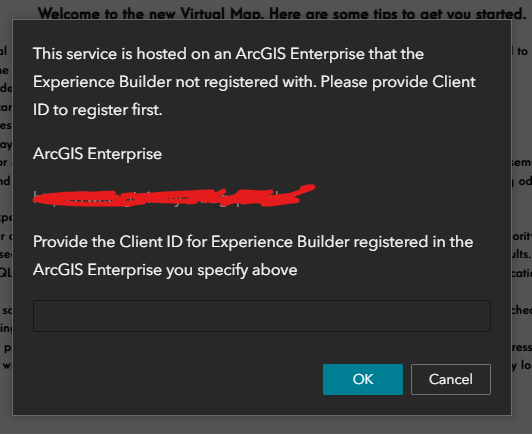
I have entered the App ID from my Experience Builder Credentials. I have also tried the App Secret. Neither has stopped the warning from appearing.
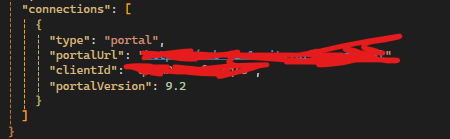
Entering something in this box creates a new entry into the connections array in the server/public/apps/1/resources/config/config.json. This array was ten identical records long before I deleted it and tried again. Copying the project also did not clear the issue.
Using the refresh button on the Builder page crashes Experience Builder. I can refresh on the Preview page and all the other functions appear to be normal whether I enter a value into this box or hit cancel.
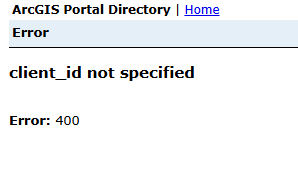
This project has been through hundreds of revisions at this point. It is highly complex with many utilities and custom widgets. It started on 1.11, then 1.12, then 1.14 and now is on 1.16. While on 1.12, it was forcefully migrated between Portals by editing the JSON. Another much simpler project created in 1.14, upgraded without throwing this error message.
I am on Enterprise 10.9.1 with SSO Authentication.
Is there way to get the Client ID to properly register? Can this error be ignored?


