Hi community,
I am doing an in-place ArcGIS Upgrade from 10.9.1 to 11.1.
After successfully running the portal upgrade installation, clicking "Finish" button to close the Installation Wizard. As I am expecting the browser takes me to "Import License Files" page, just found out that the Portal for ArcGIS Service has stopped, and the service account was somehow switched to "Local System Account".
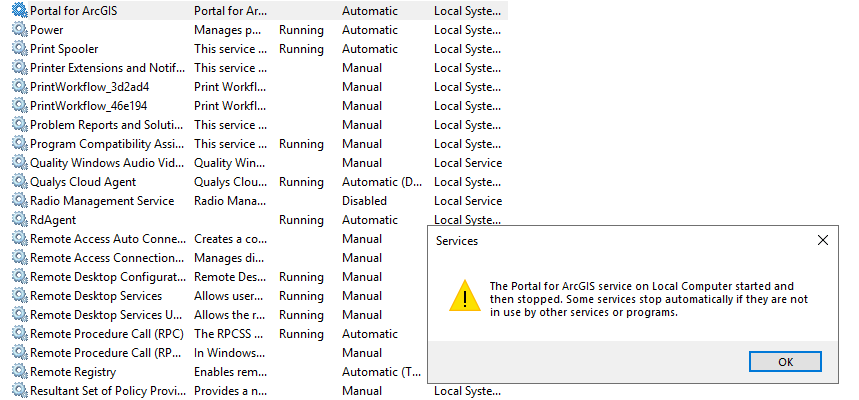
When trying to start the portal service manually, it throws the error message saying "The Portal for ArcGIS service on Local Computer started and then stopped. Some services stop automatically if they are not in use by other services or programs.".
Tried both GMSA and local service account to run the upgrade, still get the same issue, hence cannot start the Portal for ArcGIS service and cannot reach the https://**:7443/arcgis page.
For your context, the ArcGIS Enterprise is hosted on Azure, and the portal content directory is Azure Storage. We have another DEV environment with same deployment pattern, but no such an issue with the Upgrade.
Can anyone share some thoughts or have experienced such issue before?
Regards,
AB



