I am pretty sure this existed in ArcMap....
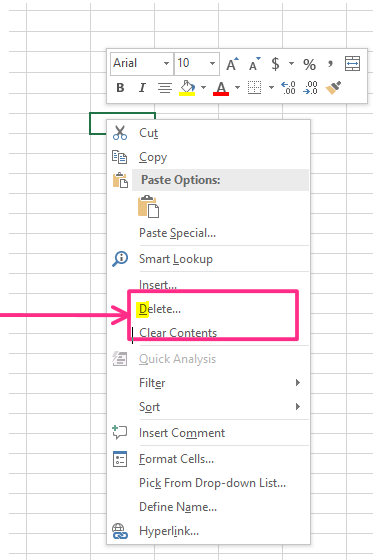
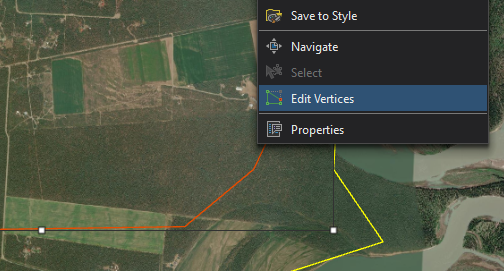
When you right click on a graphic in Pro, the "context menu" or list of items that appears does not have any shortcut/hot key such as in other software. I don't know what they are called exactly so this is an example from Excel. If you want to select delete, instead of having to move your mouse to Delete, you just hit the D key.The context menu has a letter underline that enable a quick selection of items from the list. I wish there was the same when I right click on a graphic in Pro.