When initially opening a fields view or attribute pane, the field name column is sized only to be as wide as the fields that currently fit on your display:
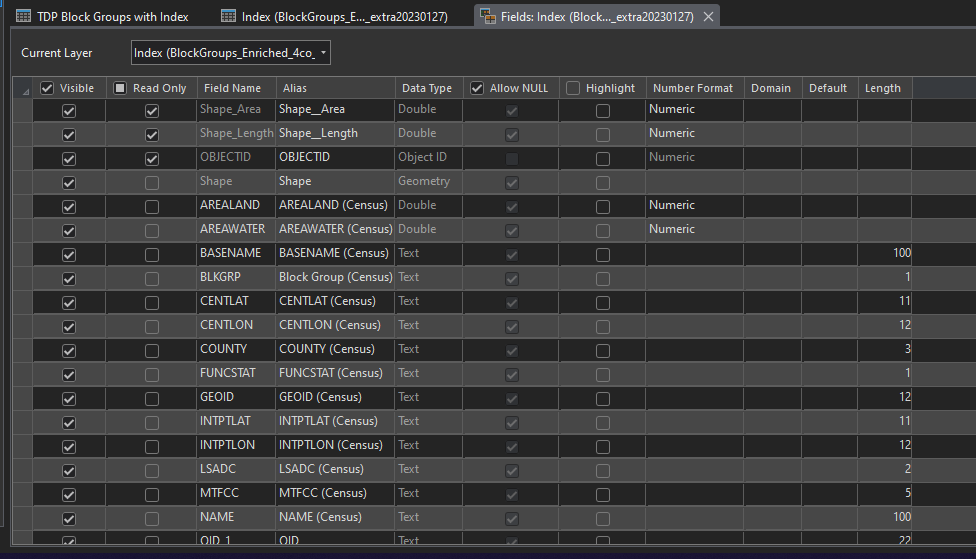
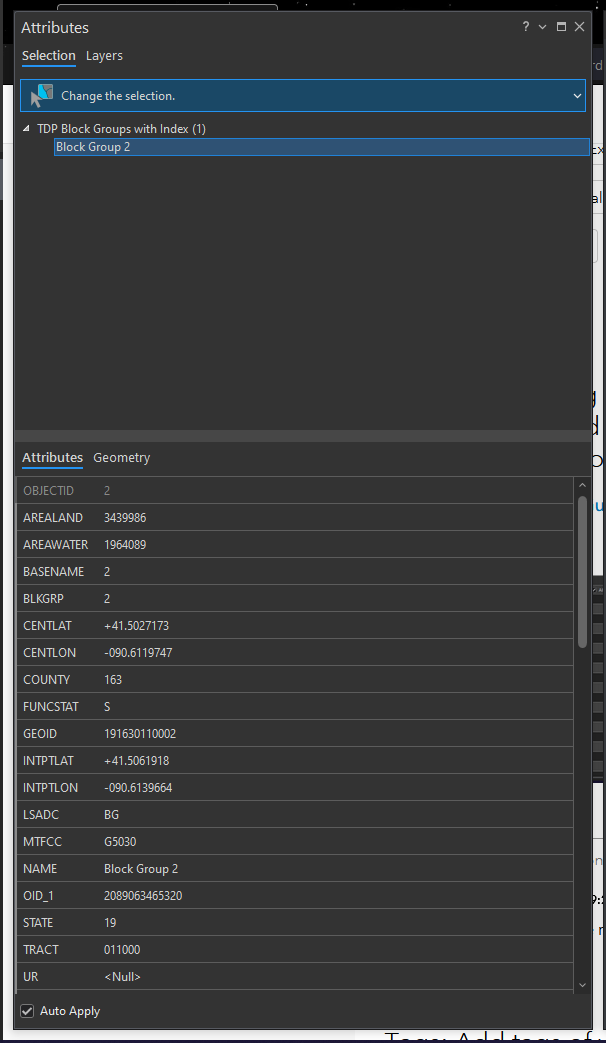
The column widens as you scroll, making longer field names visible.
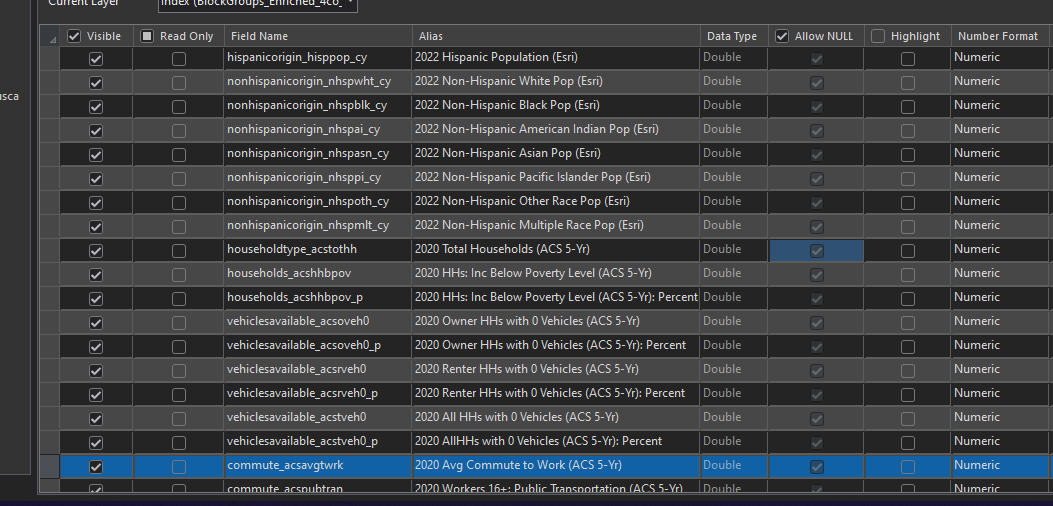
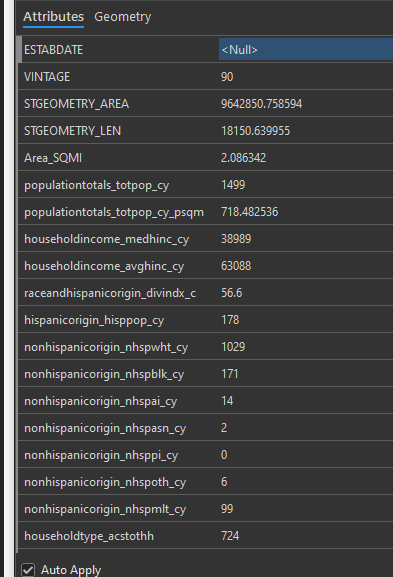
While this is more desirable than truncation, it makes scrolling and scanning very difficult. If you have your eyes on the alias column (fields view) or values (attribute pane) and scroll down, it's maddening to have the column keep shifting to the right as you're trying to scan. Even more maddening is that the attribute pane resizes with each and every new selection. Please just set the width of the field name column to be wide enough for the longest name from the get-go.

