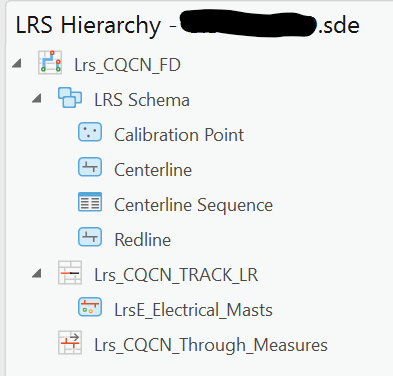
I am using ArcGIS Pro 3.0.2 to edit events in an LRS Line Network stored in ArcGIS Enterprise 11 for the first time. The LRS Hierarchy is pictured below:
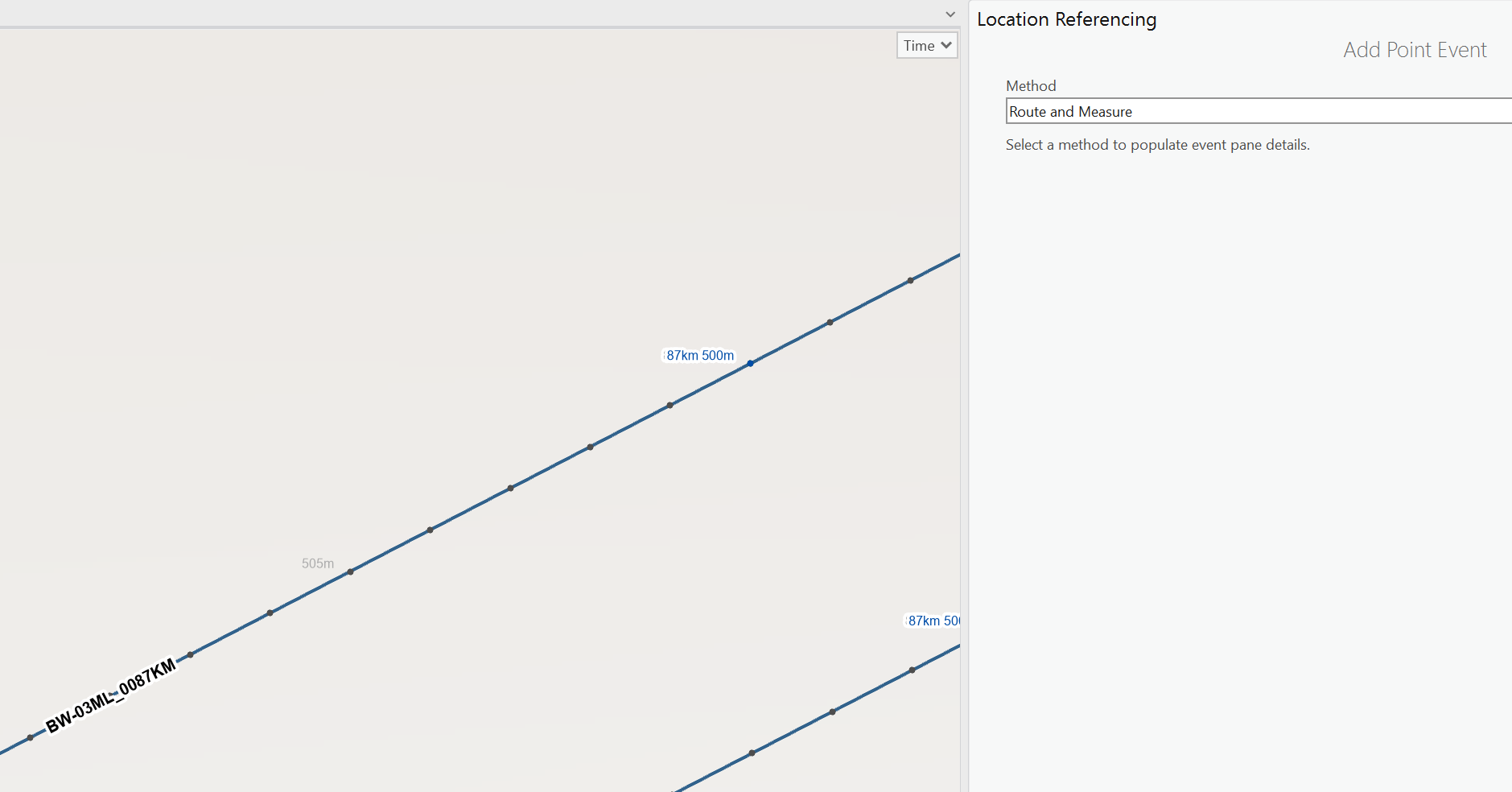
I click the Add > Point Event button on the Location Referencing tab of the Ribbon to open the Add Point Event tool in the Location Referencing pane.
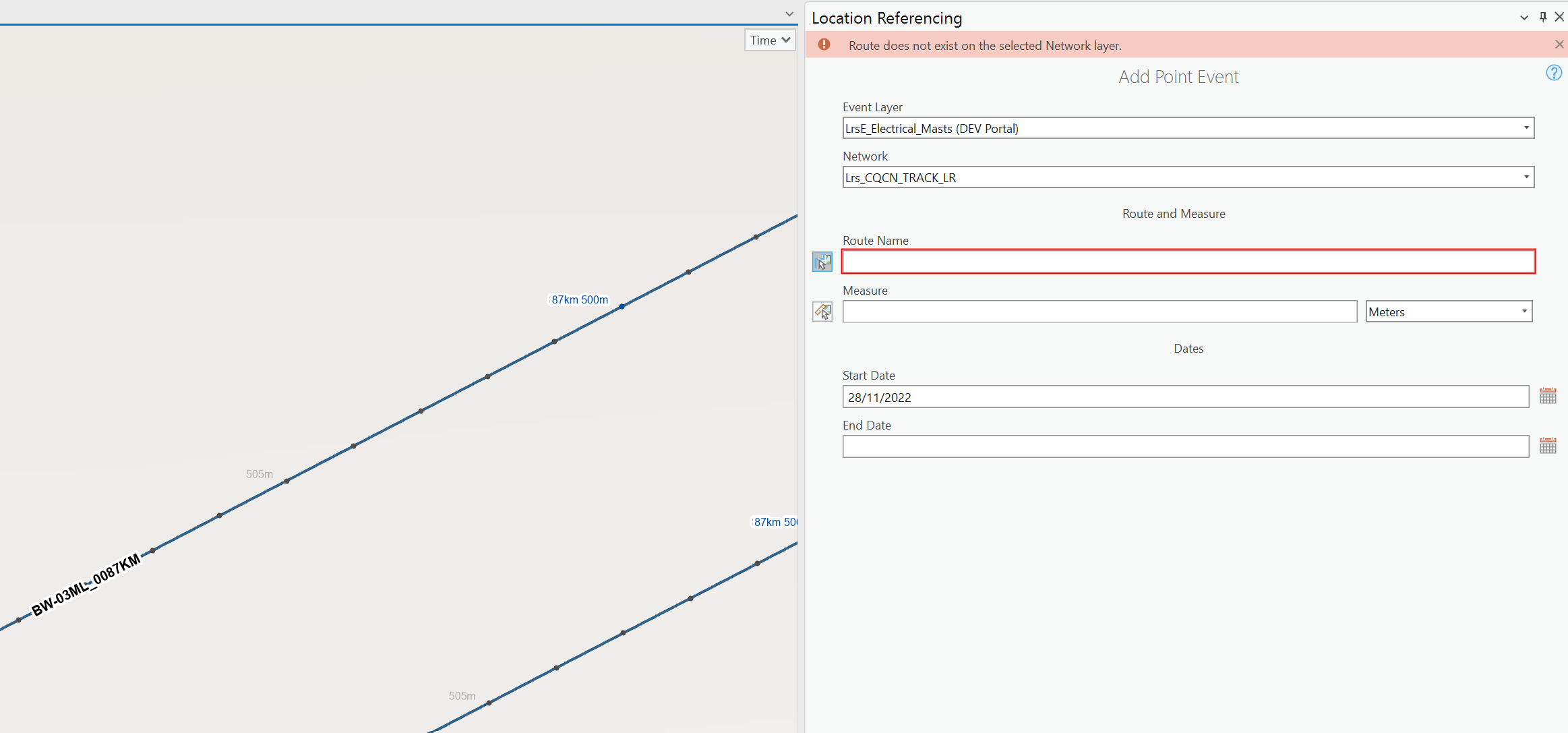
I click Next to go to its second page where I use the Choose route from map button to try to read the name of route BW-03ML_0087KM by pointing at it. However, that gives me an error of Route does not exist on the selected Network layer.
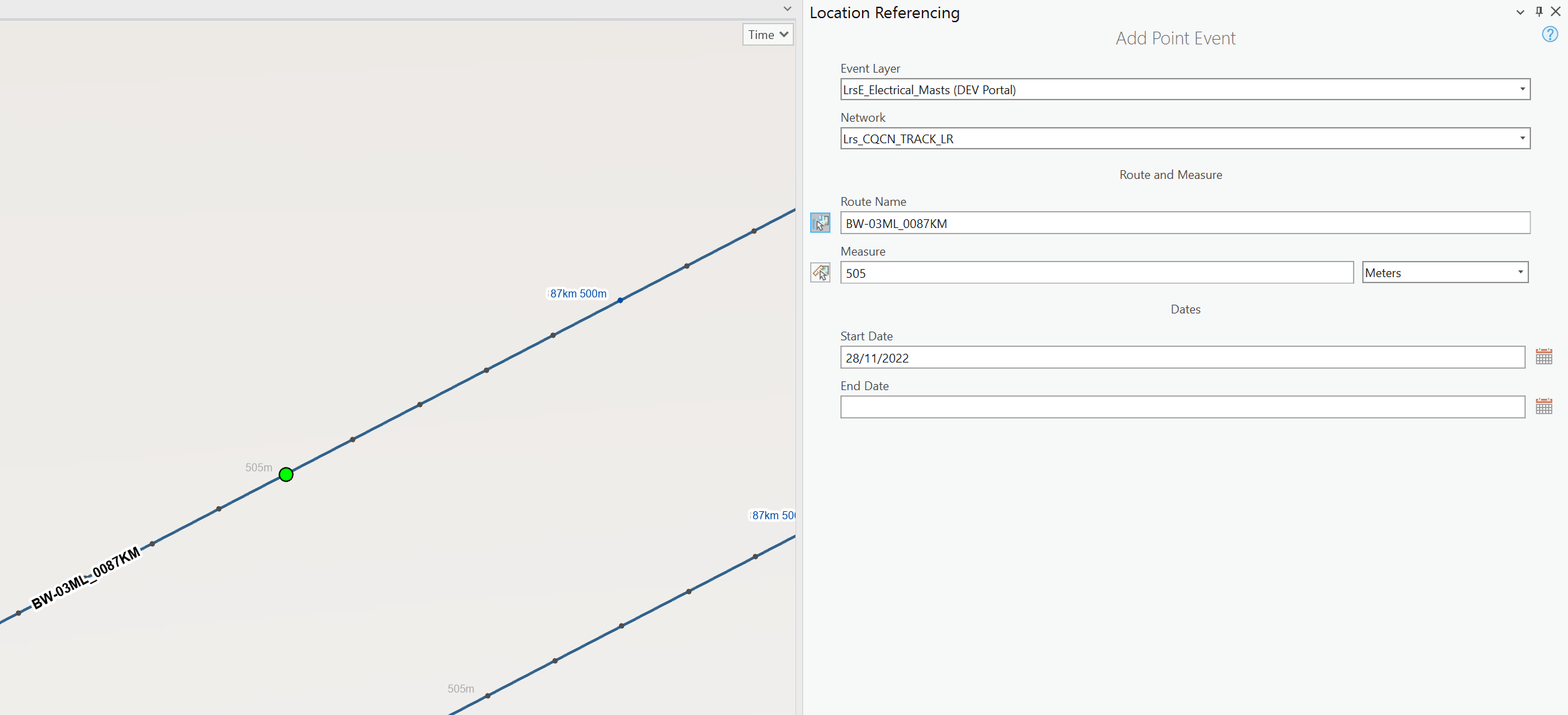
I know it exists because I can type the value of BW-03ML_0087KM into the Route Name field and have it accepted without a problem.
Although, I am able to easily read the route name from my map and type it in as a workaround, I am wondering whether anybody else has seen this error when trying to use the Choose route from map button?

