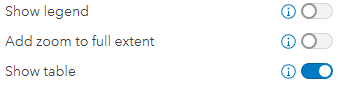
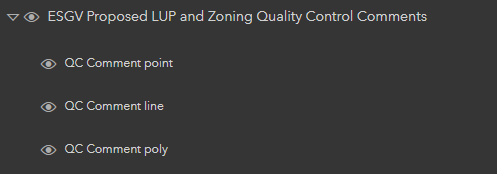
I am using the ArcGIS Online Instant Apps Sidebar type. I noticed that the 'Show Tables' option is available when configuring, however, when I activate this tool and publish, I do not see any way to access the table in the app. In the 'Web App Builder days', you were able to configure which layers you wanted to have shown as a table within the app and there was a button on the bottom of the app to show the tables. The documentation for this app doesn't say anything about the 'Show table' option, but does mention the ability to show tables via the 'Layer list' option, but, I don't see a way to identify which layers you want to expose the table for.
Is there something I'm missing? Thanks!
From the documentation:
- Layer list—Displays a list of layers with icons to turn visibility off and on in the map. You can choose which layers to include in the tool at runtime. This setting also allows opening a layer's attribute table, which includes an option for users to export records as a CSV file.