In ArcGIS Pro 2.9.3, I converted labels for a geodatabase feature class to two feature-linked annotation feature classes. When I select an annotation feature and open the Attributes pane, I am unable to change the symbol in the Annotation tab as shown below. The tools are all disabled (greyed out).
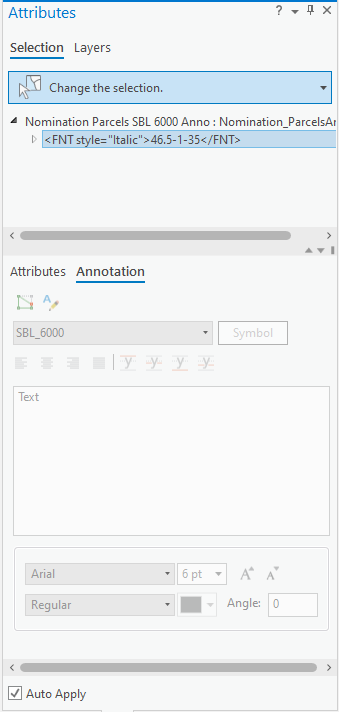
The annotation feature classes are editable, and I am able to edit annotation feature attributes in the Attributes tab, so I'm not sure why the Annotation tab tools are unavailable. I have been unable to find any Esri guidance or community posts that explain why this tab might be disabled. I also haven't found any clues in the Feature Class Properties pane for the annotation feature classes.
Is there some setting I'm missing that would enable the Annotation tab?

