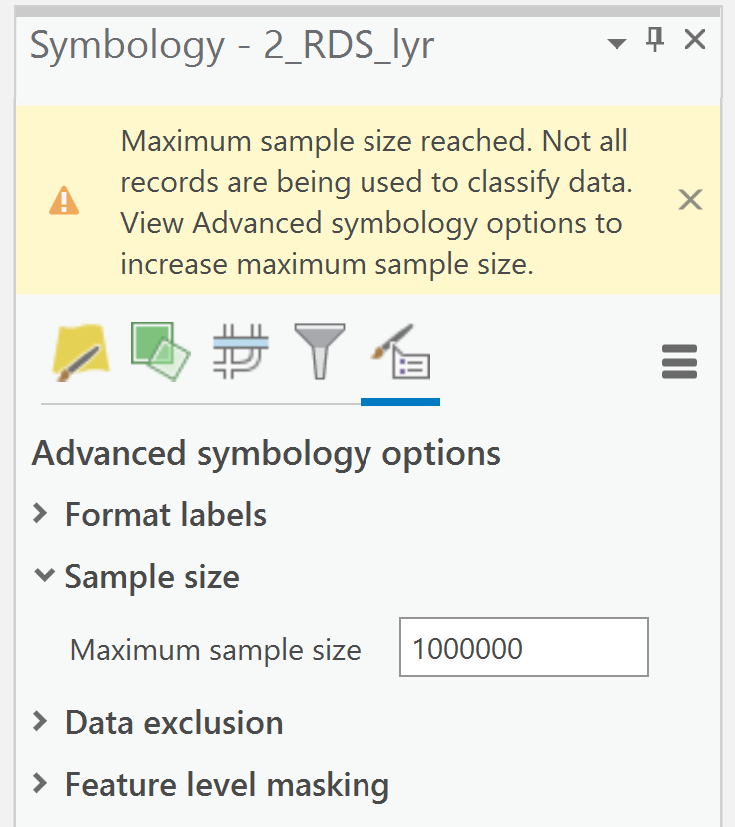
I am closing in on finishing a script for some map production in ArcPro 2.9 and one of my last steps is to increase the sample size of the layer being symbolized, then apply a color ramp, and render. I can apply the color ramp symbology, but I am running into an issue where I cannot increase the sample size of features and then render using the new sample size. The default sample size is 10,000 and on average I have about 100,000 plus segments I want to apply the symbology to.
For reference: To do this in ArcPro without scripting in python you would, first, change the symbology to "Graduated Colors", then go into the "Advanced Symbology Options", and then open "Sample Size" and change the maximum sample size to something greater than the default (10,000). Screenshot below of the sample size being changed.
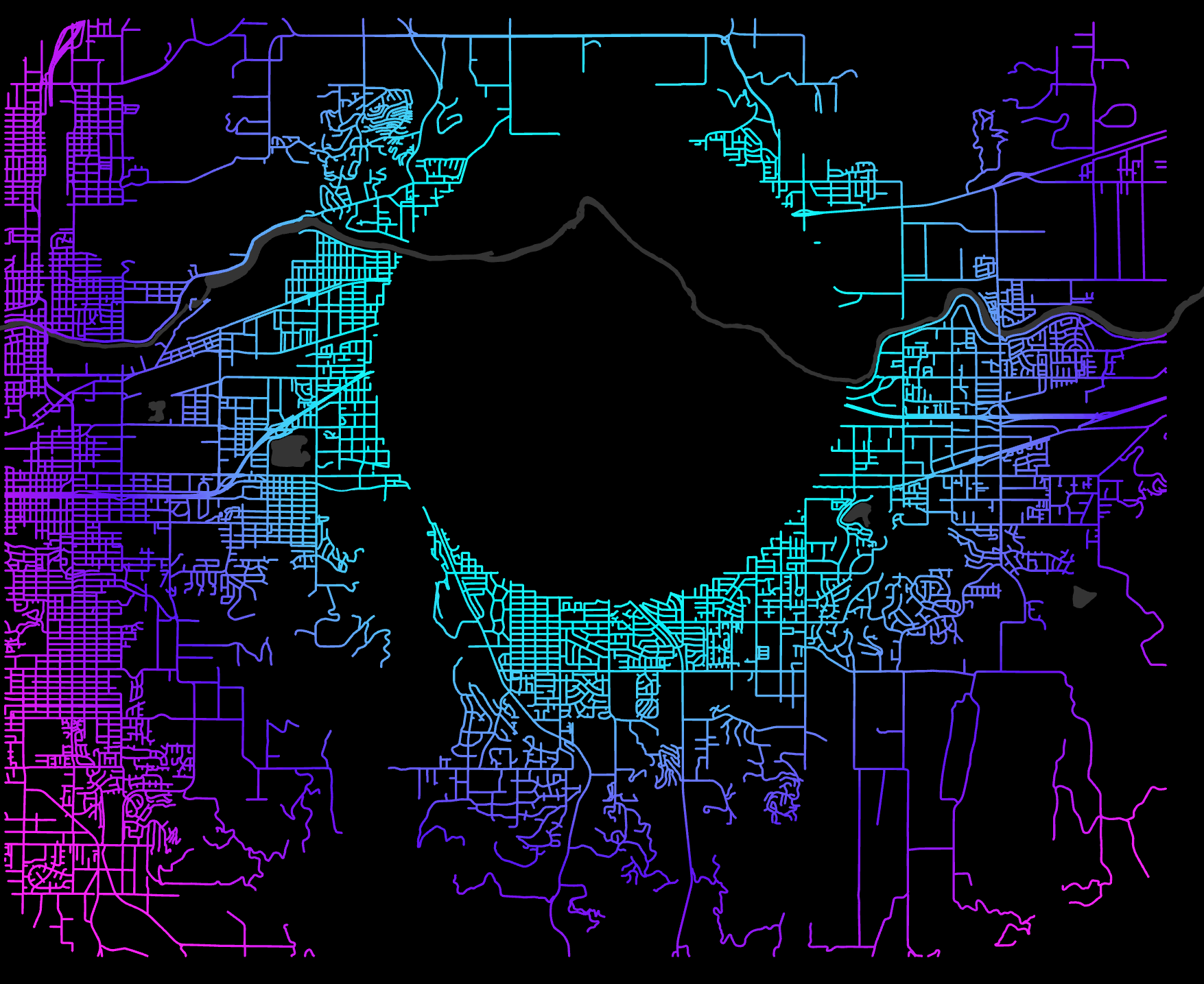
I've looked around and have not found any promising solutions. I found a post that suggested I modify the layer properties for sample size using CIM. Initially, I thought this was promising, but upon opening the map, after the code was executed the sample size did not increase and the render is incomplete (See screenshot below of the black circle of features not rendered).
Here's a snippet of my code, where I apply the color ramp and change the layer definition via CIM.
# set map project
aprx = arcpy.mp.ArcGISProject(os.path.join(Name_path, "{}.aprx".format(Name)))
# add layer to map prjoect
Rds_Lyr_ForSym = aprxMap.addDataFromPath(RoadsLayer_Path)

# Set Symbology
RdsSym = Rds_Lyr_ForSym.symbology

    if hasattr(RdsSym, 'renderer'):
        if RdsSym.renderer.type == "SimpleRenderer":
            RdsSym.updateRenderer('GraduatedColorsRenderer')

            # This is the modificiation of the CIM
            lcim = Rds_Lyr_ForSym.getDefinition('V2')
            lcim.renderer.sampleSize = 1000000
            Rds_Lyr_ForSym.setDefinition(lcim)

            # Goes on to render the color ramp
            RdsSym.renderer.classificationField = "NEAR_DIST"
            RdsSym.renderer.breakCount = 100
            RdsSym.renderer.colorRamp = aprx.listColorRamps('Cyan to Purple')[0]

            # Apply Symoblogy
            Rds_Lyr_ForSym.symbology = RdsSym