I've been testing the newly released Edit (beta) widget in Experience Builder, and have some feedback and questions. I appreciate it is still in beta so may not be entirely reliable, but hope these comments are of use. All testing in Google Chrome Version 95.0.4638.69 (Official Build) (64-bit).
Firstly, in the demonstration video it is showing the Feature ID as a value (in this case a water network component ID), whereas when I set it up with my own data, it defaults to the ObjectID. Where is the Feature ID pulled from in this widget? I have tried a few different things to get it to pull from a different field but with no luck so far.
Screenshot from 03:08 in the video
 Screenshot from 03:08 in the demo video
Secondly, I have tested the widget in three formats:
- In a sidebar linked to a map, with geometry and attribute edits enabled
- In a widget controller on a map, with geometry and attribute edits enabled
- In a sidebar on a page with only lists (similar to as shown in the demo video), and only attribute edits enabled
In all cases I have configured the same set of fields to appear in the widget (all from a single layer), and have used groups to group the fields.
Approach 1 - edit feature: allows me to click on edit feature, select a feature from the map (sometimes), but then if multiple features are selected, choosing the feature I want to edit in the Edit widget does nothing, and I can go no further. At this stage, the back button in the edit widget doesn't work either. I have to refresh the browser window to do anything from here.
Approach 1 - add feature: I can also add a feature, but after drawing it the whole experience stops working again and I can't add/edit any attributes for the new feature.
Approach 2 - edit feature: allows me to do the whole editing process and update the feature
Approach 2 - add feature: allows me to draw and add attributes or a new feature, as well as add it.
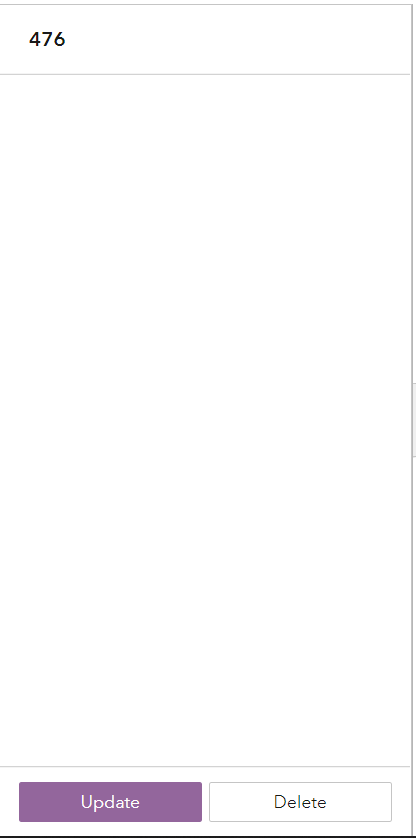
Approach 3 - edit feature: allows me to click on a feature in the list , but only the objectid (feature ID) displays in the edit widget. No fields are available for editing. The objectID does update if I select a different list item, but that is it.
@Jianxia @AlixVezina


