Hi. I saw an older post about this exact same problem, though the solution offered (an error in the path) does not seem to be the problem, or at least I can't see what is the problem after over an hour on this specific part of Exercise 3 in the 'Python for Everyone' course. Here is my screenshot from PyCharm showing my code and the error message:
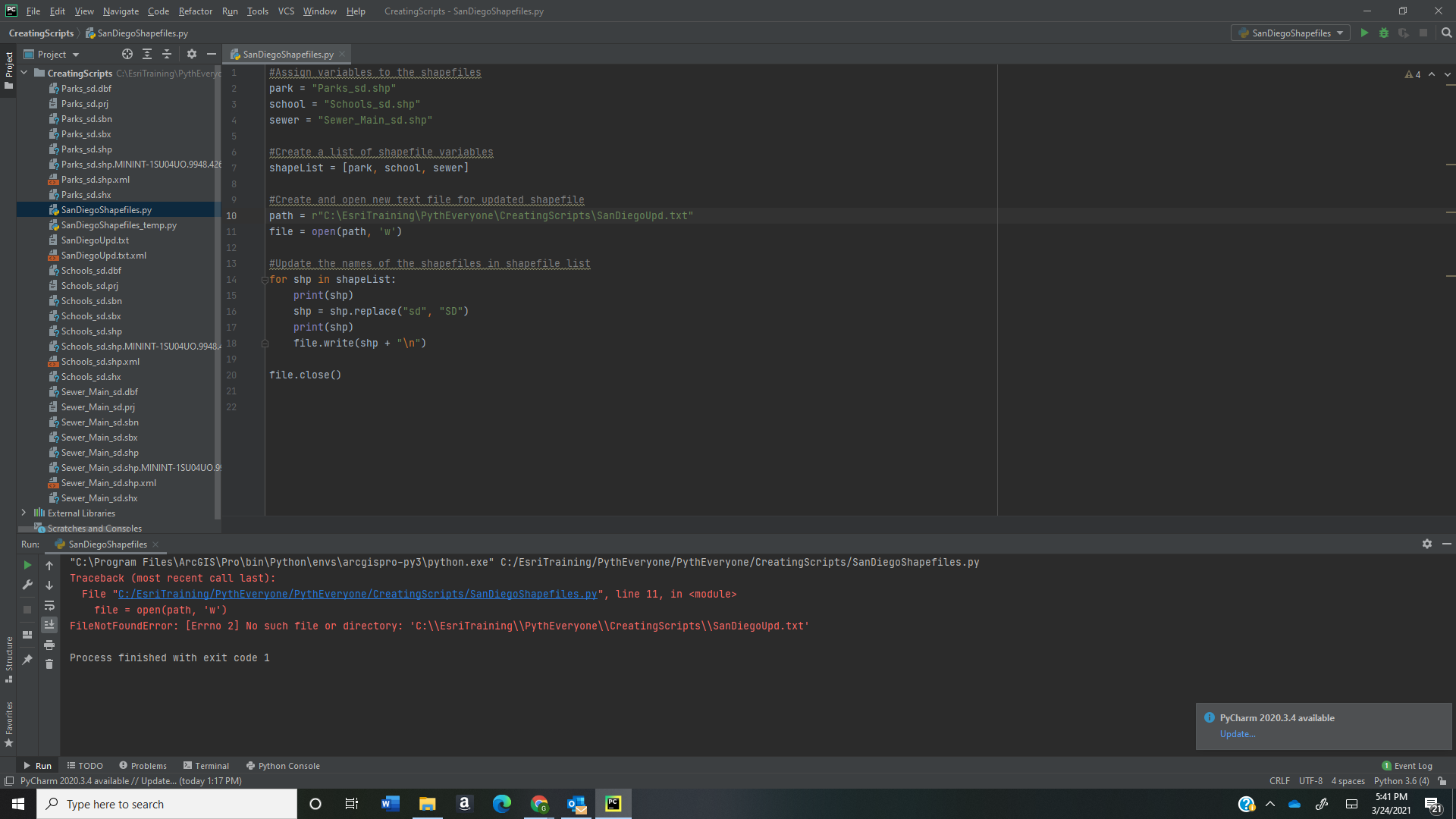
OK, that seems pretty small so here is my code again:
Assign variables to the shapefiles
park = "Parks_sd.shp"
school = "Schools_sd.shp"
sewer = "Sewer_Main_sd.shp"

#Create a list of shapefile variables
shapeList = [park, school, sewer]

#Create and open new text file for updated shapefile
path = r"C:\EsriTraining\PythEveryone\CreatingScripts\SanDiegoUpd.txt"
file = open(path, 'w')

#Update the names of the shapefiles in shapefile list
for shp in shapeList:
print(shp)
    shp = shp.replace("sd", "SD")
print(shp)
    file.write(shp + "\n")

file.close()
and here is the error message at the bottom:
"C:\Program Files\ArcGIS\Pro\bin\Python\envs\arcgispro-py3\python.exe" C:/EsriTraining/PythEveryone/PythEveryone/CreatingScripts/SanDiegoShapefiles.py
Traceback (most recent call last):
File "C:/EsriTraining/PythEveryone/PythEveryone/CreatingScripts/SanDiegoShapefiles.py", line 11, in <module>
file = open(path, 'w')
FileNotFoundError: [Errno 2] No such file or directory: 'C:\\EsriTraining\\PythEveryone\\CreatingScripts\\SanDiegoUpd.txt'
Process finished with exit code 1
I think my problem (based on my error message, and the older post about this) is the path. The ESRI module says it should say:
path = r"C:\EsriTraining\PythEveryone\CreatingScripts\SanDiegoUpd.txt"
When I went into my File explorer and checked to see if the Path was valid, is seemed to be, though there was no SanDiegoUpd text file there (I assume because the script failed and didn't create this file). There was an empty such text file in the "Solutions" folder (instead of in "Creating Scripts" folder) so I later copied and pasted that into CreatingScripts, thinking that perhaps the text file had to exist to start with, but same result of error message above. Not sure what I am doing wrong??
Thanks,
Sarah


