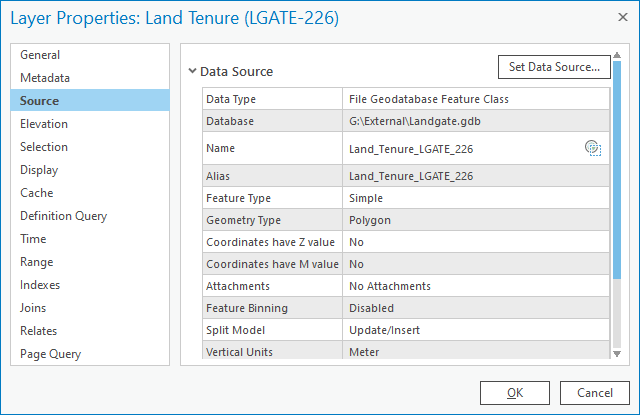
Hi All. I've come across this a couple of times now and was hoping to find out if others have experienced it too. The below screenshots show the data source of a layer before and after copying an ArcGIS Pro project from one folder to another (project already existed in a folder and we saved a copy to make changes to without affecting the original).
Before;
After;
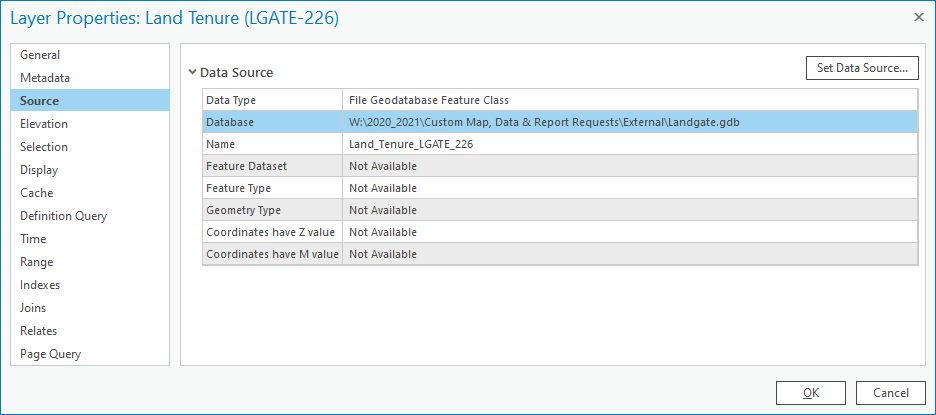
This didn't affect just one layer, but many layers referencing the same folder structure ("External" folder). When we opened the new project, all the layers were broken as the data doesn't exist at this pathway.
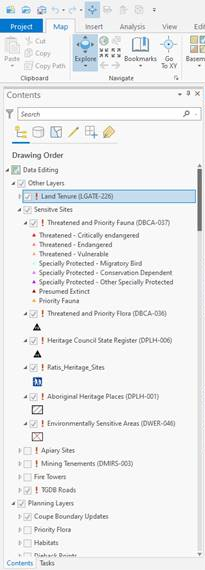
Repairing the data source on one layer fixed it, but I'd like to know why they changed in the first place. The folder the project was copied into was a couple of folders further down from the one displayed in the second screenshot (W:\2020_2021\Custom Map, Data & Report Requests\2021-02-23_DanMaples_NFPostHarvestArcProTemplate\Working Folder).

