Hi,
I'm trying to convert a grey scale image to RGB, but not able to do so over Qt SDK.
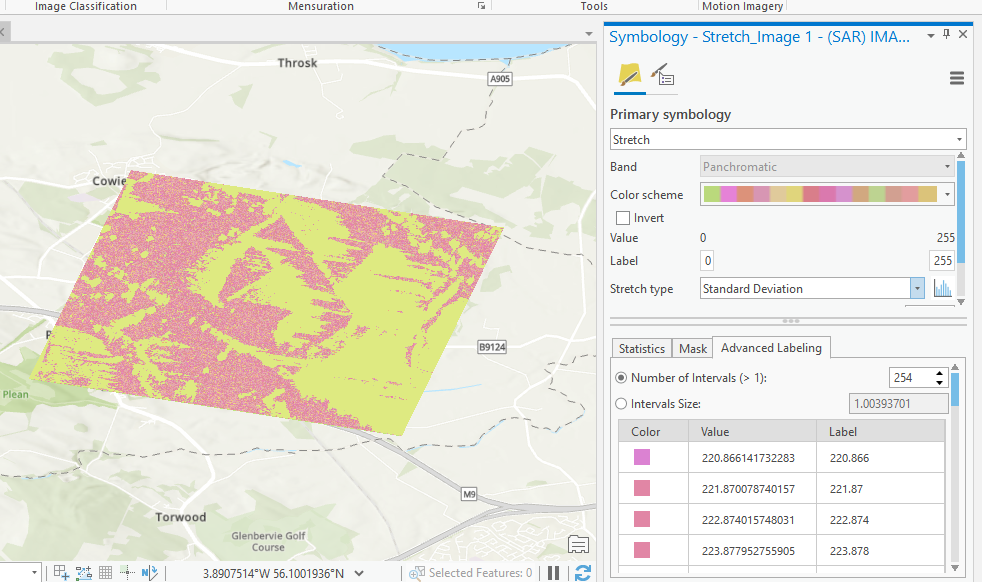
I was able to convert in ArcGIS pro as follows:
But samething I'm trying over qt code, I'm not able to do so color map rendering on raster file gives me below output, just single line.
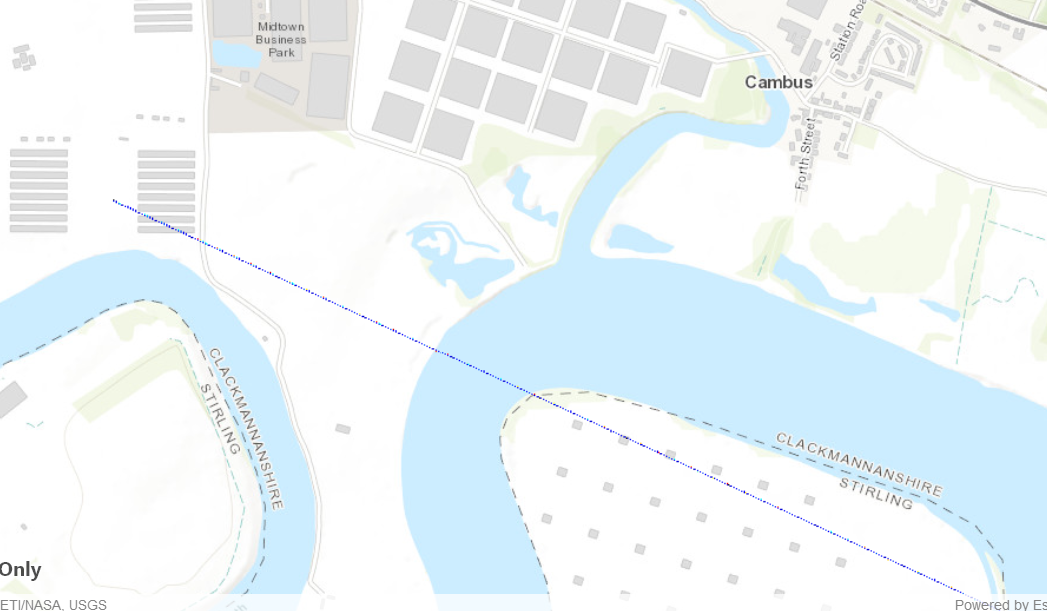
TASL_Virendra_1-1624964789562.png
does anyone faced similar issue and guide me. If required I can share code.
Thanks
Virendra

Did you take a look at the Stretch Renderer samples?
C++ version - https://github.com/Esri/arcgis-runtime-samples-qt/tree/main/ArcGISRuntimeSDKQt_CppSamples/Layers/Ras...
QML version - https://github.com/Esri/arcgis-runtime-samples-qt/tree/main/ArcGISRuntimeSDKQt_QMLSamples/Layers/Ras...
Thanks Lucas for reply!
we have tried that but this is one part of of Grey to RGB, 2nd part to convert Stretch image (0-255) as per user defined colour pallet is not working. if you have any similar example please share it.
Thanks
Virendra
Can you share some of your code for creating the renderer & layer?
Your code sample reads color values from a text file. What does your `QList<QColor> colors` end up containing?
Also, did you take a look at the ColormapRenderer sample? This assigns color values to each pixel value https://github.com/Esri/arcgis-runtime-samples-qt/blob/main/ArcGISRuntimeSDKQt_CppSamples/Layers/Ras...