Whether you’re just stepping into the world of GIS or already building momentum in your career, you’ve likely hit that moment where you think: “Why isn’t this working?”
A strange error message. A tool behaving differently than expected. A workflow that worked yesterday but is broken today.
Like many of you, I started by trying web searches, forum posts, and — let’s be honest — a fair amount of trial and error. And while that’s part of learning, it can also eat up valuable time you could be using to build your skills and deliver results.
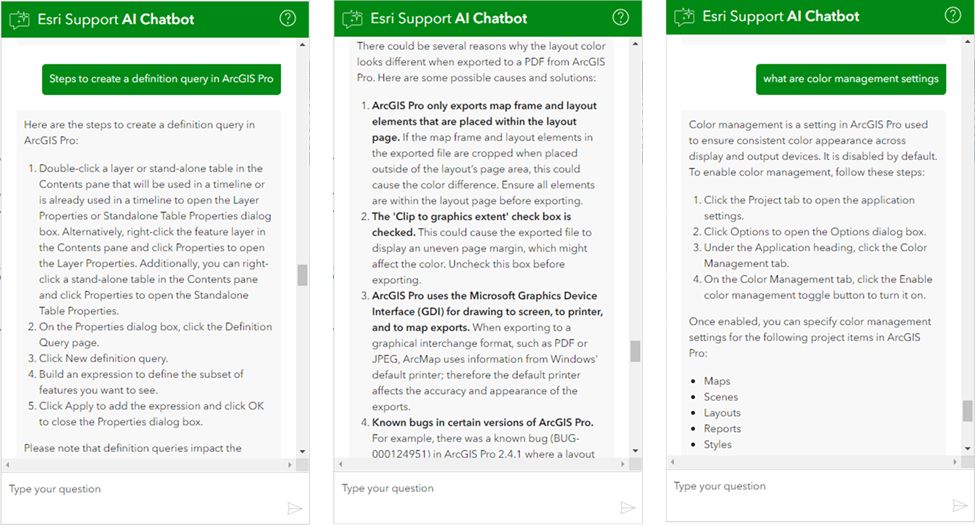
That’s exactly why we built the Esri Support AI Chatbot — to give you quick, reliable answers so you can keep learning and moving forward.
Why This Matters for Young Professionals
Early in your GIS career, every project is an opportunity to grow your technical skills and prove yourself. But growth doesn’t happen if you’re stuck for hours chasing down answers. The chatbot helps you:
- Solve problems independently so you can show initiative.
- Keep your momentum on class assignments, research, client projects, or your first big deliverables.
- Build confidence by learning why something works, not just copying a fix.
And unlike general AI tools, this one is built specifically for GIS.
Built for GIS, Backed by Esri Knowledge
The Esri Support AI Chatbot is trained only on verified Esri content:
- Knowledge base articles
- Product documentation
- ArcGIS Blog posts and bug reports
- Release notes, life cycle information, and more
That means you’re not sifting through questionable search results or outdated forum threads. You’re getting answers from the same trusted sources our own support teams use.
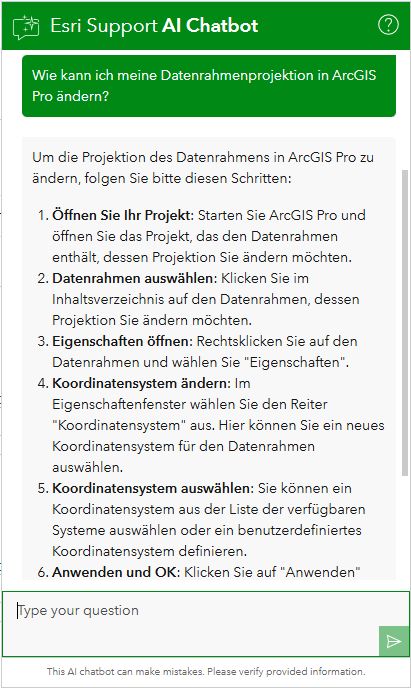
And because it’s available 24/7 in more than 40 languages, it’s there for you whether you’re:
- Working late on a capstone project
- Troubleshooting in the field
- Finalizing a demo before a client meeting
What It’s Great At
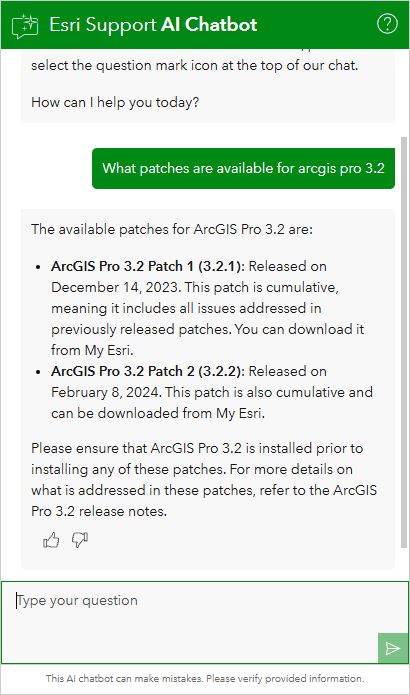
- Error messages – Paste them in and get context plus possible solutions.
- Workflow guidance – Understand why a tool fails or what license you need.
- Quick fixes – Installation, permissions, publishing, and version compatibility.
- Code help – Troubleshoot Python scripts or Arcade expressions.
We’ve seen users solve issues in minutes that used to require hours of research.
Shape the Future of GIS Support
As an early adopter, you’re not just using the chatbot — you’re helping shape it. Every question, suggestion, and feedback submission goes directly into making it better.
Since launch, the chatbot has already answered over 200,000 questions, with more than a quarter focused on ArcGIS Pro. Our team is working to improve the chatbot every week based on user feedback.
How to Try It
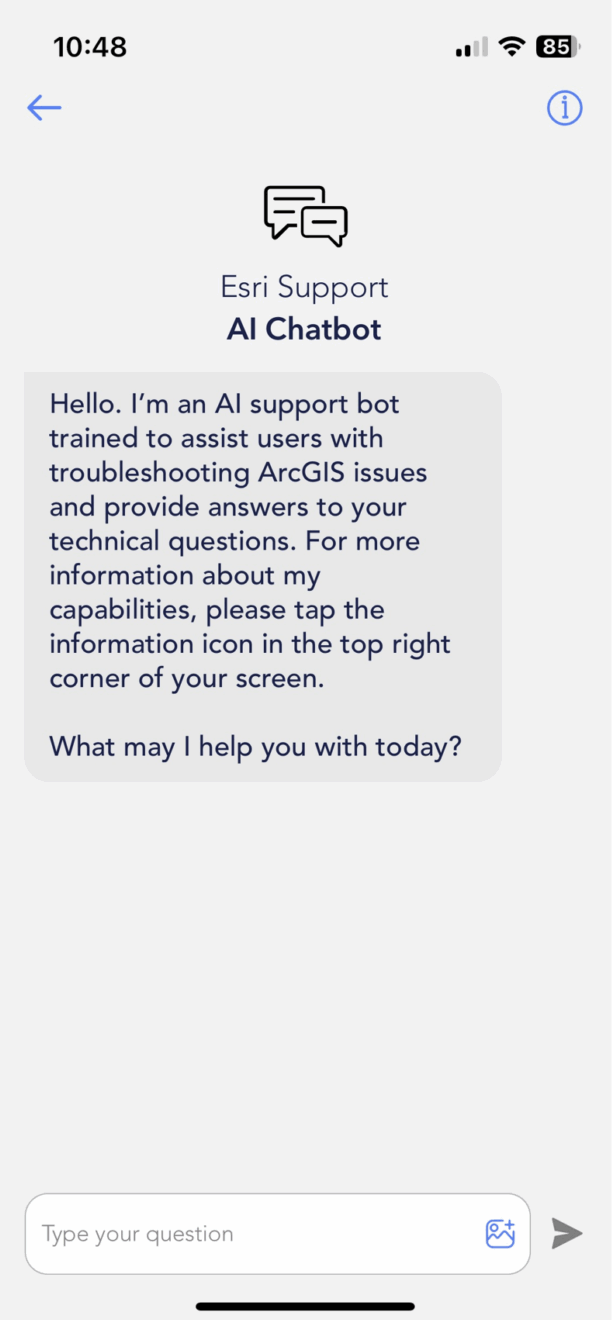
You can start using the chatbot today at Esri Support — just look for the chat icon in the bottom right corner of any page. It’s also available in the Esri Support mobile app, alongside live chat and case management tools.
Final Thoughts
The YPN community is full of people building skills, tackling challenges, and shaping the future of GIS. The Esri Support AI Chatbot is here to help you solve problems faster, learn as you go, and show the initiative that stands out to managers, professors, and clients alike.
Next time you hit a snag, give it a try. You might just solve your problem — and level up your skills — in the process.





