If you’ve taken a GIS or geography course, you know the moment is coming: the semester-long GIS project.
Yes, it’s exciting but also a bit overwhelming. When choosing a GIS project to focus on, you need to choose a topic, find data, and figure out the right tools to use, and most importantly, make sure you are invested and interested in the subject you are researching.
This blog post introduces Esri Tutorials, resources that can help you choose a topic ahead of time so you can get a solid start.
Below are four resources to get you started in choosing the right topic for your GIS project.
Essential ArcGIS Online skills
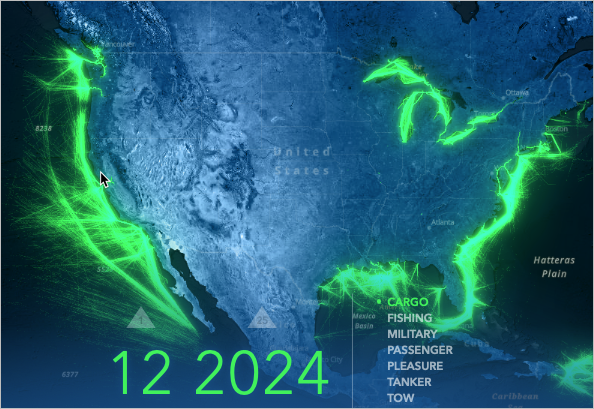
If you’re new to GIS and still getting comfortable, the Essential ArcGIS Online Skills tutorial series is an ideal starting point.
This tutorial series consists of ten tutorials designed for new users to get you started with core skills for making maps and apps in ArcGIS Online.
Get Started >
Use imagery in ArcGIS Online
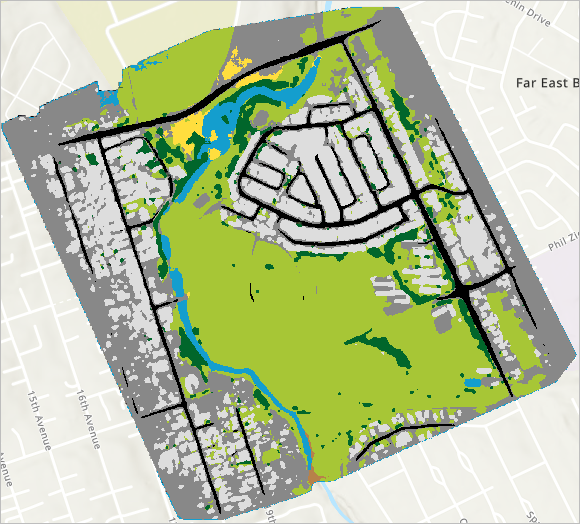
If you’re curious about satellite imagery, drones, or environmental change, the Use Imagery in ArcGIS Online tutorial series can open up an entirely new set of project ideas.
Imagery is often underused by students simply because it feels intimidating—but this tutorial series is designed for beginners.
In this seven item tutorial series, you will learn to host, analyze, and stream imagery and raster collections in the cloud.
Get started >
Make a Map
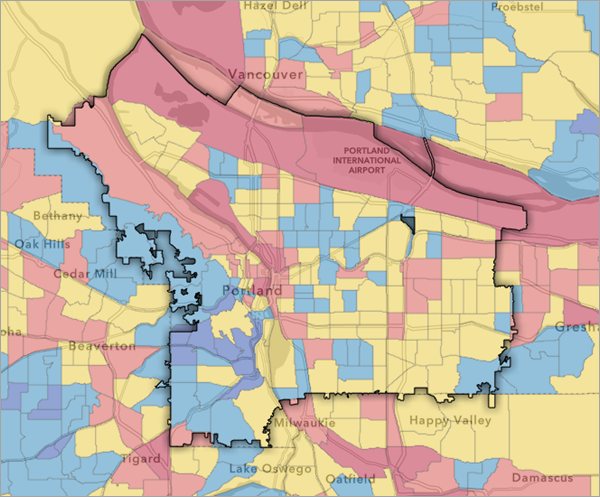
Sometimes the simplest tutorials are the most powerful. The Make a Map tutorial walks you through the process of creating a web map from start to finish.
In this tutorial, you'll make a map of heat waves and heat intensity in Portland, Oregon. Your goal is to identify areas in the city where more trees can be planted to help lower urban heat.
As you work through the steps in this tutorial, you'll learn the following skills:
- Filter a layer.
- Style vector and raster layers.
- Create a layer from a .csv file.
- Create a sketch layer.
- Save and share your map.
Get Started >
Explore an Interactive Map
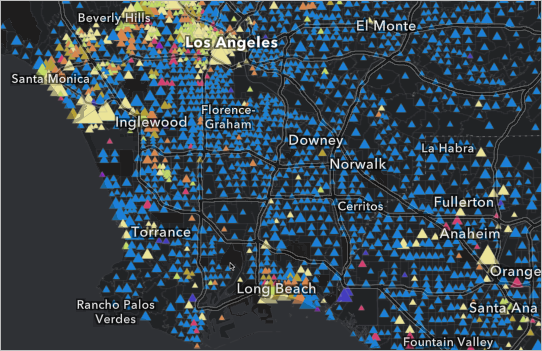
Not all GIS projects start with data creation—many begin with exploration. In this tutorial, you'll explore a web map about housing in the United States. You'll learn how interactive maps can share more information through multiscale designs, multivariate symbology, and well-designed pop-ups.
Get Started >
------------------------------------------------
You don’t need to wait for a project deadline to start thinking like a GIS professional. Esri’s beginner-friendly tutorials give you a chance to explore, experiment, and plan ahead, avoiding the stress of last-minute decisions.
By investing a little time early in the semester, you’ll set yourself up for a GIS project that’s not only successful, but genuinely interesting!
