My colleague created a story map using the Map Tour template. He added the locate button but when you click on it, the blue dot is on a random location and it never asks if you would like to share your location. I checked and it is https and I don't believe the basemap was created on some secure server.
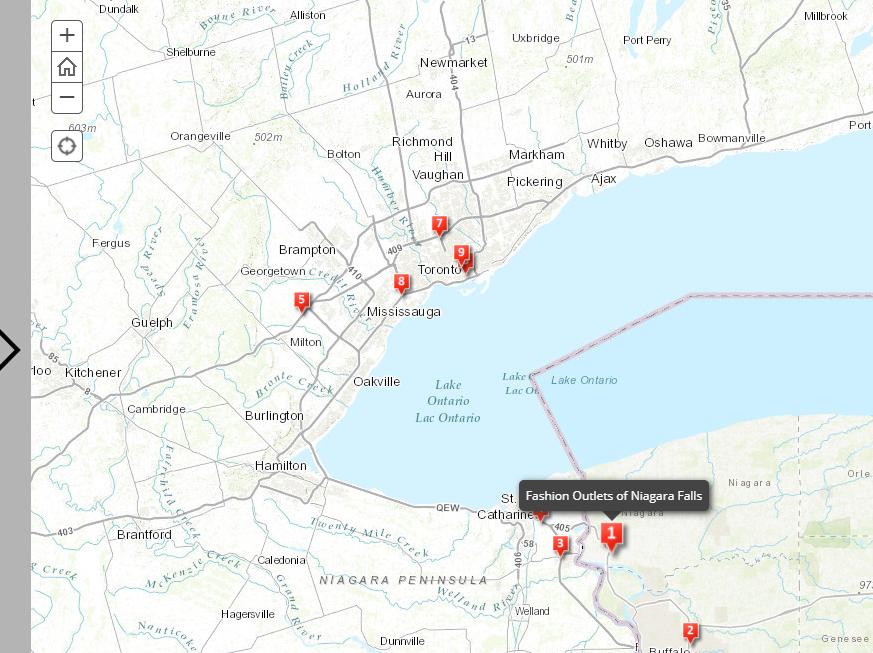
Home map location:
When you hit the location button:
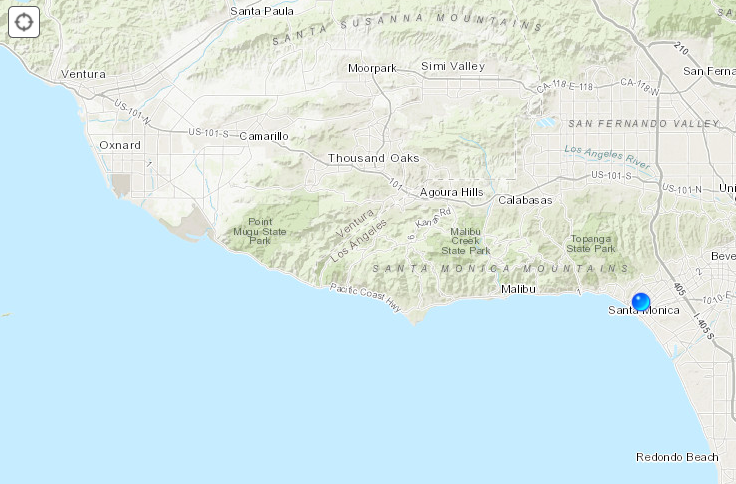
The only thing I can think of is that our company IT is in Santa Monica and it defaults to there???

Hi Casey,
The location of your company IT could be the culprate, could be worth checking with them - have you tried connecting to a mobile phone hotspot and seeing if the location is correct?
Carmel
Casey, the location is probably working as expected. If you have ever used a "locate" button on ArcGIS Online or another app hosted there, the browser may not have asked for permission to provide your location the previous permission might have granted access to all arcgis.com domains.
On laptop and desktop browser, the location accuracy is usually limited to the location provided by ISP of the internet you're connect to. In many cases, it is the address used by the account holder but could also be more generalized than that.
On mobile devices, you can usually get a more accurate location if you have granted location permission to your browser. If so, your browser can report the location provided by the device's sensors (GPS and Wifi/Cell triangulation).
Thanks for your responses. It works on my phone and that's all I need. I will find out if it worked on the tour tomorrow. Having it work on desktop is pointless but I am guessing that his cpu was set up and defaults to where our IT is located.
Thanks again both of you!
