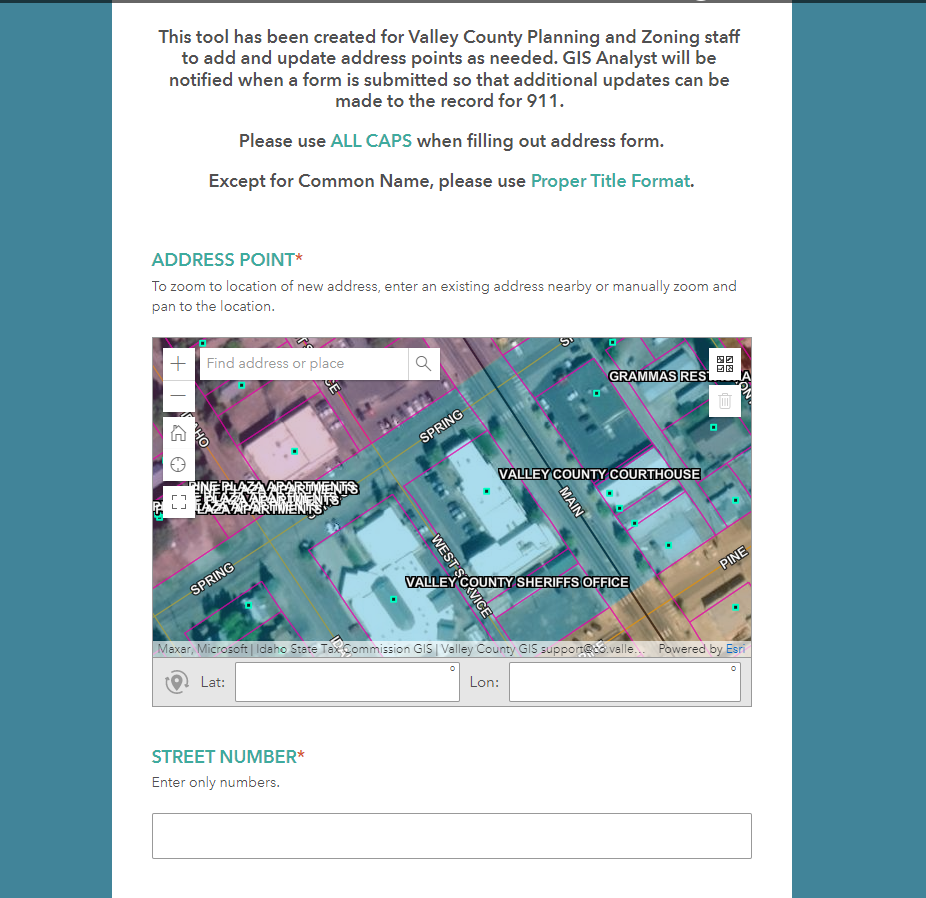
We have used this same form for quite some time and this week the PIN from the geopoint has disappeared as a symbol in the map (see first screenshot below).
- I have checked my XLS sheet and it is still configured the way I originally configured it, there is no option chosen in the appearance field of the geopoint record.
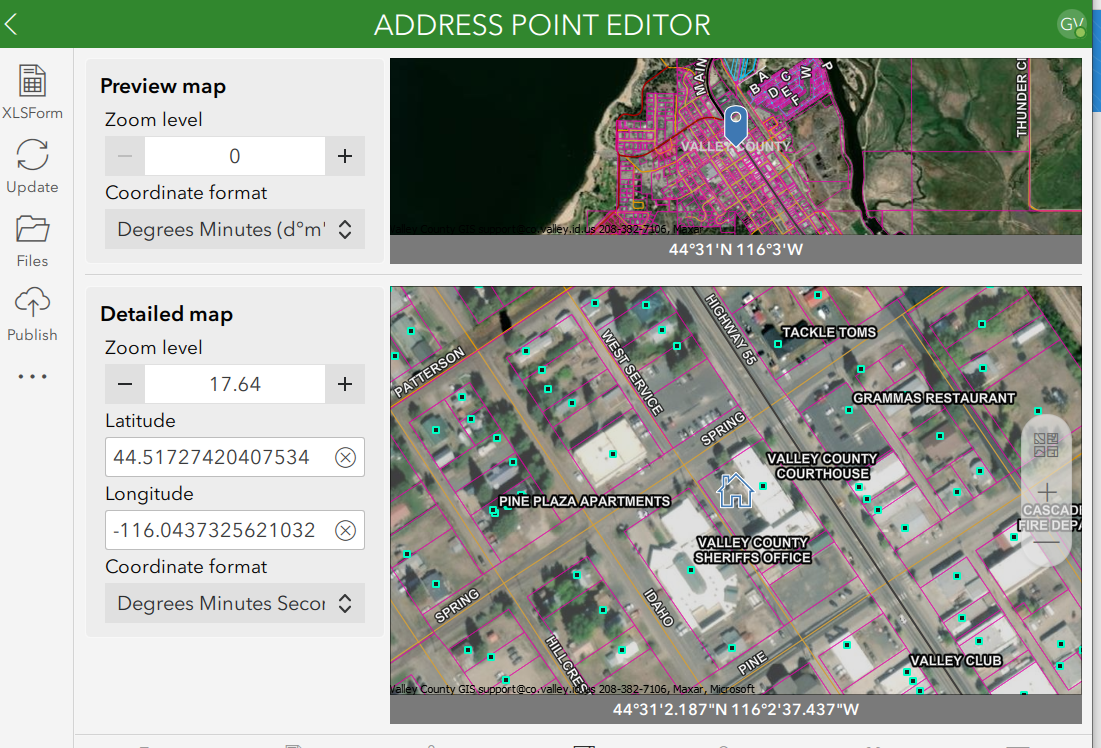
- I checked the connect settings for my map and the map preview does have the blue pin in the map (see second screenshot below).
- I tried to go to my online Survey123 settings for versions and viewed what it would look like if I used the newest version of Survey123 instead of the version it was published with, and the pin was still not present.
The pin was helpful for my users, right now they can still add a point by clicking in the map on a location, but there is no symbol to indicate for them that they clicked in the proper place. Is anyone else having this issue?