I have created a survey using the web version of Survey123, however it opens in the browser just fine:
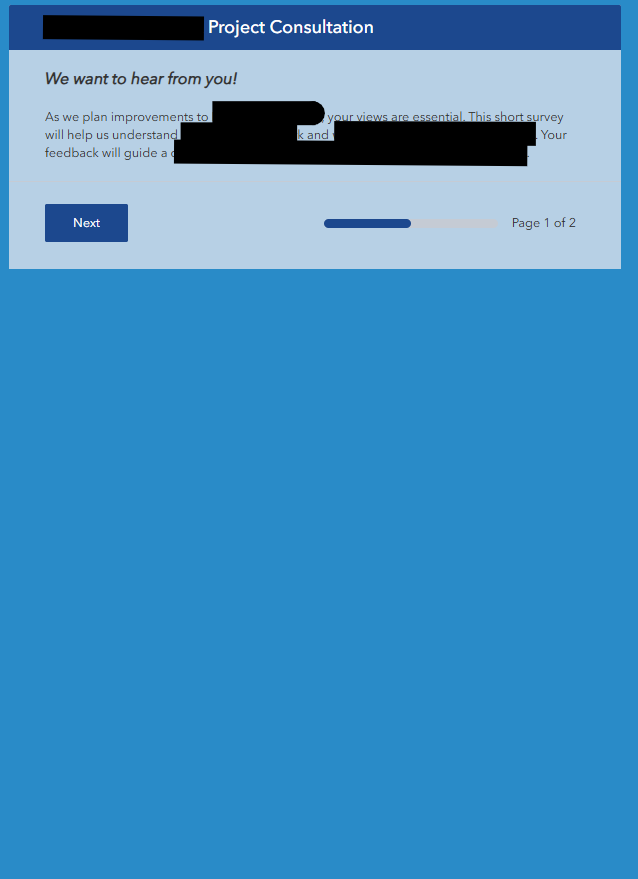
However, when trying to pen it in the field app the survey presents as blank:
Screenshot from the Field App
Not sure what causes this to happen but its a public survey and permissions are open to be viewed by all submitters. I would appreciate any insight into the matter.
Thank You -

Solved! Go to Solution.
Hello @TariqKing,
If you are using a grid layout in one of your groups this is a known defect and is logged as BUG-000177843.
You can work around this defect by downloading your survey in Survey123 Connect and moving all the generated_note_* note questions that are at the top of the survey worksheet to the end of the worksheet beneath all other questions. You will then need to republish the survey from Connect. Please note republishing the survey from Survey123 Connect will prevent future edits from the Survey123 web designer.
I have the same issue
Hello @TariqKing,
If you are using a grid layout in one of your groups this is a known defect and is logged as BUG-000177843.
You can work around this defect by downloading your survey in Survey123 Connect and moving all the generated_note_* note questions that are at the top of the survey worksheet to the end of the worksheet beneath all other questions. You will then need to republish the survey from Connect. Please note republishing the survey from Survey123 Connect will prevent future edits from the Survey123 web designer.
Thank you very much @ZacharySutherby . This actually worked and i now see the survey in survey 123 connect but there's a slight problem. Currently moving the generated_note_* note questions somehow causes the survey to not be able to be published from survey123 connect.
Wwen analyzed these were the issues highlighted
even though there are no critical issues to prevent publishing
do you know why the survey continues to hang during publishing?