Hi!
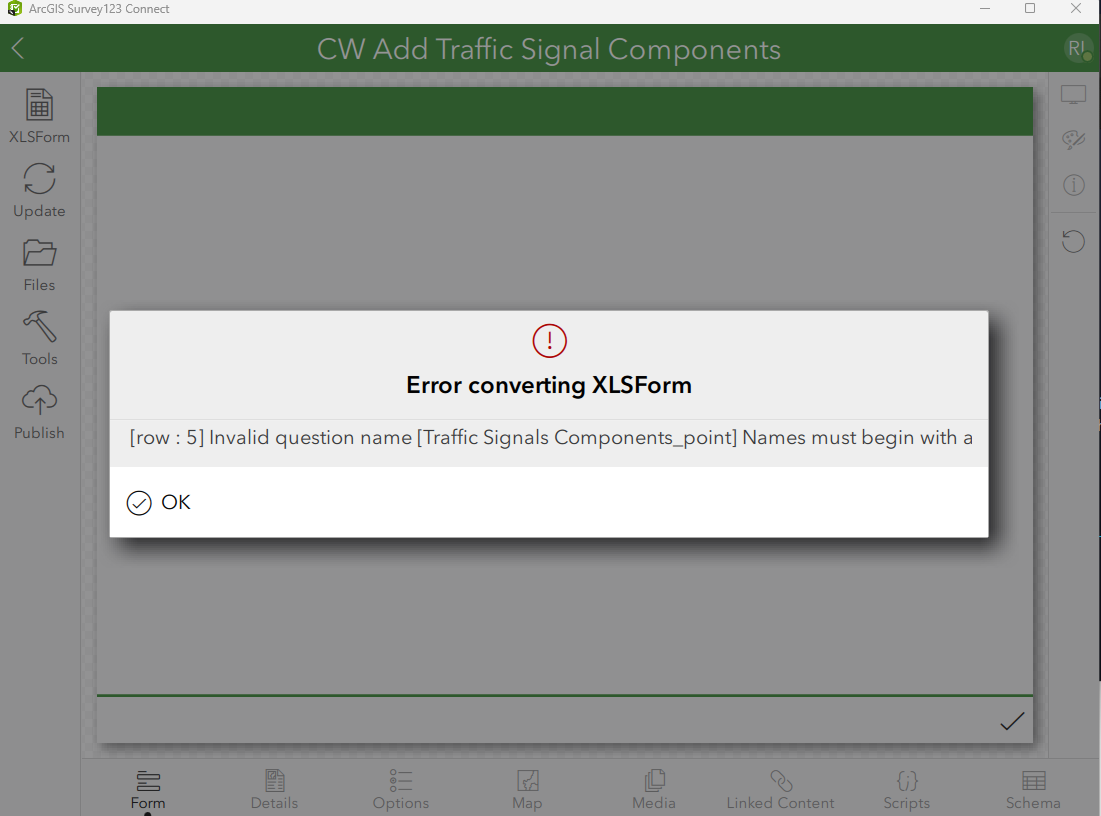
I am using Survey123 Connect version 3.25. I created a survey from a feature service and it is giving me an error message stating, Error converting XLSForm.
When I open the XLSForm, and go to row 5 and click on the yellow triangle with the exclamation point next to the name field and select, Display Type Information, I get the below information in the image.
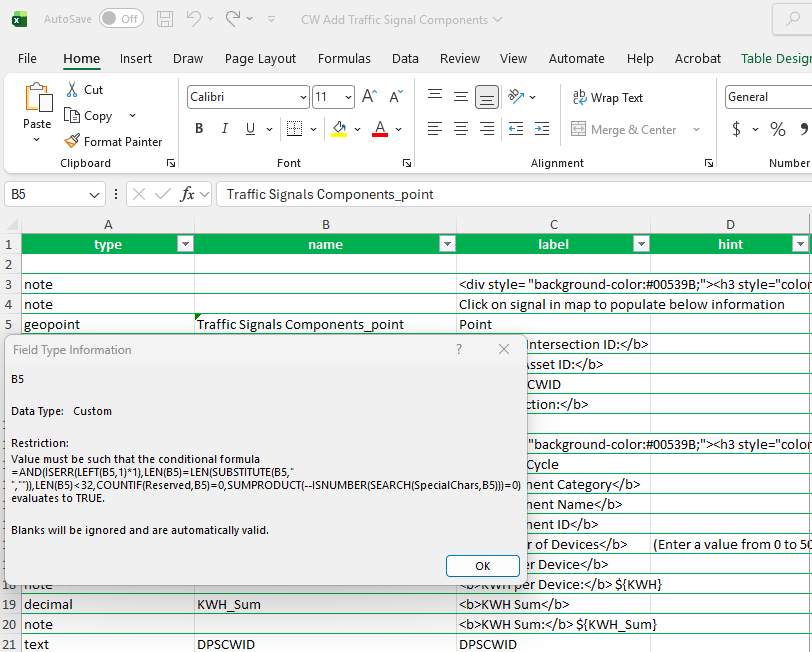
I think the overall issue is the character length. It is showing that the field name must be less than 32 characters and the name created from the feature service, is right at 32 characters.
| type | name | label |
| geopoint | Traffic Signals Components_point | Point |
| form_title | form_id | instance_name |
| AWOS Survey Traffic Signal Components | Traffic Signals Components | |
Since this was created from a feature service, if I change the field name up to shorten it, would that cause an issue when the survey is published and not write new point features to the service? If so, then what is the recommended work around to fix this issue? Any help is greatly appreciated!
Bec