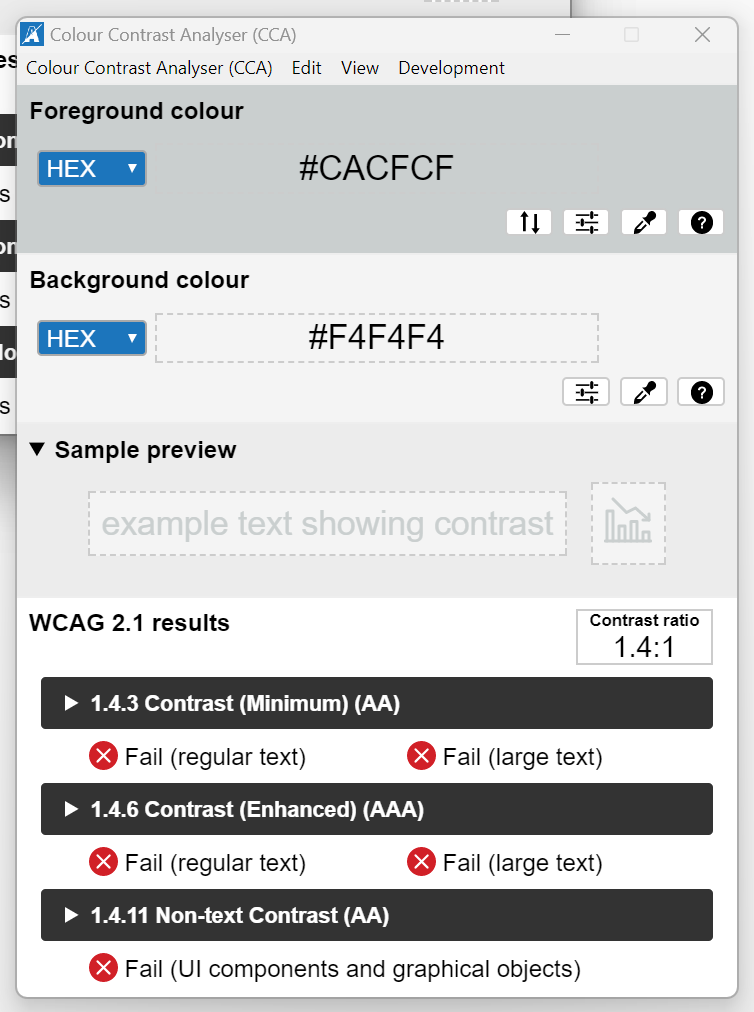
In Survey123, when there is a read only field - it is nearly impossible to read the text. the color contrast is way too low. seems like there should be something implemented so I can either control that or the UI is improved. Just because it's read only doesn't mean I don't want to read it haha. It definitely doesn't pass WCAG 2.1 standards.
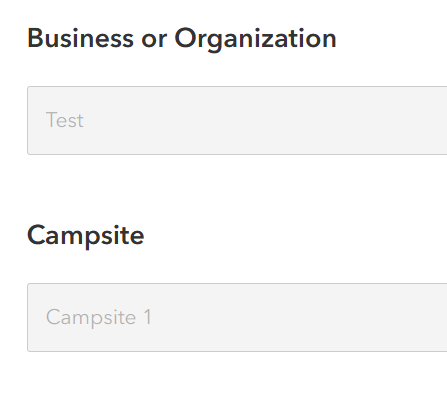
Yeah, especially given the upcoming accessibility requirements, it's not really acceptable any longer to have this kind of configuration hard-coded like this. We either need the ability to change it ourselves or have ESRI meet these standards in advance (or preferably both!).
If you haven't considered these, current workarounds:
https://community.esri.com/t5/arcgis-survey123-questions/read-only-text/m-p/1659393#M64522
@Neal_t_k appreciate the work around as an option, but really need the read only field to meet WCAG 2.1 requirements.
You must be a registered user to add a comment. If you've already registered, sign in. Otherwise, register and sign in.