Hello everyone -
I've ran into a couple of issues this semester which receiving the error message when trying to publish StoryMaps in a variety of scenarios - almost always, it's been due to the browser not being updated, the project was left open for an extended time without activity, and we can usually resolve it with restarting/updating the browser. However, I have one that genuinely has me stumped.
I did reach out to Tech Support previously about it, so I replied back to reopen the ticket - but originally it was not publishing because of a rogue space in the StoryMap. After deleting that, we were able to publish it, but now it's stopped updating or publishing all together.
Becuase it's a student project, I tried duplicating it, and I get this message:
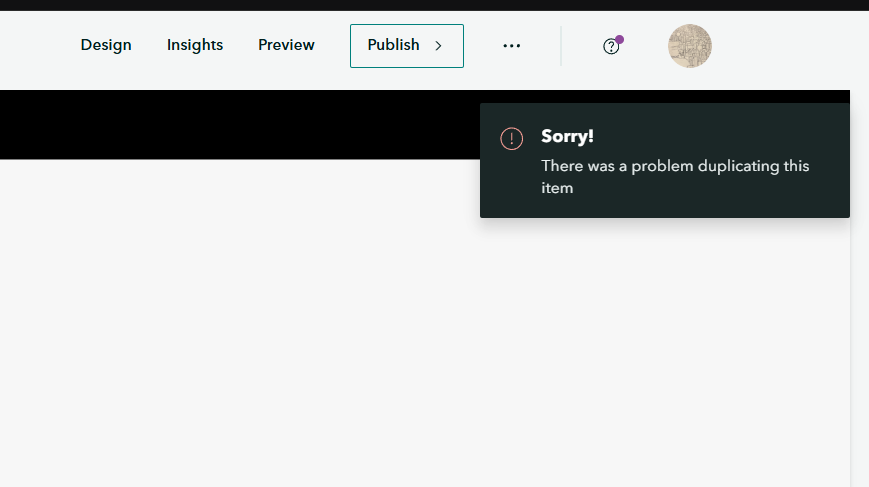
It still duplicates to my account, but I noticed everytime I try to edit it, it just gets stuck on Saving... and doesn't complete the Save process

Every time I try to publish it (any visbility) I get these messages
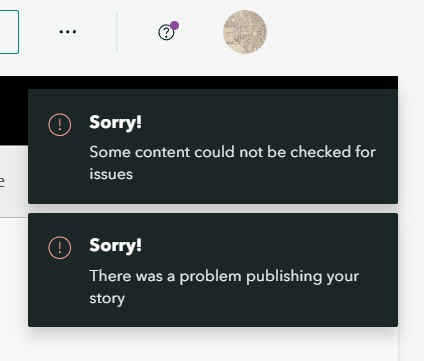
I'm unsure what to do at this point and wonder if anyone has suggestions! Because it's stuck, I can publish it to share for others to view here. I have admin permissions so it's not a permissions issue - it happens in multiple browsers and multiple computers of various OS.
If anyone else has had this problem happen, what were you able to do to resolve it? I'm a little stuck at this point.
Thank you!
