Change an express map's basemap
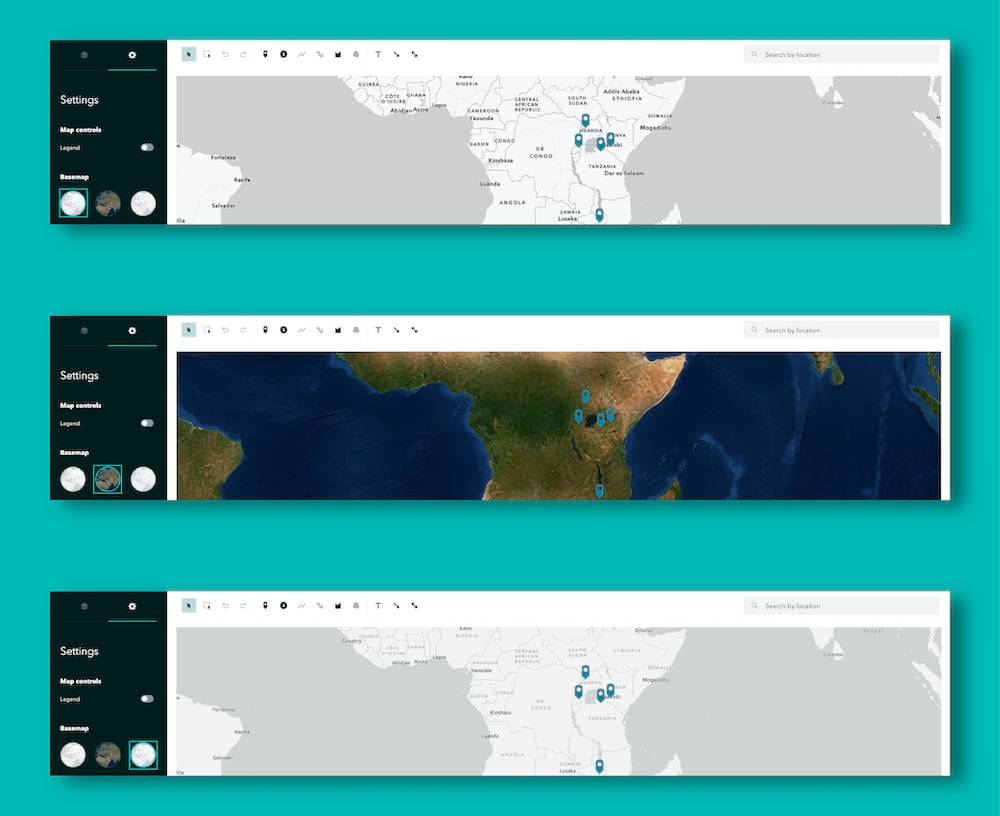
The style of express maps is automatically synced with your story’s theme, so you can always be confident that they’ll harmonize with the rest of your content. But did you know you can choose from a few different basemaps when creating one of these simple maps? Each theme comes with two vector basemaps that fit your theme’s aesthetic, plus the satellite imagery basemap for instances where your readers need a literal bird’s eye view.
To change your map’s basemap, open the map designer and navigate to the Settings tab on the side panel. There you’ll find your three basemap options—just pick whichever one best suits your needs and click Place map to save your changes.