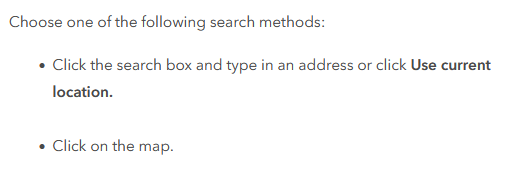
1. Clicking on the map does nothing (i.e. provides no results)
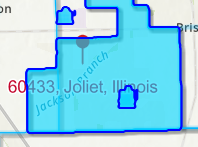
2. The searched address is behind the other layers and I know no way to move it up.
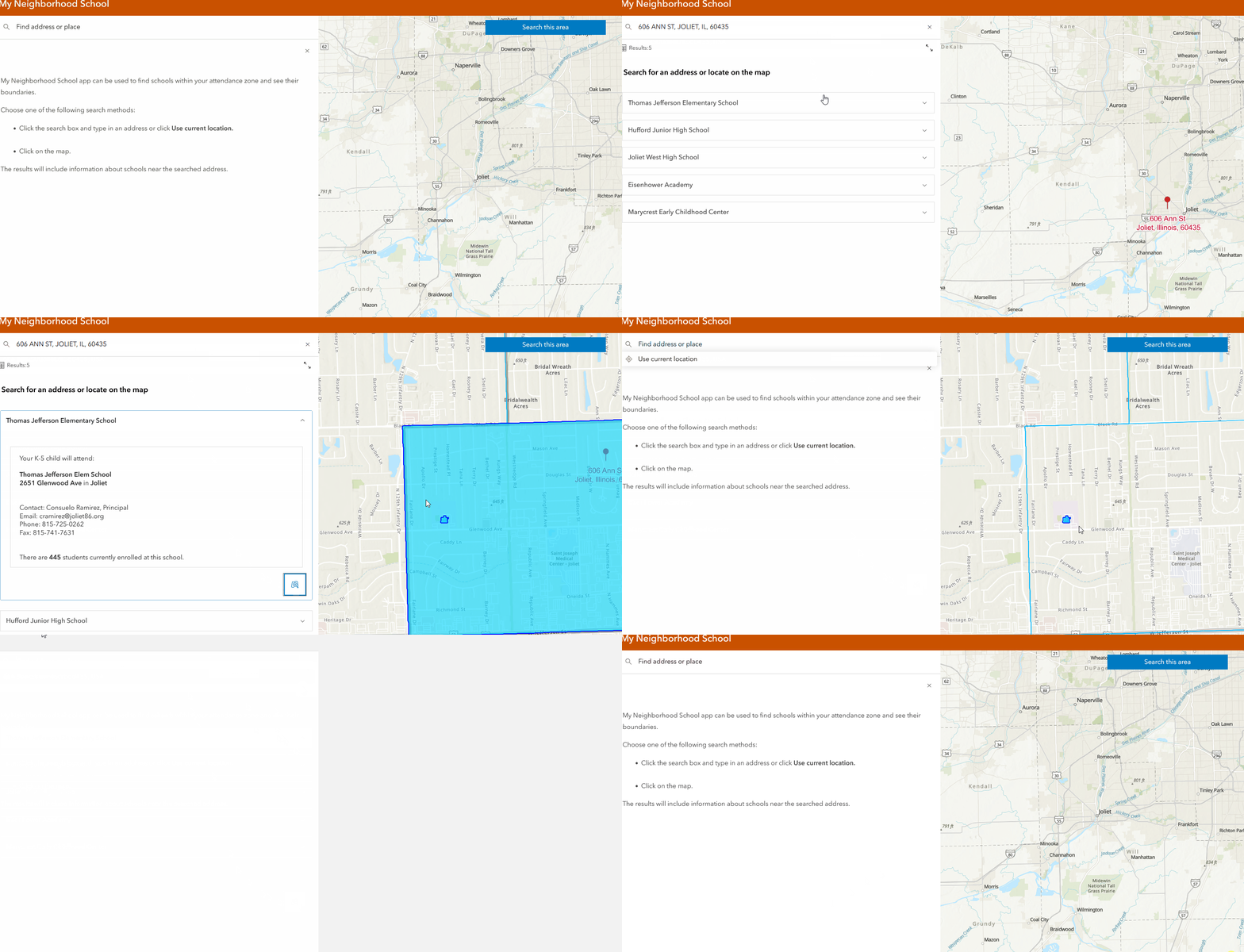
3. No way to clear the results. Closing the search only removes them from the sidebar, not the map. There is no "Clear Results" button at the top of the screen, as with some of these solutions. I have to either refresh the browser or put in another search.
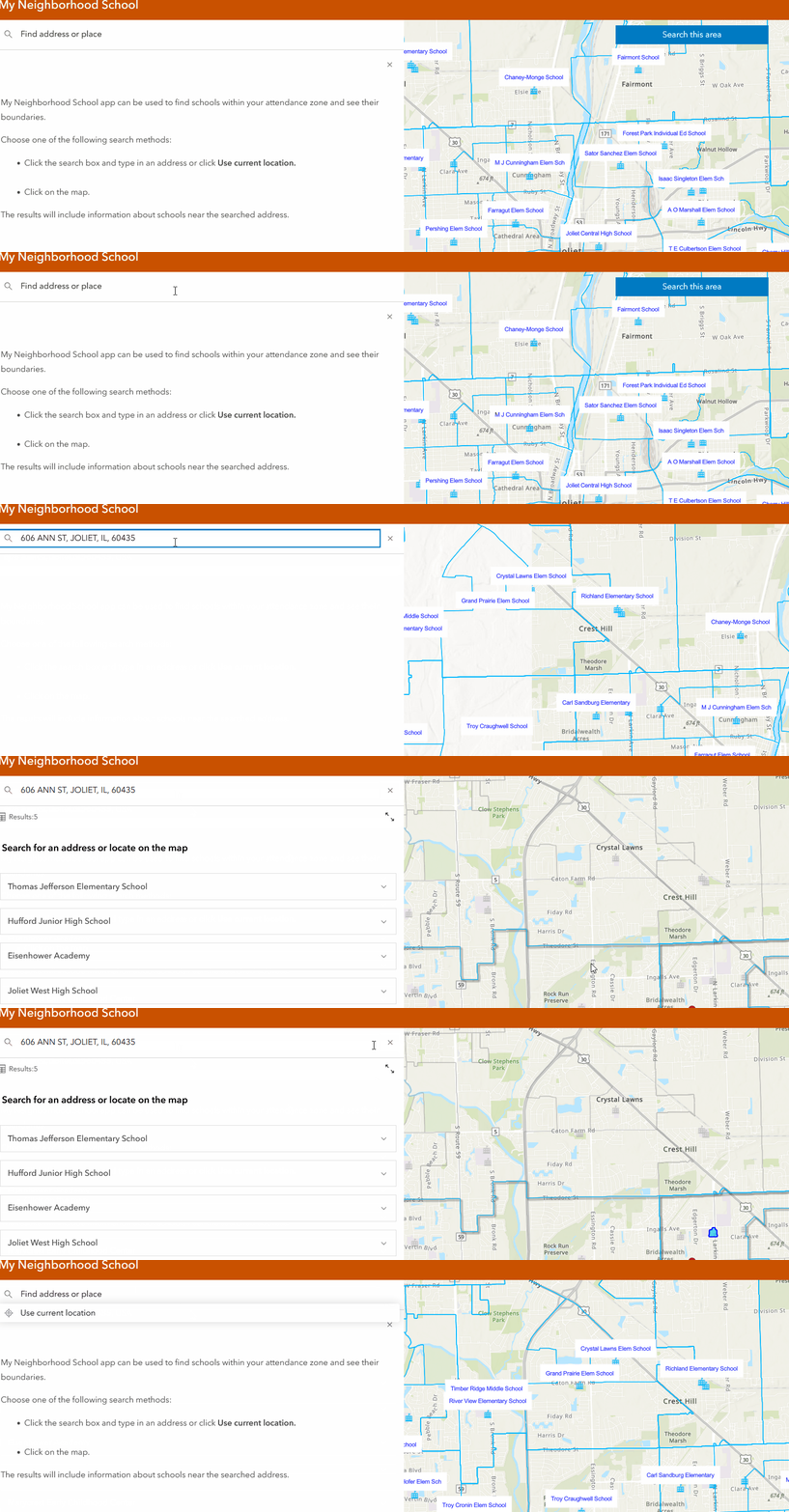
4. I added labels to schools in the webmap. They do not appear after a search. They only appear without a search.
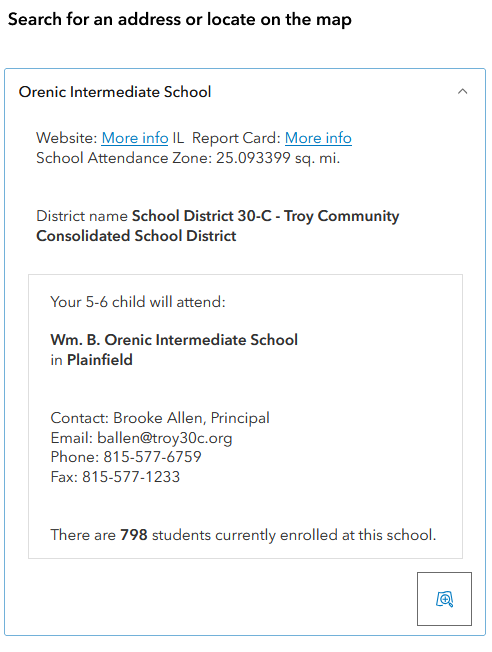
5. Any way to move the related record above district info?
@JaredPilbeam2 Are you able to share a sample of the app you're having issues with?
@BethRomero
Hi, thanks for looking. Here is the app: https://willcountygis.maps.arcgis.com/home/item.html?id=c6e79531385d4b30acec5d2d661e81a8
@JaredPilbeam2 There are a couple of things are going on that I think can help you fix your app. I'll go through your questions below:
1. Your app has a search method of "Map extent" set. The solution uses "search radius". Search radius method allows for a map click, and then the clear search button appears. Map extent search method has a button to "search this area" since it's a map extent based search. This update can be made in the Nearby section > search method.
2. Your app has a custom selection fill set. This is a known limit at this time, that the pin and address may draw under the selection fill. To remove the selection fill go to Interactivity > Modify > and disable selection fill.
3. Switching your search method back to "Search radius" will bring back the "clear results" button.
4. Labels - I'm still investigating this one. I see labels showing in my examples but will keep looking into this.
5. At this time, the expanded related result is below the pop-up.
Let me know if this doesn't get you closer to what you are expecting.
@BethRomero Thanks, getting closer to what I'm expecting. Following up, question #s 1 and 2 still have unexpected results. Note: link above should reflect changes.
1. I switched to Search Radius. However, even after clearing the selection the schools are still highlighted. The highlighted selections in the map are added-to instead of being un-selected.
2. All toggle switches have been turned off in Interactivity > Modify which helped. However, the label is still under the highlighted district that I seemingly have no control over.
Hi @BethRomero
1. Your app has a search method of "Map extent" set. The solution uses "search radius". Search radius method allows for a map click, and then the clear search button appears. Map extent search method has a button to "search this area" since it's a map extent based search. This update can be made in the Nearby section > search method.2. Your app has a custom selection fill set. This is a known limit at this time, that the pin and address may draw under the selection fill. To remove the selection fill go to Interactivity > Modify > and disable selection fill.
3. Switching your search method back to "Search radius" will bring back the "clear results" button.4. Labels - I'm still investigating this one. I see labels showing in my examples but will keep looking into this.
5. At this time, the expanded related result is below the pop-up.Let me know if this doesn't get you closer to what you are expecting.
Any updates on #s 2 and 4?