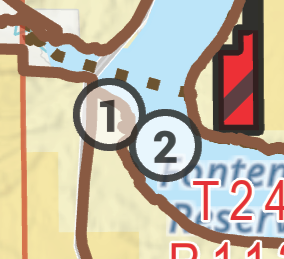
I have a polygon symbol I'm using with a marker symbol inside with a number (since key number labeling is never as good as one would like).
The symbol is, for some reason, transparent.
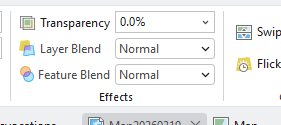
I have checked and there isn't any blending mode or transparency.
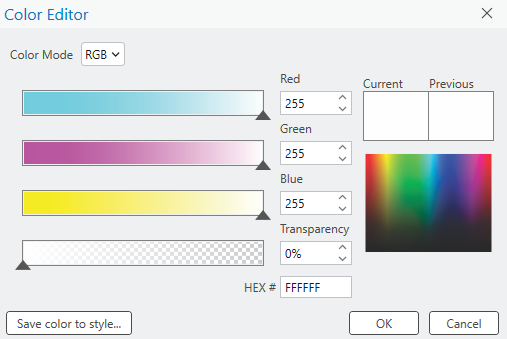
I can also confirm there isn't any transparency set to the symbol layer
Interestingly enough, the legend item is also transparent, including the stroke.
Can also confirm there isn't a difference between RGB and CMYK
What is going on here?

It sounds like a multi-layered symbol. Have you checked the transparency of every individual symbol layer?
Reorder individual symbol layers with the advanced mode
I have. That screenshot is just for the preview of the entire marker,
but here are pictures of the white fill
black stroke
and text marker layers
Another wrinkle is that the preview window shows it as fully opaque.
For context, here is what the preview looks like if I set the fill and stroke to 50%.
Here is what that purposeful transparency looks like in the legend, compared to the "full" transparency
can you save the symbol as a .stylx file and share it here?
what happens if you set this to white? edit: i see up higher where it looks like you do have this set to white for the white circle part...
Oh jeez. Alright, well this is embarrassing but it turns out there it was in a group layer and that had a transparency setting. Sorry everyone.
