Hi,
I have this problem that when I add a polygon layer it produces this background colour that obscures the basemap.
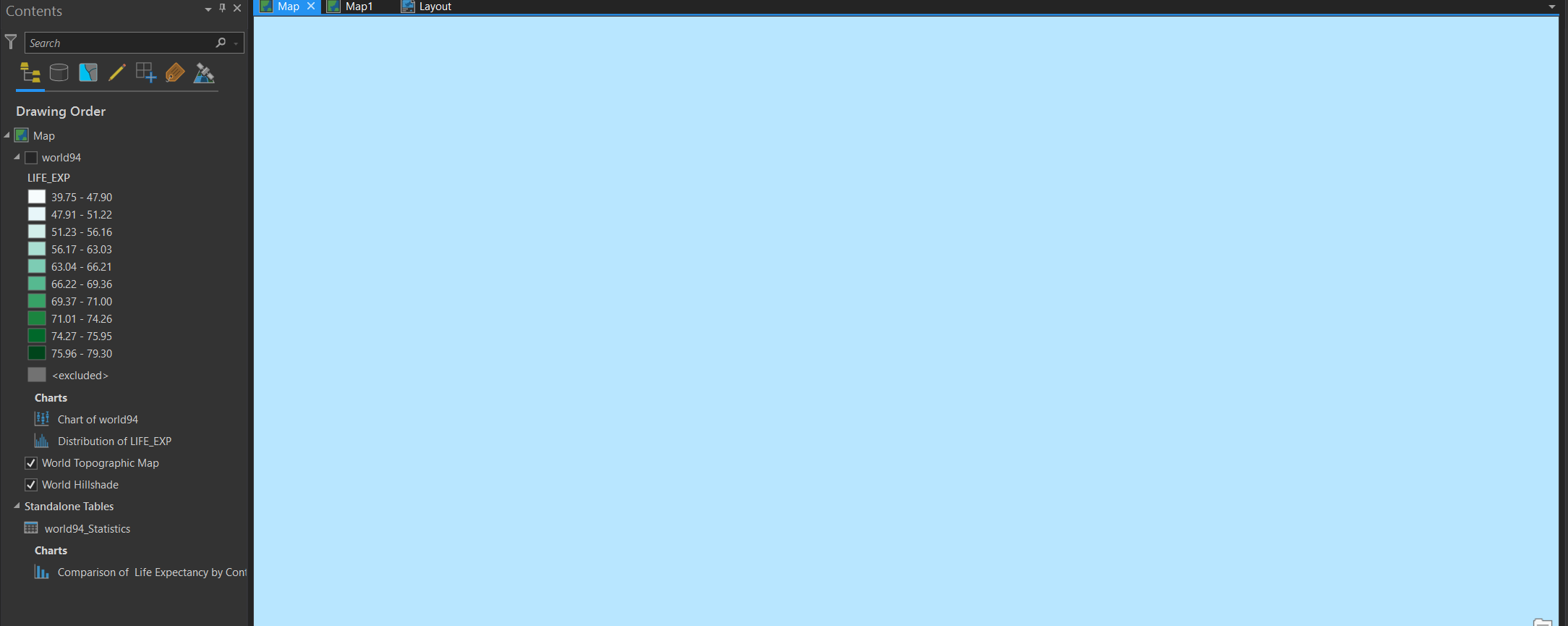
The view above contains the whole world map, with the standard basemap. I can find no symbology options to change this.
This is what is looks like with the polygon layer on:
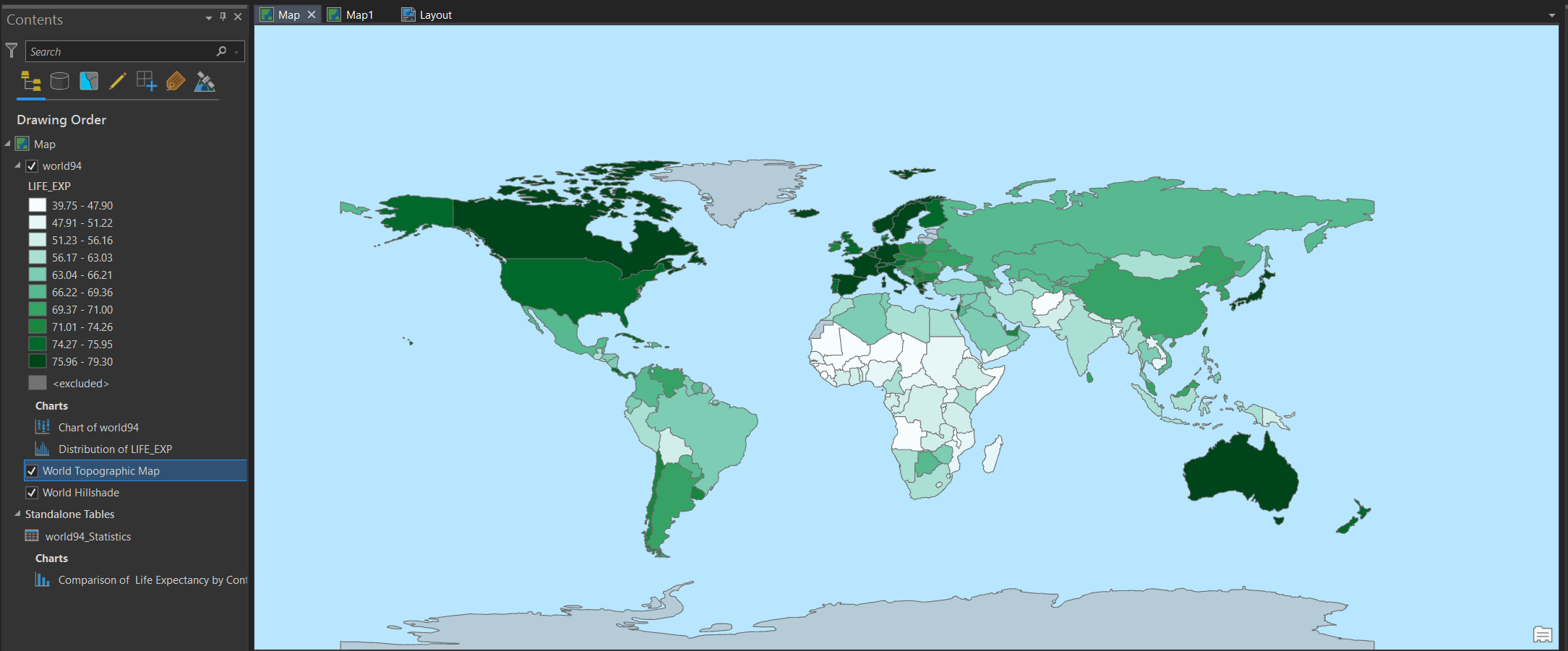
That's the same view, nothing moved.
Starting a new project:
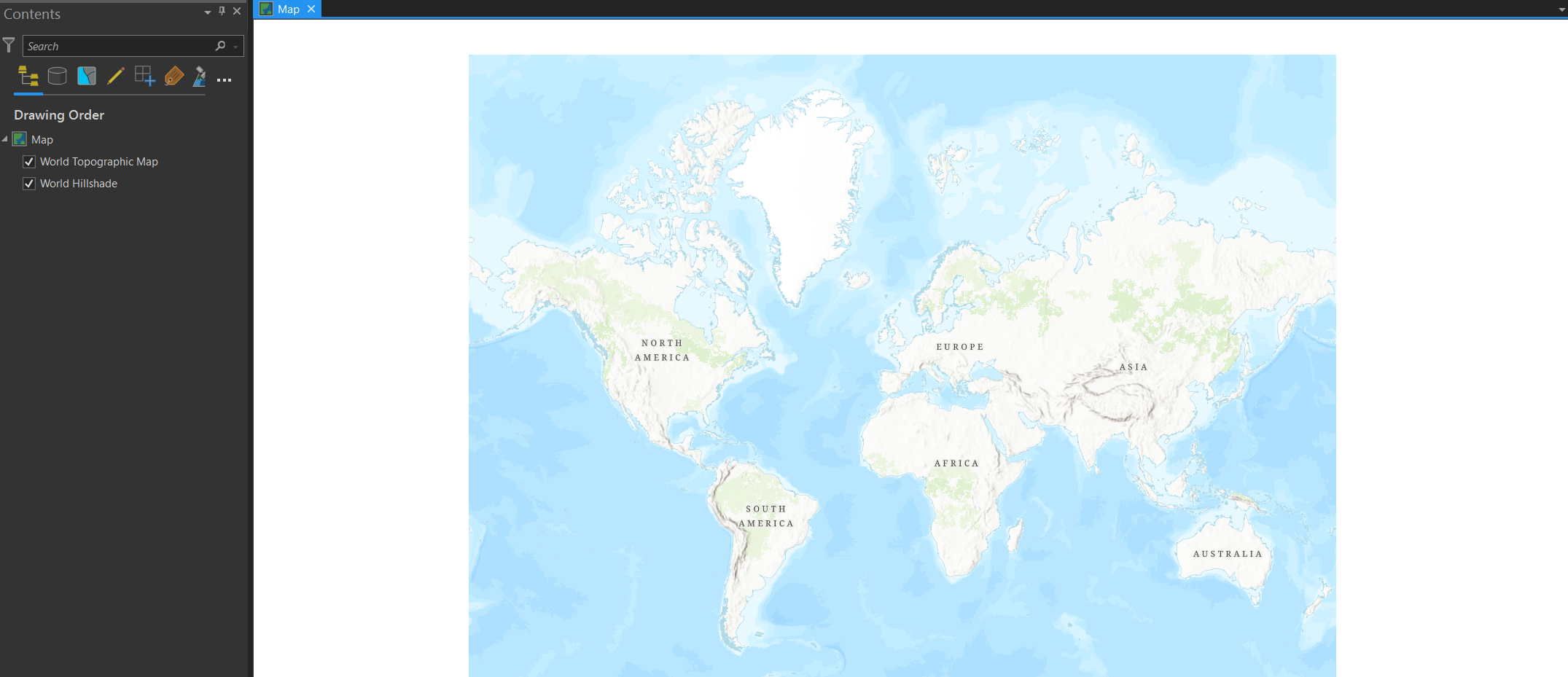
and adding the polygon layer:
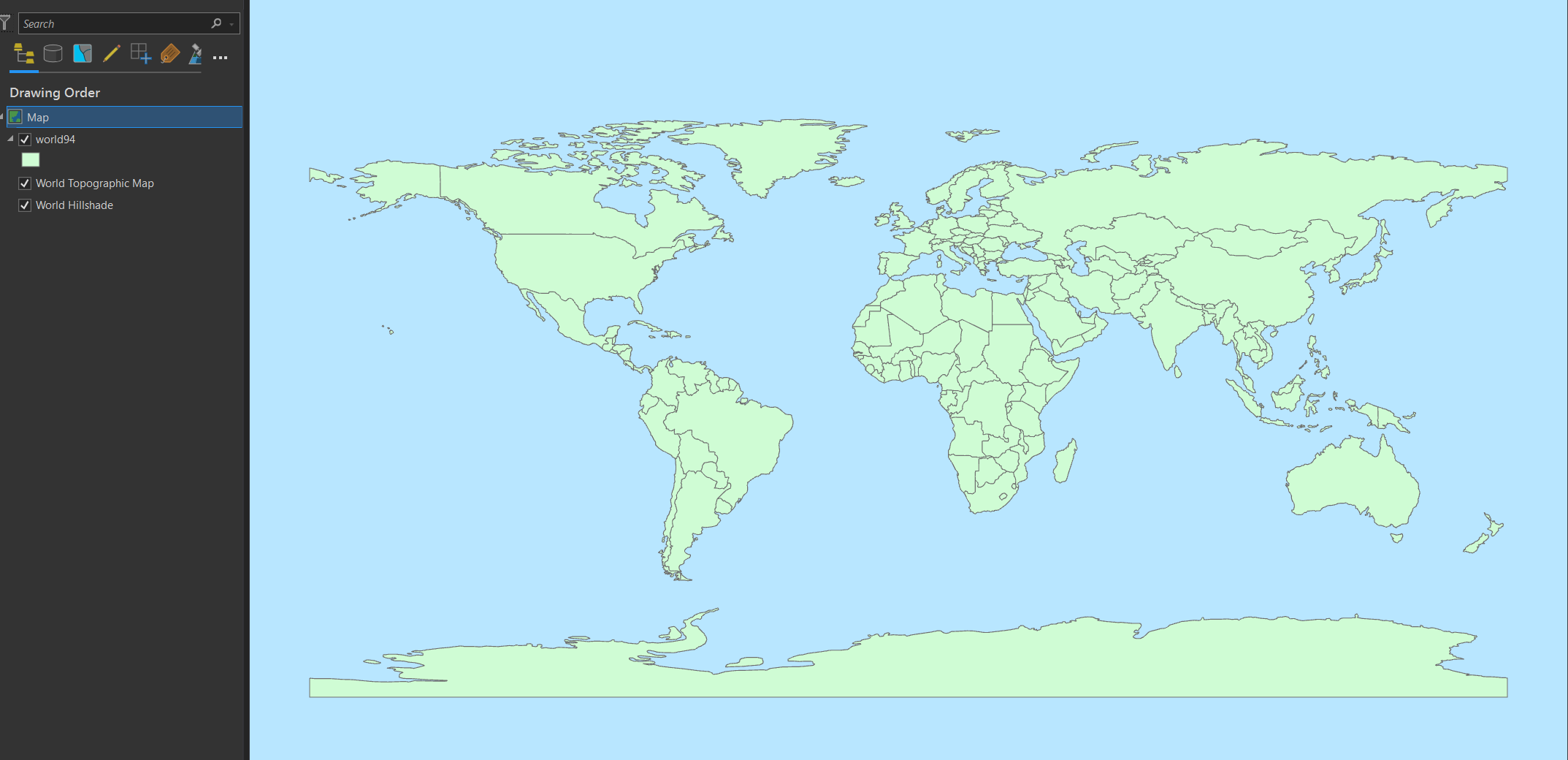
Changing the layer symbology does nothing. (Except change the polygon colours.) Changing the basemap changes the background colour. (Imagery basemap makes it go dark blue.) Removing the layer leaves the background. Changing the projection does nothing. There appears to be nothing in the layer but the polygons.
Any ideas what is going on here?
ArcGIS Pro 2.8.1


