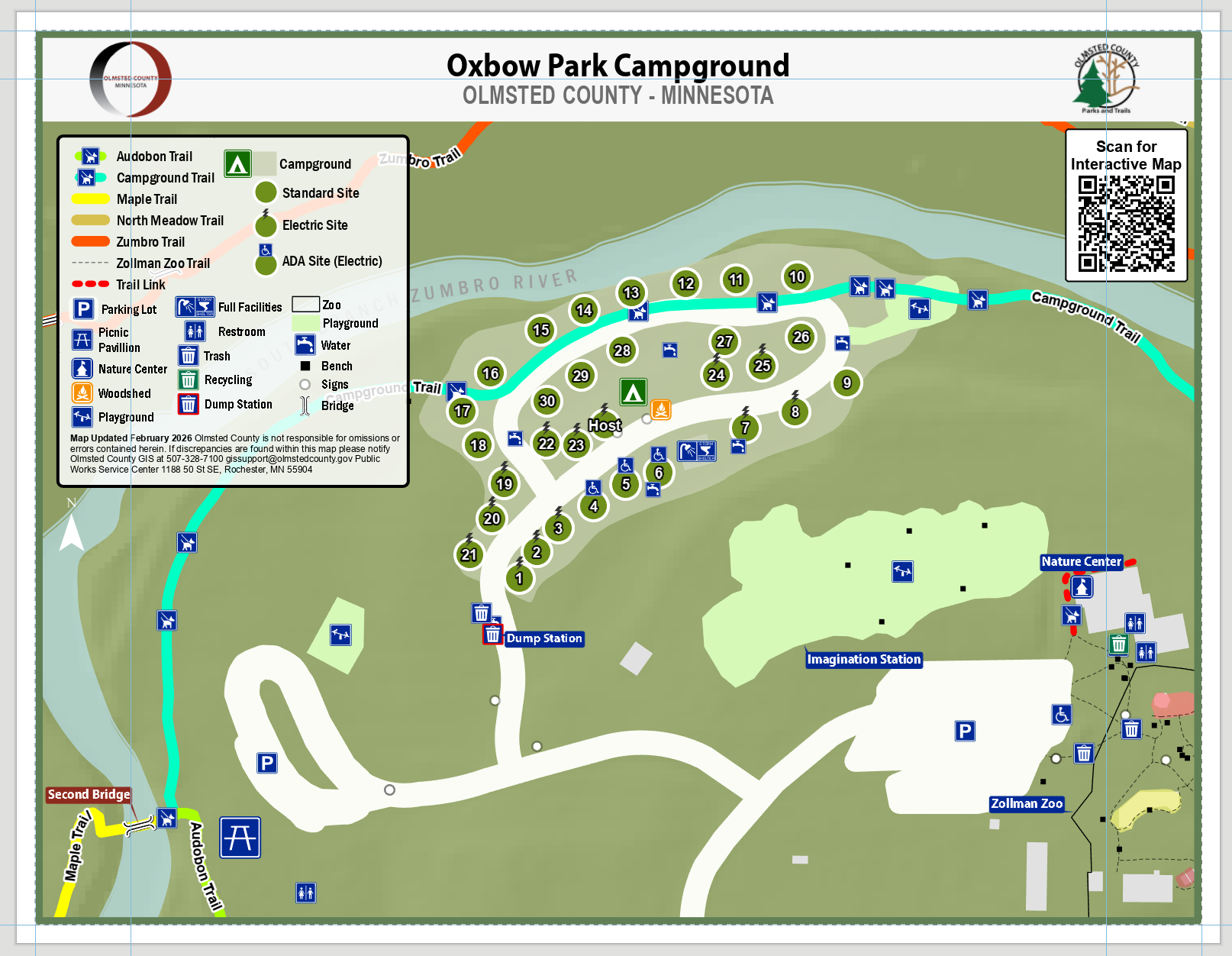
I'm working on some maps for our parks and trails in our county, and these trails also have icons for different attributes, like ADA and pets allowed (yes/no fields)... like style dictionary, but displays in the legend.
Rules: dynamic in the map AND visible in the legend dynamically. No graphics layer.
I see two options:
1. create label classes > SQL expressions > callout > point symbol > position settings
2. use symbology layer > shape marker > marker placement
Issues:
1. doesn't display in legend, but has better placement with weights/priorities/other classes, have to set field to something like object ID and then make transparent text
2. displays in legend but the marker positions overlaps label classes (like trail name) and difficult to set marker position to just show 1 icon for the whole line (which is made of many parts)
I really need the "best of both worlds"... which should be style dictionary, but that doesn't show up in the legend and I really can't figure it out.
Anyone know of any good tips? I'd love to hear/see examples from other trail maps! What key settings might make this happen?