I'd like to add images to our custom tools' help pop up windows to provide users with a description of what the tool does. When I try to add an image, it looks like it gets added to the metadata but never displays in the tool help pop up. Is this a known bug in 3.1.4? I've tried varying different resolutions of images including the recommend 200 x 133 for a thumbnail.
I know this has worked previously in a previous version of ArcGIS Pro.
Solved! Go to Solution.
So my experience is:
I wonder if it would be worth submitting a case to Esri Support to see if it's a bug.
check the toolbox you created to see if it appears.
I just checked one of mine (follow 1, 2, 3)
and it appears in the tool help, but doesn't show up in the tool sidebar help when editing the toolbox metadata, but it does when when you just view the metadata
So my experience is:
I too was unable to see the sidebar help graphic, but then I changed the Metadata style (in Options) from FGDC to Item Description and I was able to see it (Ver 3.1.3).
Hi John, I gave this a shot and still doesn't work. 😢
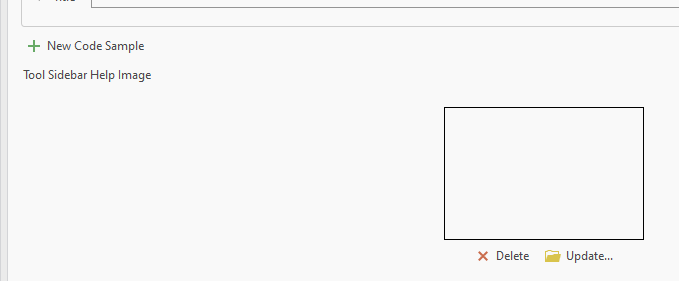
A quick update on this. We recently upgraded to ArcGIS Pro 3.5.2. and it still doesn't work! I've added an image to the 'Tool Sidebar Help Image' section of the metadata dialogue window but only the text is displayed in the tool help. Are there any specific settings/image requirements that are needed to be able to show an image in a tool's help popup?
As @DanPatterson mentioned previously, the image is displayed when viewing the metadata of the tool but not after a mouseover over the question mark in the tool dialogue. I remember this used to work in a previous version of Pro but forget which.
I spoke too soon, in the new atbx toolboxes, the image can be added here in the illustration option in General pane of the toolbox properties.