Hi,
In the ArcGIS Enterprise/Online 3D Scene viewer 3D Meshes often appear in the view over Raster/Imagery/Ground layers. This results in some very unnatural results and is very disorienting to the user.
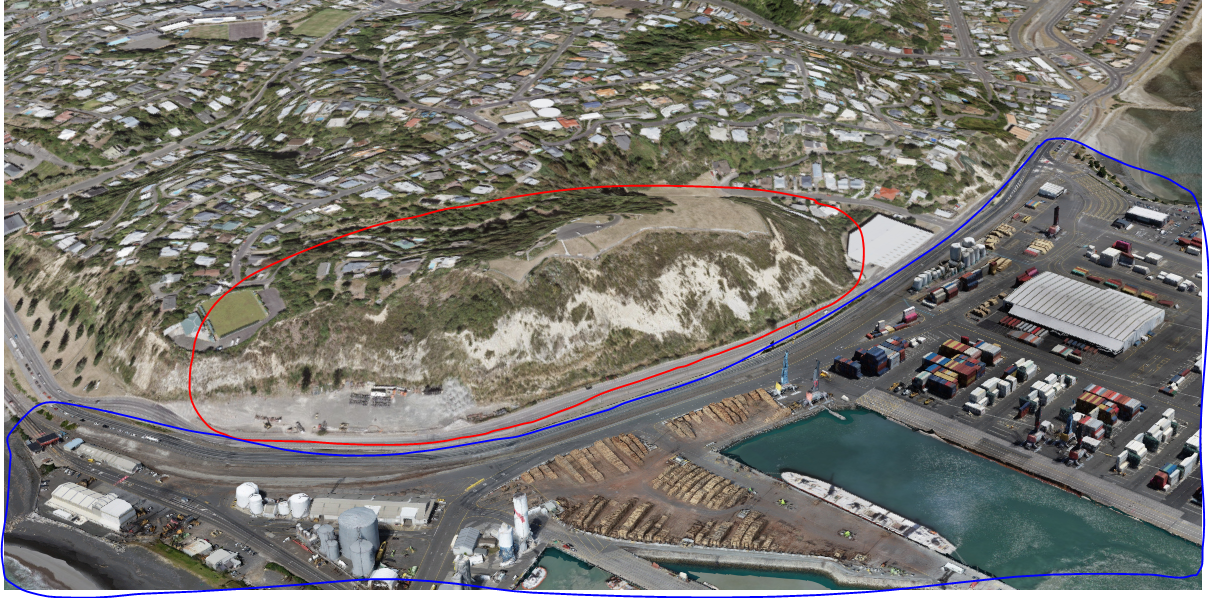
For example in this scene a large hill is circled in red and a mesh model is circled in blue:
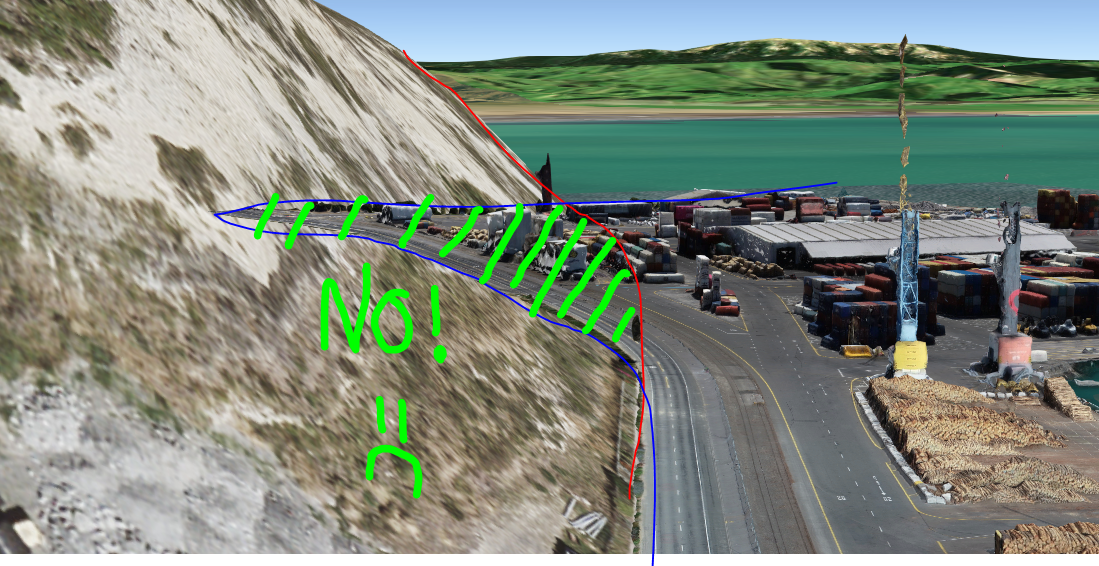
When I change to a low angle the mesh is visible through the hill. This looks really bad and is not at all how it should behave:
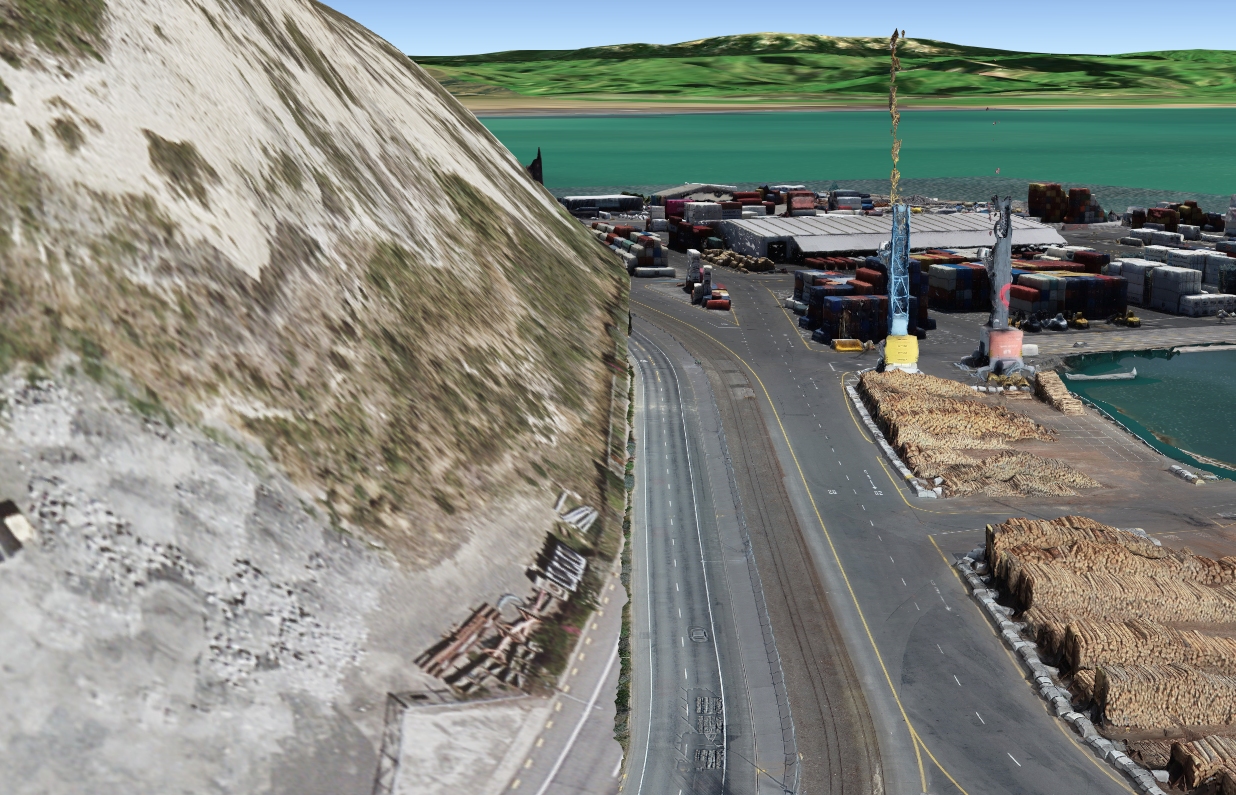
Can you please improve the interaction of different layers so they make sense visually. If objects are behind something else they should not be seen:
Thanks,
marc