I have a head scratcher. I ran topology and found there was a missign point in an odd area where there is a retired parcel. No biggie I added the missing point but noticed the linework was wonky. I thought it was odd, corrected it and ran topology again. The linework again became wonky. Has anyone seen this?
Here is an example of the correct linework before I ran topology.
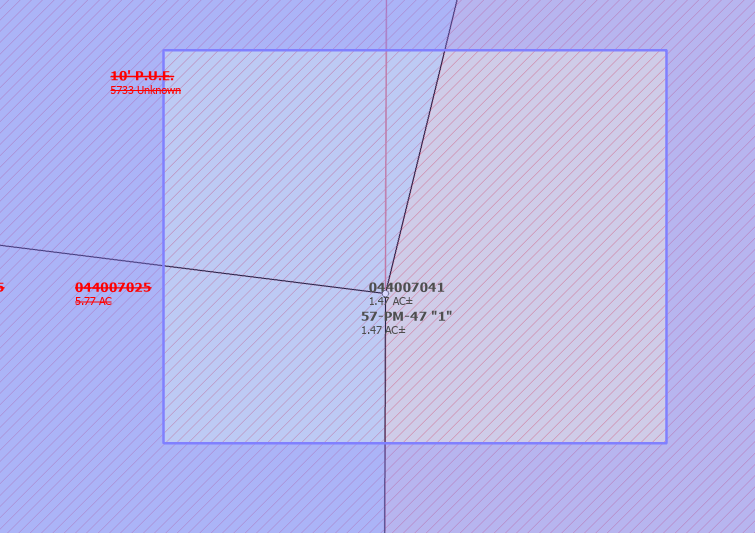
here is the after where it brought portins of the adjacent lines together
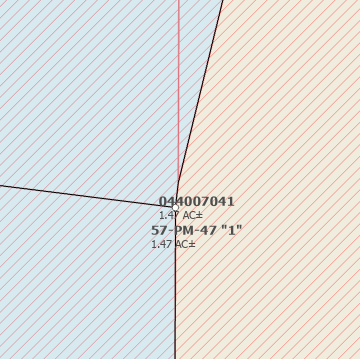
Has anyone seen this or know of a solution to prevent this from happening? I didnt know running topology could move lines.
We need a little more information to understand what is happening.
Can you retake the screenshots and include the map scale in each one?
I’m wondering if the north/south line may have a vertex somewhere near those points.
Please include the vertices in the before-and-after screenshots as well. You can do this by adding the quality layer vertices.
Another option is if you are using ArcGIS Pro 3.5 or newer, you can also turn on Vertices and Nodes. Please check your configuration and include that in the screenshots if possible.
Well I can provide you the vertices but I think a restart of Pro fixed it. Next time I'll just restarting my project before querying the community 🙄 I just went back to the problem area added the vertices as requested, took my snapshot, ran Validate Topology and lo and behold no odd movement. I'm at a loss at what could have possible changed. The scale below is1:33 scale