Hey I just wanted to report an issue I've been seeing since the latest updates to the Attachment Viewer. It's an incredibly minor issue but it is a slight annoyance after new points are added to the map.
For the configuration of the instant app, I have the "scroll order for features" set to Descending, that way the most recent attachments added to the map will appear in the gallery first.
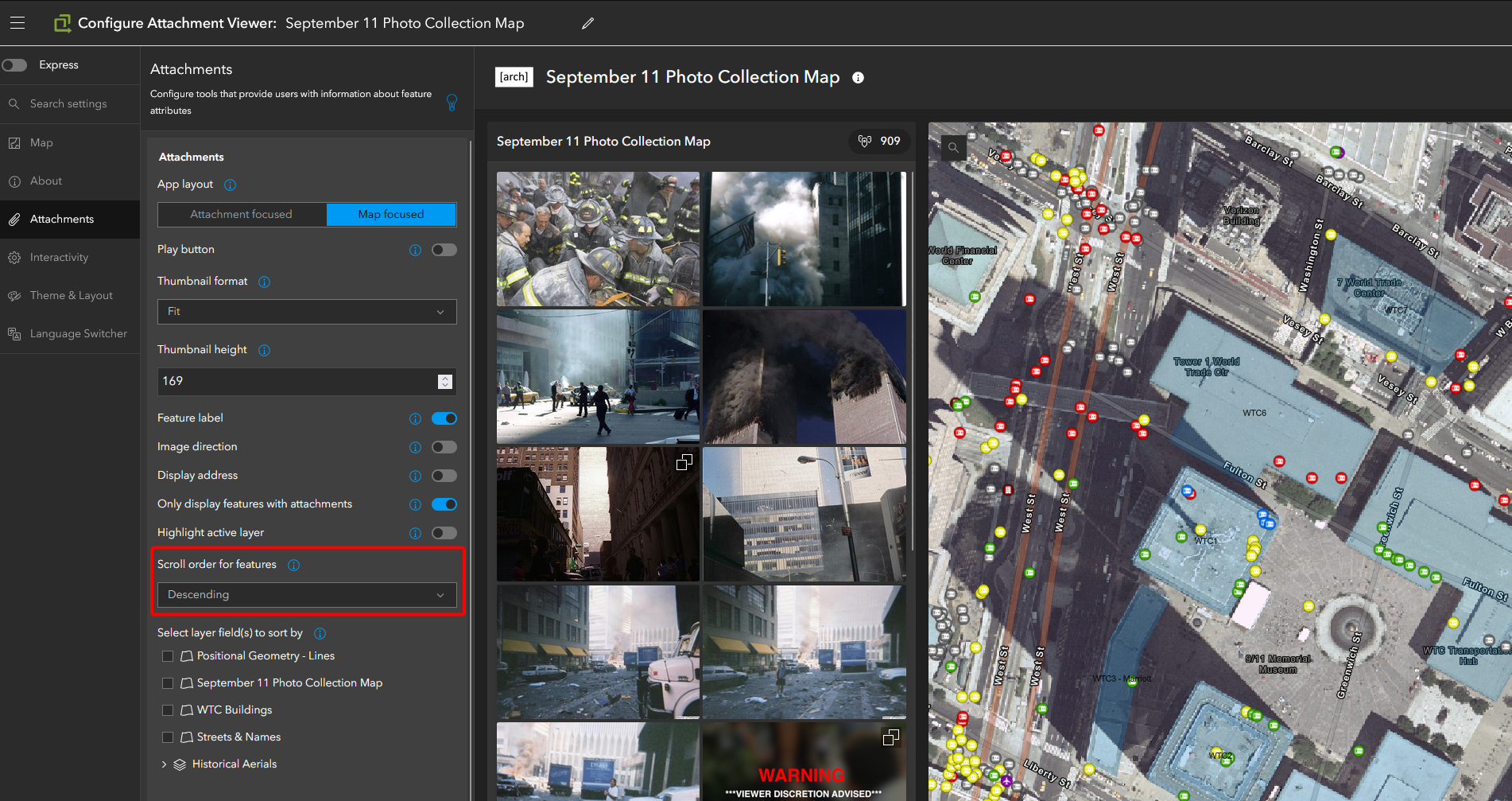
This has worked fine up until the most recent updates to the Attachment Viewer.
What I have been seeing since the update is initially when the app is loaded, the sort order is ascending from the first attachments added, however as soon as any attempt to move around the map is made, it updates to show the correct descending order.
Example - Page loads:
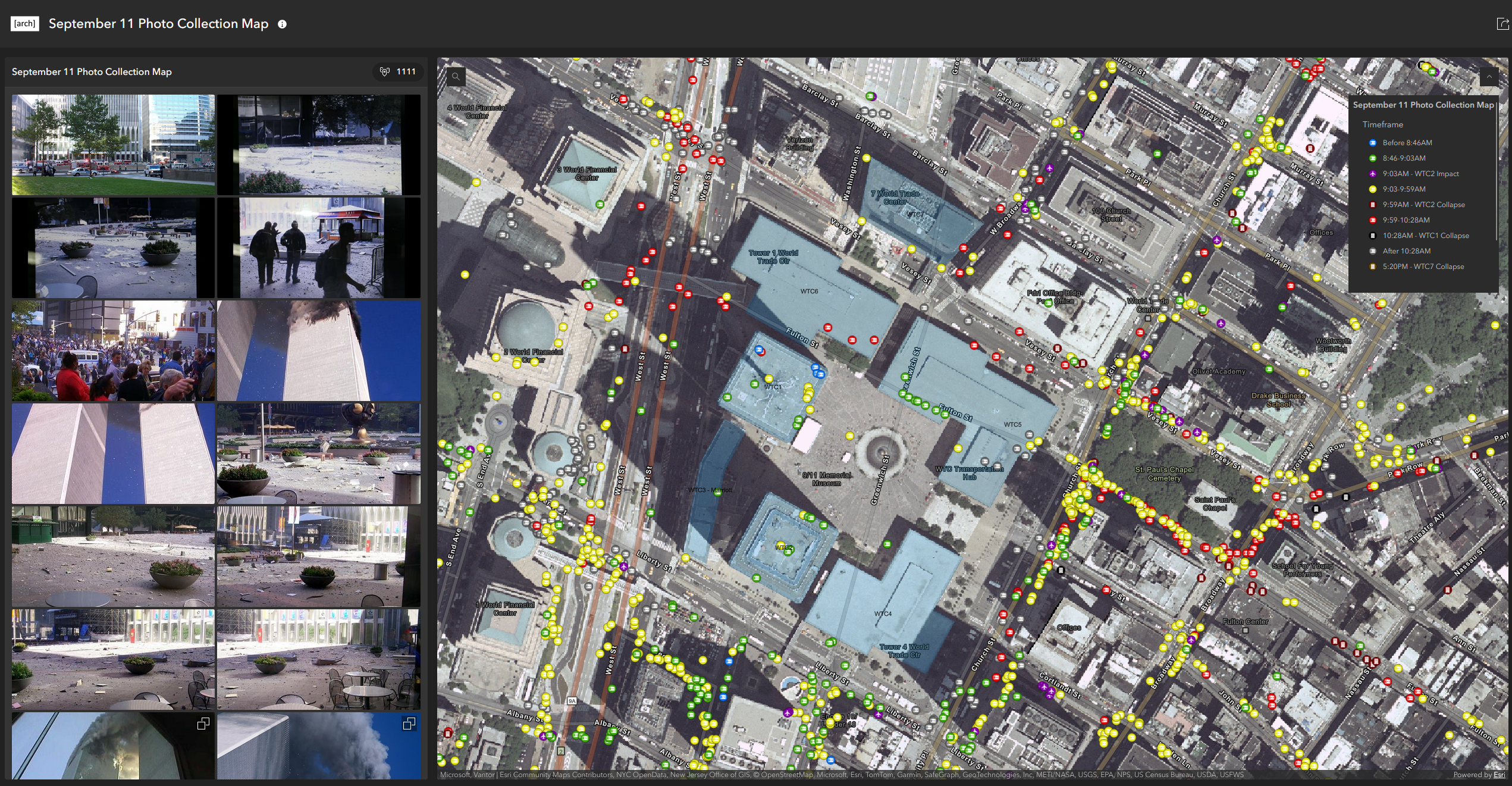
As soon as I adjust the view, either by zooming in/out or moving in any direction:
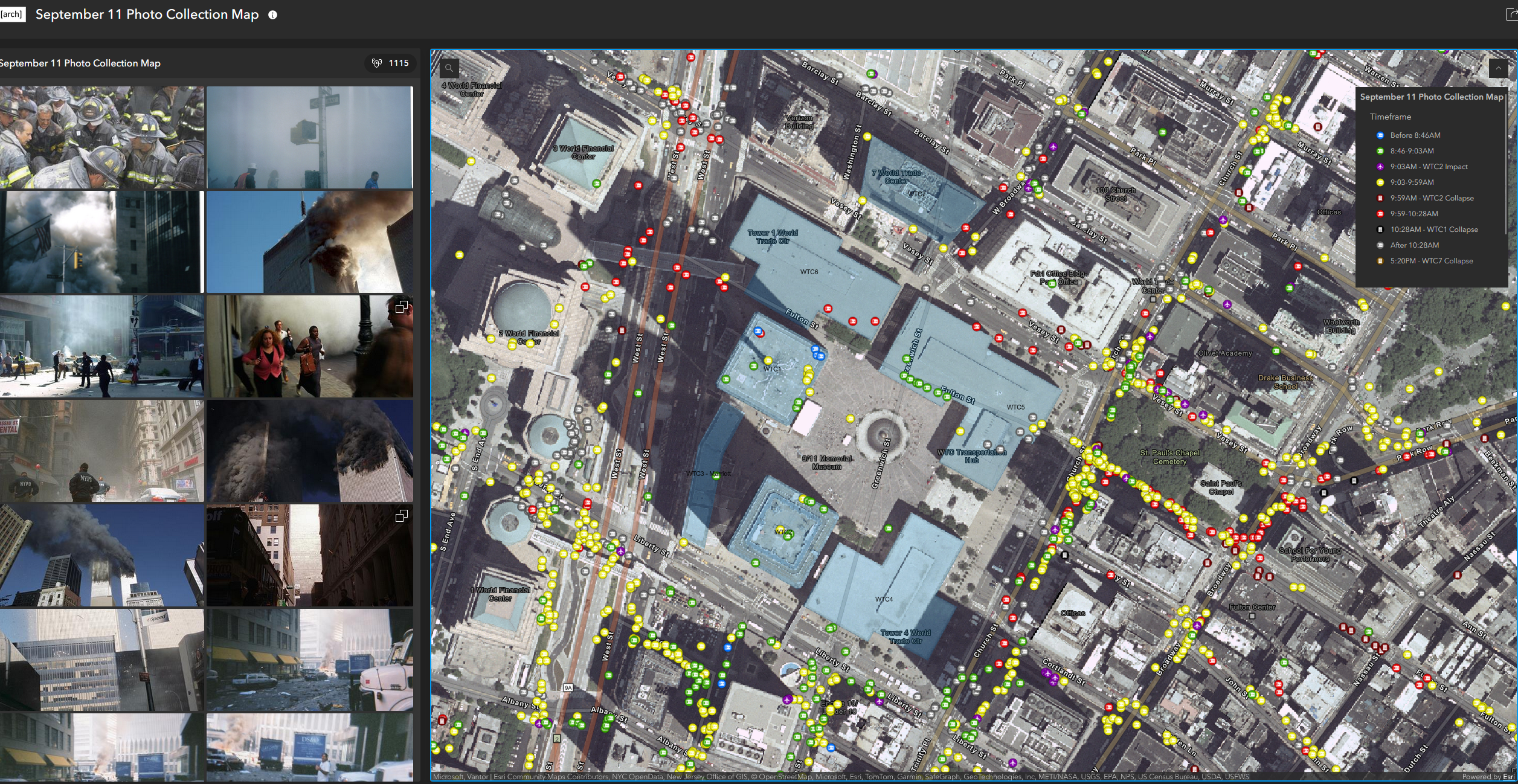
I have attempted to adjust this by going into the attachment configuration and modifying the sort option and reverting it, but when switching back to the Descending view, the issue reoccurs. Again it is a very minor issue, but it is just something I notice every single time I load the map.
Thank you!
