Hello everyone!
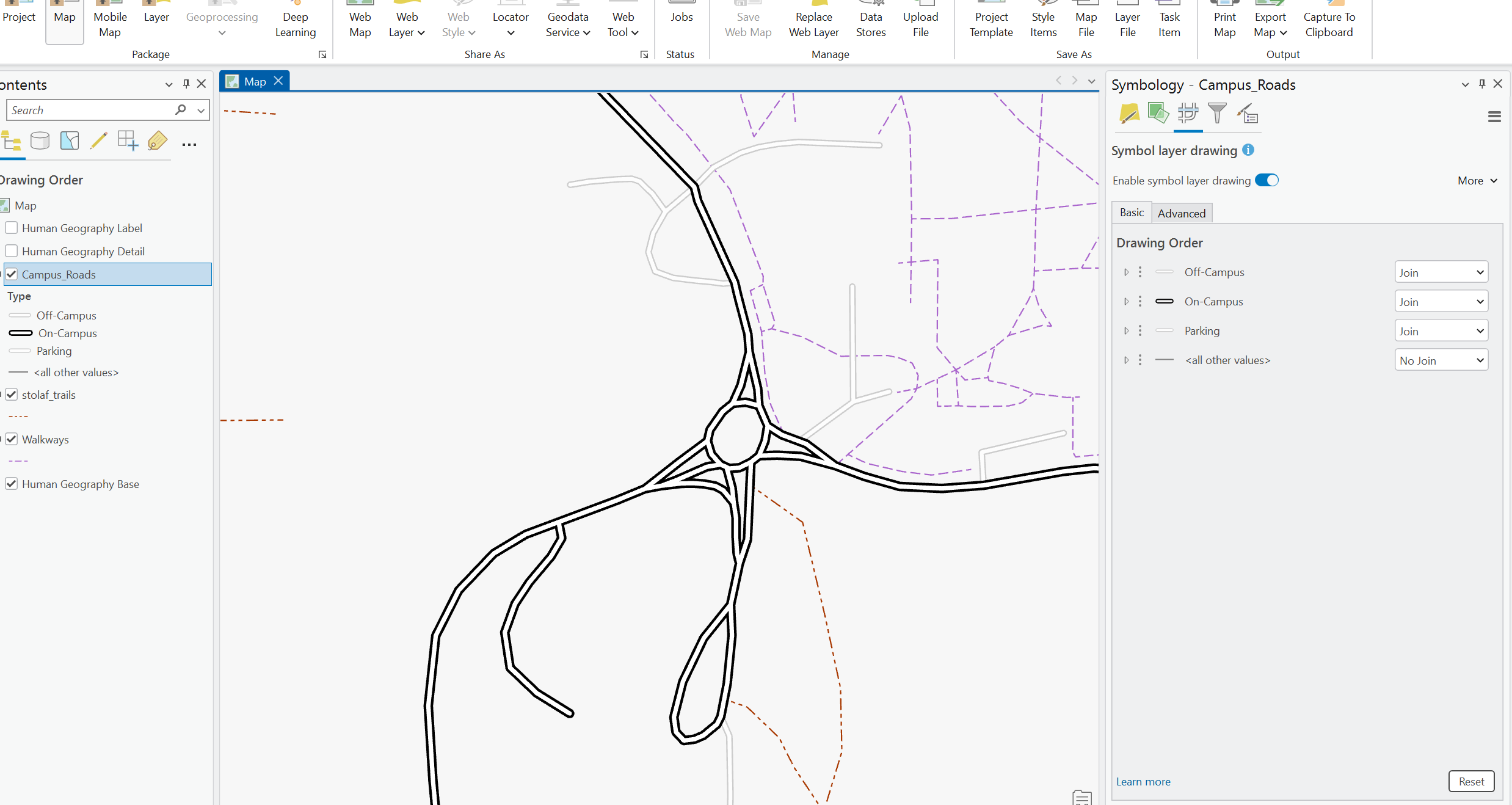
I published some road data from ArcGIS Pro to ArcGIS Online (Shared as a Web Map) - in this map, I have the "Enable Symbol Layer Drawing" turned on so the roads look like one feature
When I view the map in ArcGIS Online - it looks like the setting is not carried over:
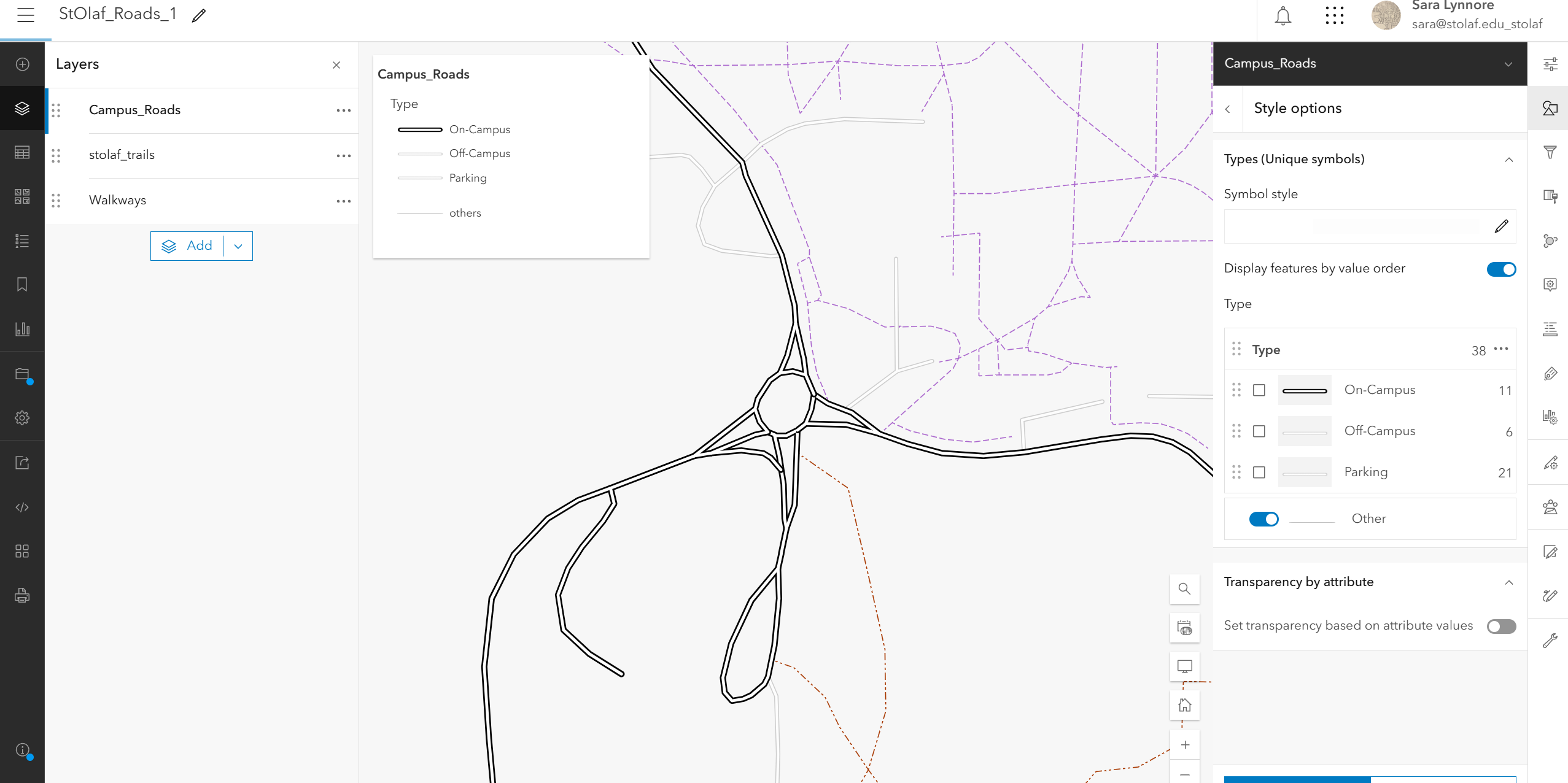
Does anyone know if there is a similar setting in ArcGIS Online? I tried to add the road as a separate shapefile as well, and it still shows up as separate features.
Alternatively - I'm thinking I can duplicate the feature and make it merged into one road, and overlay that on top to create the effect, but I'm just curious if there is a setting I can use first before I do that.
Thank you!
I'm not sure if Vector Tiles support Symbol Layer Drawing but if you're just using the roads for reference then it's worth trying out.
I might try it and see how that goes!
For a while I was just using basemaps, but all of the basemaps have incorrect roads and building shapes for our campus, and it was starting to get too fussy to have to keep submitting revision updates, so I just made my own custom layer.
This is on our to do list for later this year to support reading in maps authored with these configurations published from Pro and supporting authoring/editing them in Map Viewer.
@RussRoberts Huzzah! That's awesome!
To give a little background context - we're in the process of trying to move away from the Concept3D platform and covert our campus map into an ArcGIS-based app. We need a little more customized features in order to fill some of our functionality needs.
What I did in the meantime was duplicate the same layer and merge it all into one feature in ArcGIS Pro, and then layered it on top of the original feature. The original road layer I used for the labels and just displayed the merged layer on top (removed one of them from the legend and pop-ups so users only get one layer). It does the trick for now!