Hello AGOL Team,
Please add the ability to see on the item details page what groups/names of groups an item is shared to. Currently there is no way to see this from the item details page (list exposed with names).
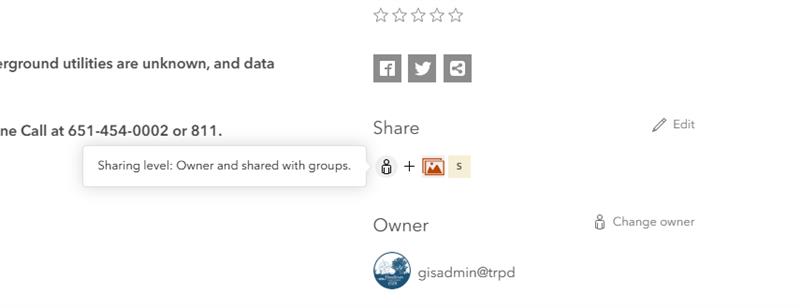
When hovering over the sharing section it just gives us this:
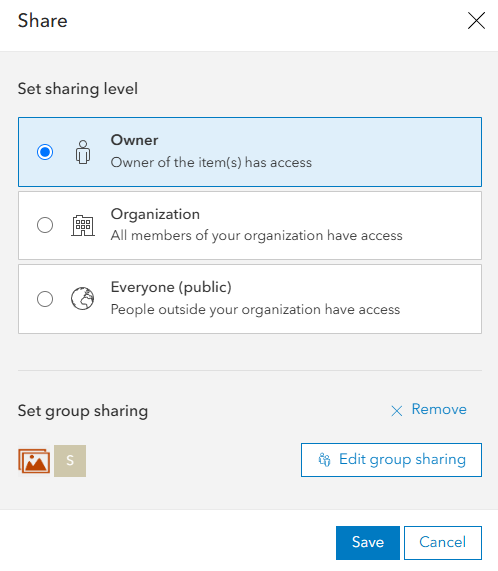
Then when clicking edit, we still can't see the names of the groups:
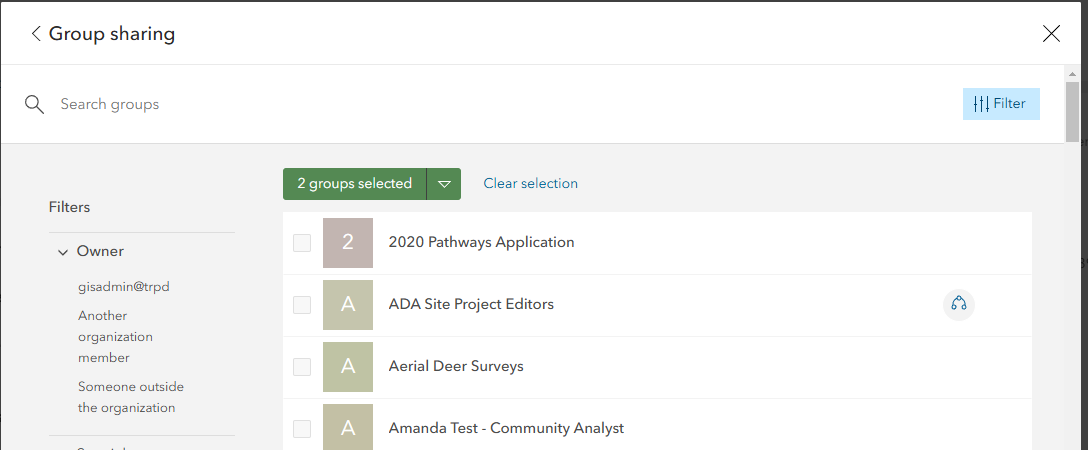
Upon clicking "Edit group sharing" there still is no exposed list to view these groups:
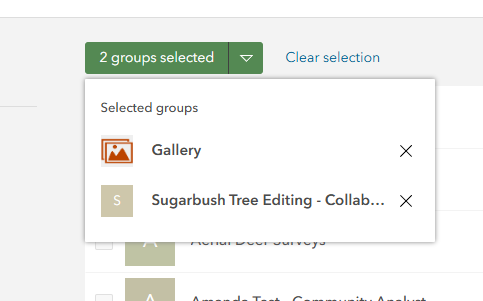
One must click the dropdown to be able to see the list finally:
As administrators it's crucial for us to quickly find this information and ideally reduce the number of clicks/windows to have to go through, plus it's not an intuitive process for most general users.
Please consider adding an exposed list with titles to the item details page.
Thank you,
Amanda Huber
Great idea! I agree it would be really nice to see the groups from the item details page rather than having to click through multiple steps.
It would be a nice addition, if this convenient list of group names -- right in the item details view -- was also linked to the group's item details page. Sometimes when investigating an item, you want to dig down and explore the one or more groups it is shared with. In which case it would be also helpful to be able to right-click on the group links and open them in separate tabs or windows, in order to do some quick-and-easy or side-by-side comparisons.
This is a very good idea, it would be nice to be able to see the sharing groups more easily.
Good news! This is now implemented in ArcGIS Online 🙌
Groups are fully exposed on the item details page:
Also in contents hover:
Thank you ArcGIS Online team!
You must be a registered user to add a comment. If you've already registered, sign in. Otherwise, register and sign in.