Hello,
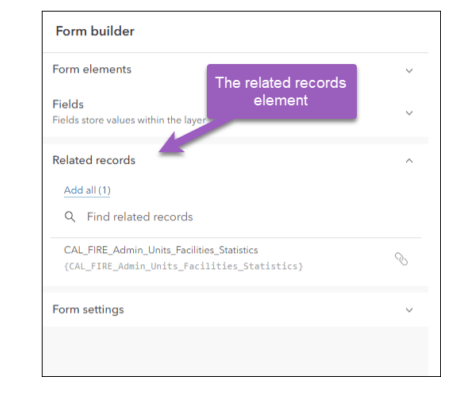
From this blog post: https://www.esri.com/arcgis-blog/products/arcgis-online/mapping/introducing-related-record-editing-i...
I am expecting that I should be able to see related tables in form builder.
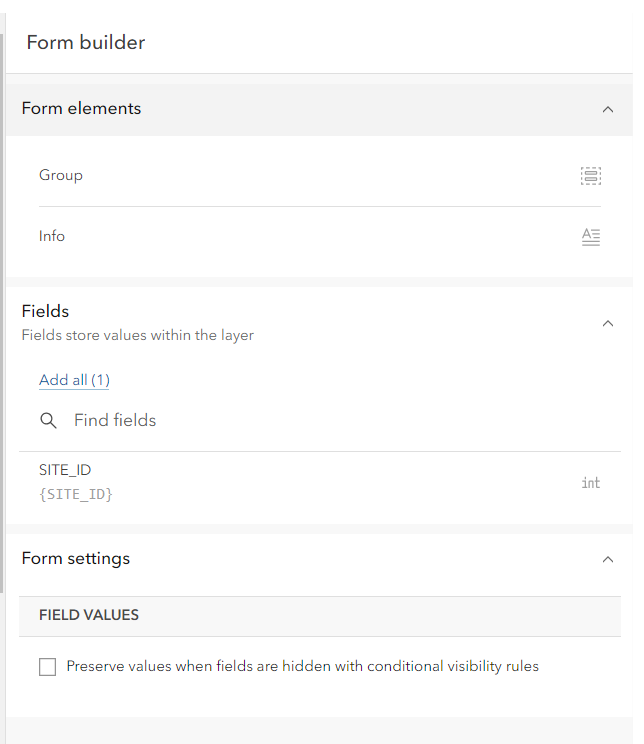
However when I open a Web Map item, I am not seeing a category for related records:
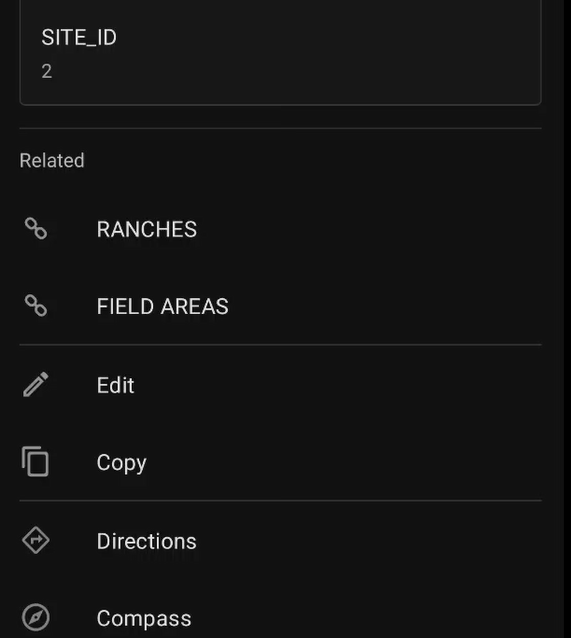
however when I open the same web map in Field Maps, I do see the related records as expected:
The map is pulling from a Feature Layer which is hosted on a standalone ArcGIS server. Is there anything I would need to do to enable the tables? Ultimately I would like to eventually create an Experience Builder app which allows users to create related records.

Hi @vl-driscolls, what version of enterprise are you running? Are you configuring the form on the parent feature layer?
There isn't anything you'd need to do to "enable" the tables, beyond having a relationship class published from ArcGIS Pro and following the blog steps as you pointed out in the form builder.
If you can share the service publicly I can take a look, otherwise the best solution is to log an issue with support so the team can investigate. Thanks!
We are using enterprise version 10.9.1, the layer I am looking at is both a child of and a parent feature layer. All related layers are polygon feature classes
I’m having trouble seeing the related tables in Map Viewer. It looks like something is missing or not loading properly. Please check if there is a fix or setting I need to change.