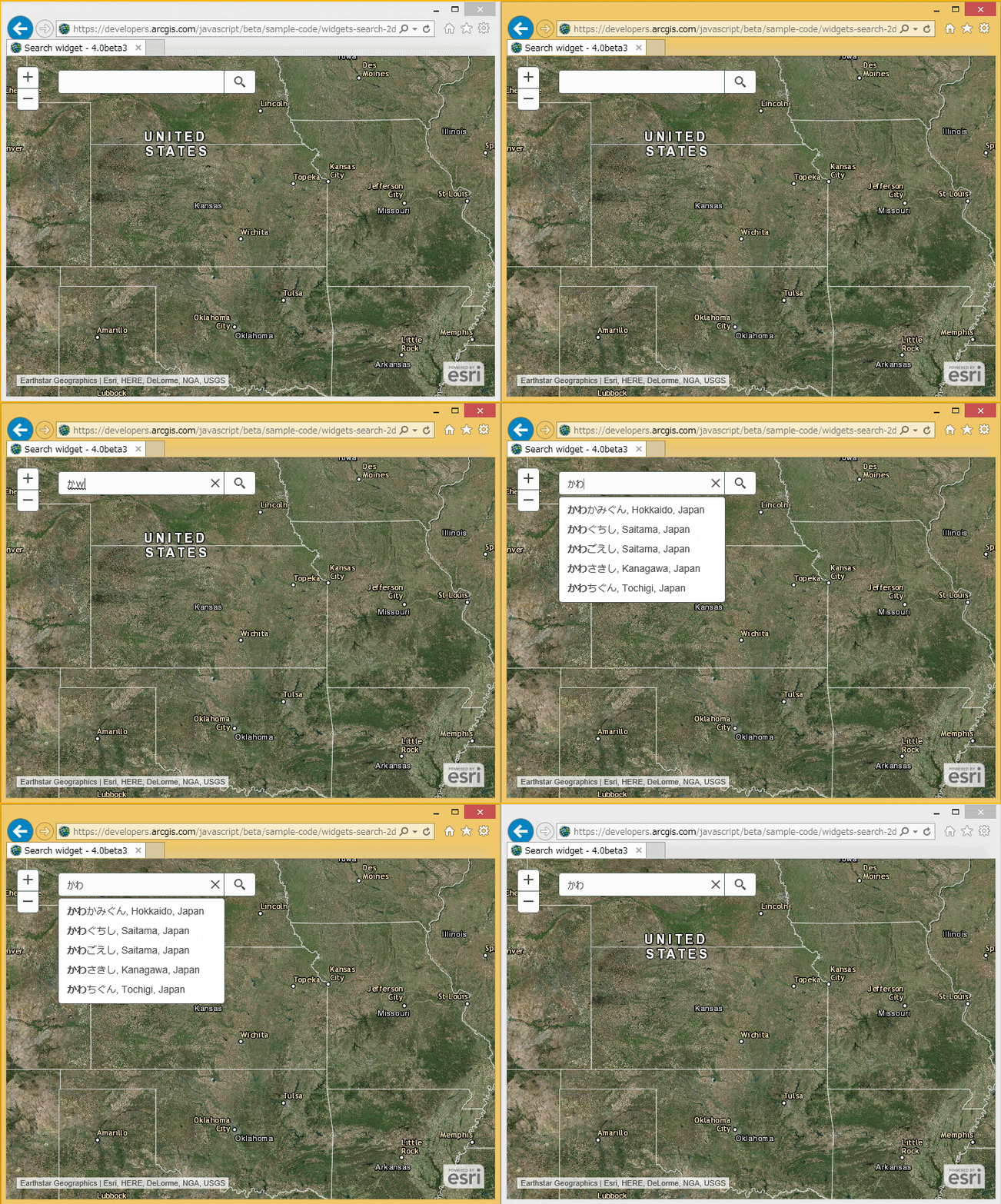
When use Romaji Input mode in Japanese keyboard, We must enter two or more characters of the Roman alphabet.
For example, to enter "か" (kana character), need type "ka" (Roman character).
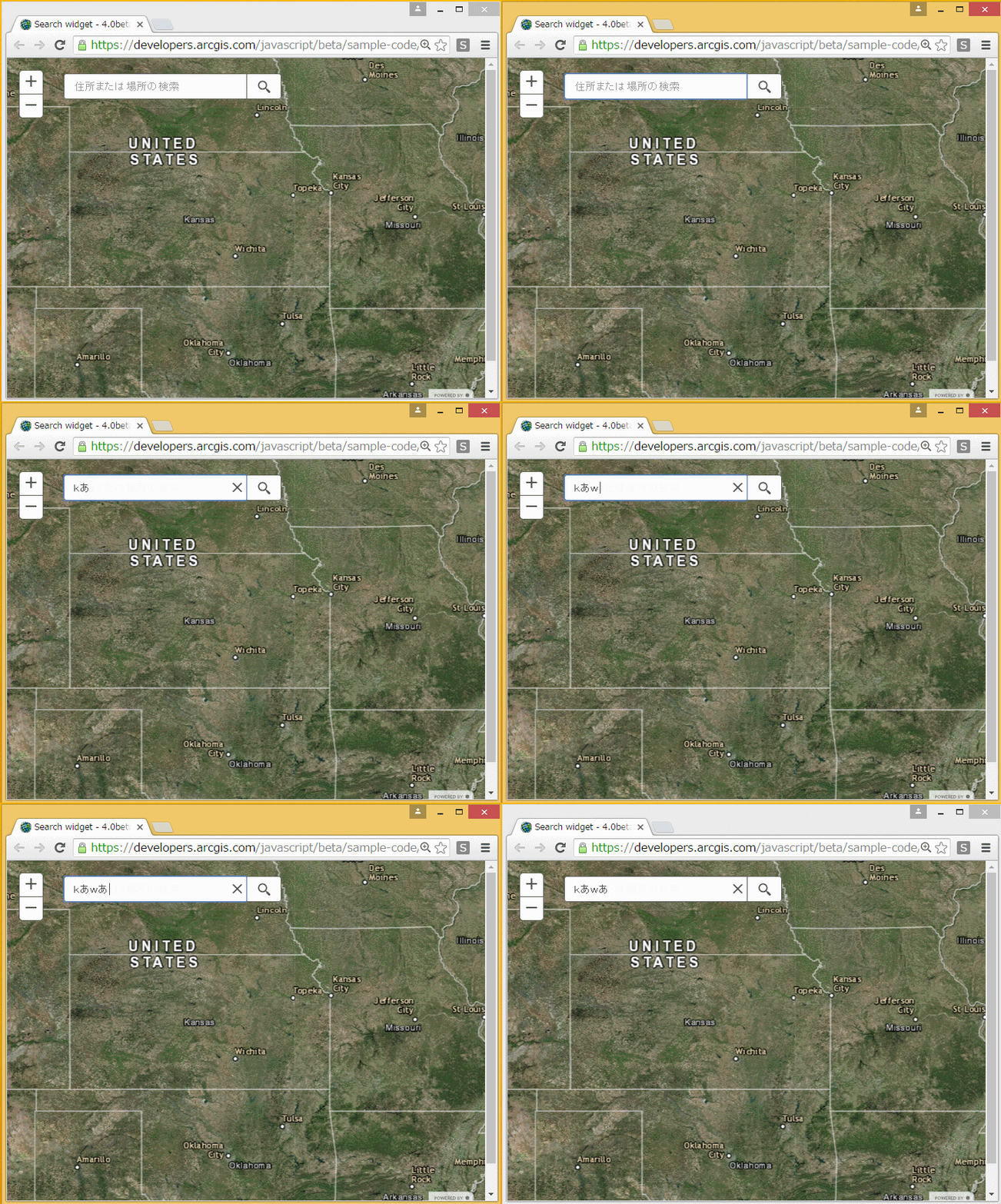
But textbox of Search widget, It will be converted automatically when type one Roman character.
Therefore, I can not enter the expected characters.
This behavior does occur in Google Chrome and FireFox.
I can enter kana character in correctly in Internet Explorer 11.
Please see about "kana":
https://en.wikipedia.org/wiki/Kana
Chrome:
Internet Explorer: