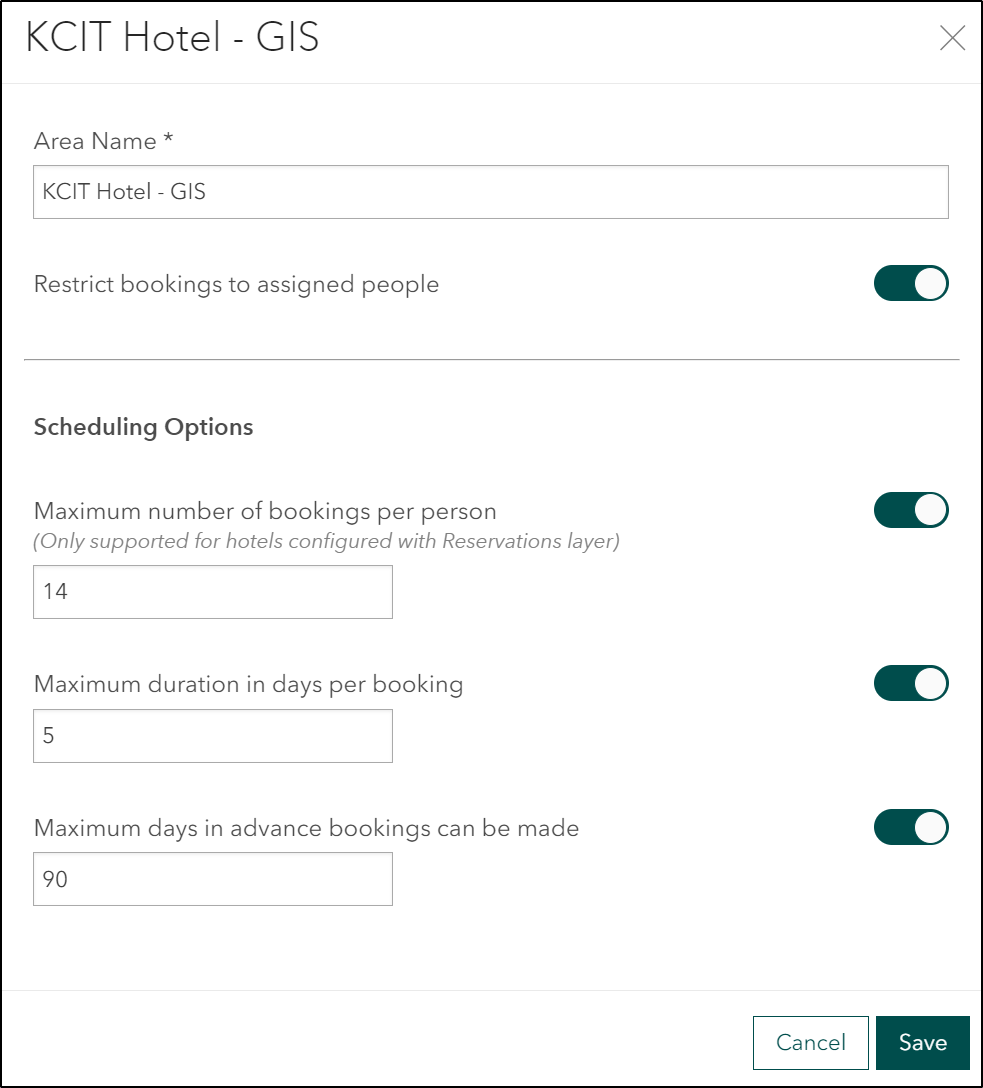
Add an option to the hotel configuration that would control "Maximum number of simultaneous bookings".
This new setting would override the default limit of one booking per time period per occupant. This setting would be honored for both users and reservation managers.
Use case examples:
1) I want to book a desk for all day tomorrow and I also want to book a collaboration space for 2 hours. I do not want to have to break my desk booking up into two parts with a two-hour gap to achieve this.
2) I have a consultant or other colleague who is not in the Occupant feature class coming to the office for a day of collaboration and I want to book a desk for myself and a second desk for them.
Commenting to bump this up. We are getting more and more user requests to be able to book more than one space at a time. Please upvote this if you agree.
This is my yearly request to please add this capability to Indoors.
ESRI Indoors, Please make this happen. Thank you for posting this Michael!
@MichaelJenkins and @JefferyGregg thanks for posting. Changed status. I will post a comment if I have questions regarding requirements. Thanks for engaging in the community.
As our return-to-office amps up, this need seems more and more common.
We'd like to see this feature as well. Our use case is to be able to book a block of rooms for a certain time period by the reservation manager (on behalf of one person). We have events for a 1-2 day duration which require multiple hotels to be made unbookable, but only for specific times. Our event / reservation manager typically would be the one doing this.
You must be a registered user to add a comment. If you've already registered, sign in. Otherwise, register and sign in.
