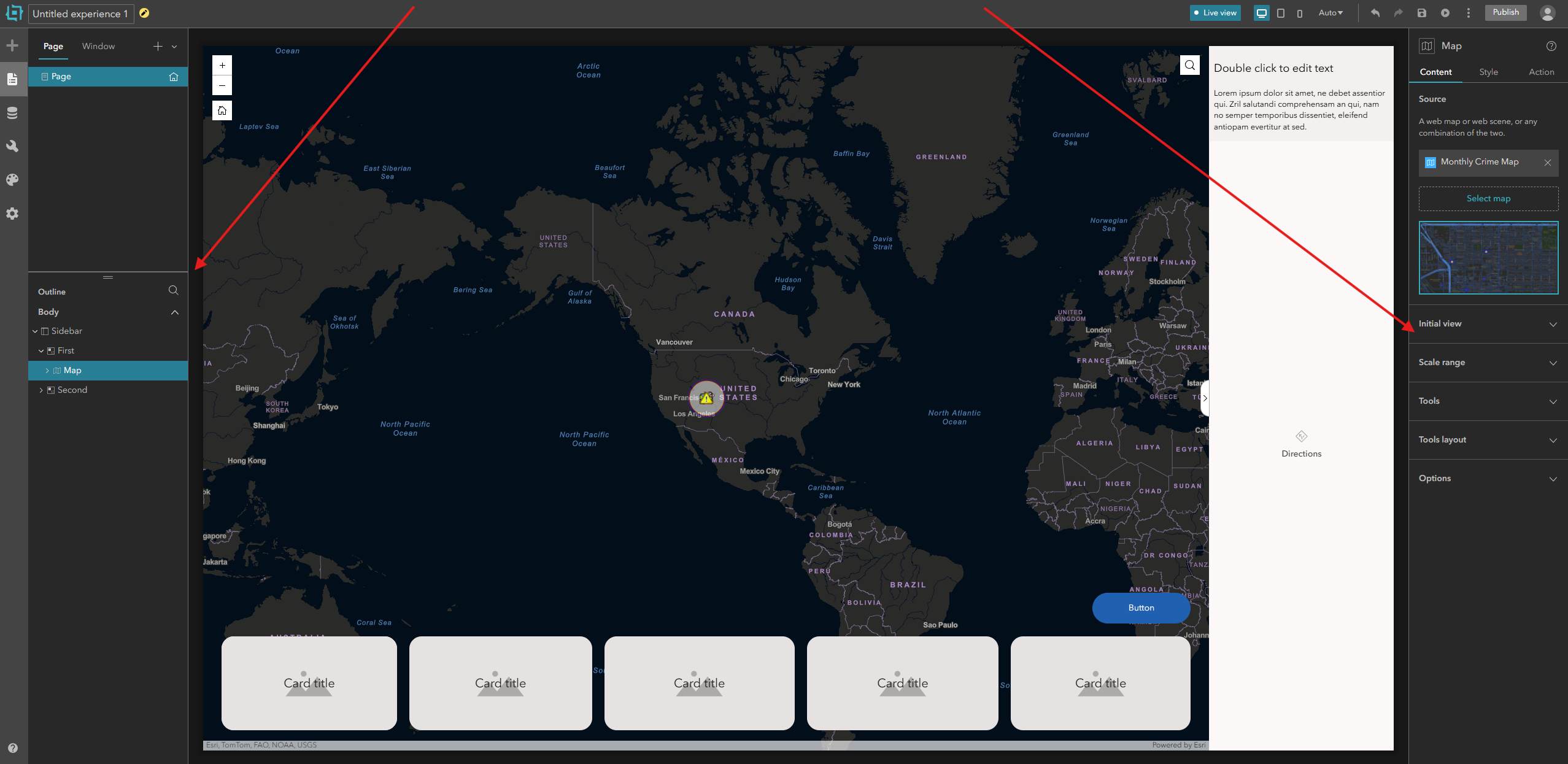
In ArcGIS Experience Builder, it would be very useful to have the ability to dynamically resize the left Outline panel and the right Settings panel by dragging their edges. Currently, both panels have fixed widths, which can feel restrictive when working with complex applications. For example, the Outline panel often contains long layer or widget names that get cut off, making it hard to distinguish between items at a glance. Similarly, the Settings panel—especially when configuring detailed map layers, Arcade expressions, or widget settings—can feel cramped, forcing constant horizontal scrolling or tooltip hovering just to read full labels or property names.
Allowing users to expand these panels would make the design experience smoother and more efficient. Wider panels would provide better visibility into hierarchical structures, reduce the need for excessive scrolling, and make it easier to edit long text fields or view configuration details without losing context. This flexibility would help users tailor the workspace to their monitor size and workflow—whether they prefer a compact view for layout adjustments or a wide, detailed view for configuration and debugging.