Select to view content in your preferred language

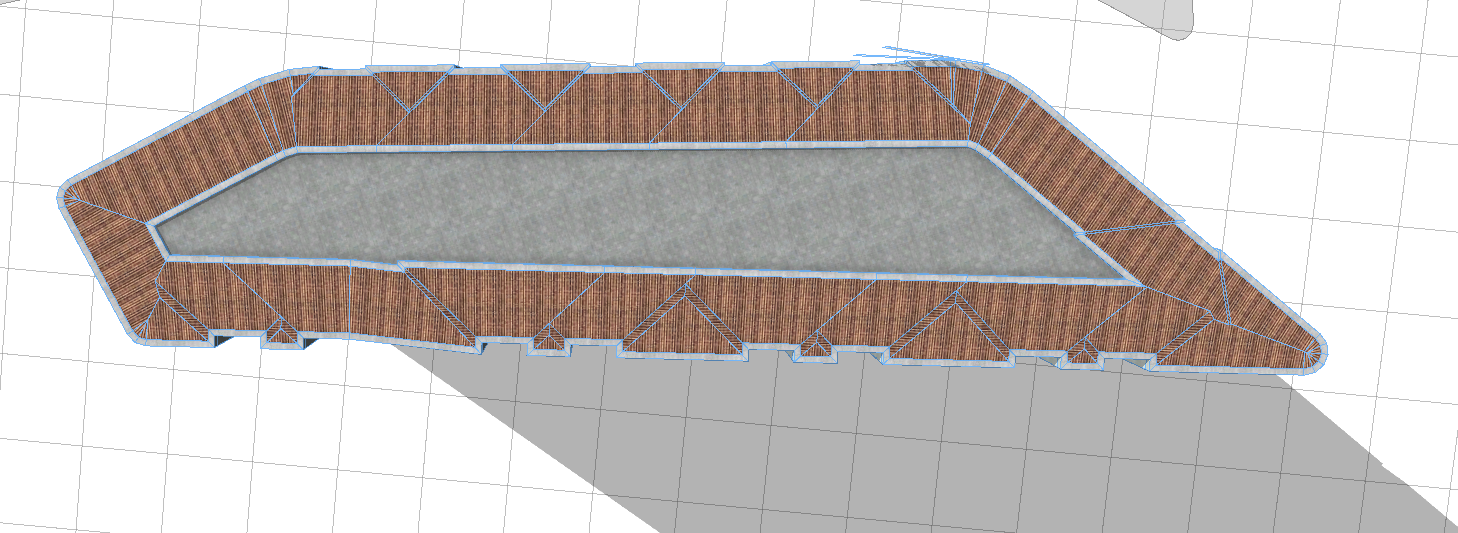
when I use the roofHip, the roof cannot displayed

1164
3
11-02-2022 06:44 PM
chezhaoli
Emerging Contributor

  Hi this is chezhaoli ,I have a question in my work,I hope you guys can help me out with it. I use "roofHipe(byAngle,20)" syntax to make building roof, but the roof cannot be displayed.

this is shape data of the building:
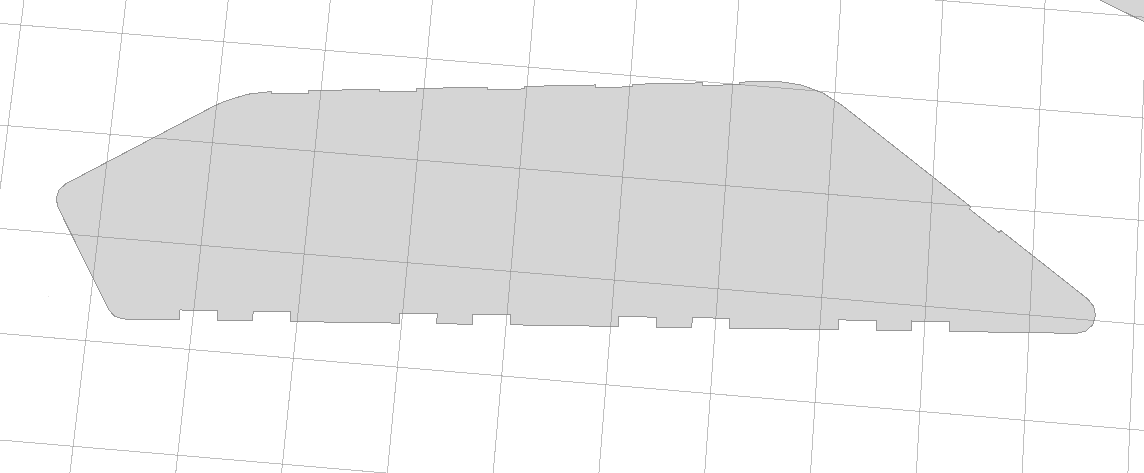
 

chezhaoli_0-1667438459256.png

when I give it a  rule,the roof can not displayed:
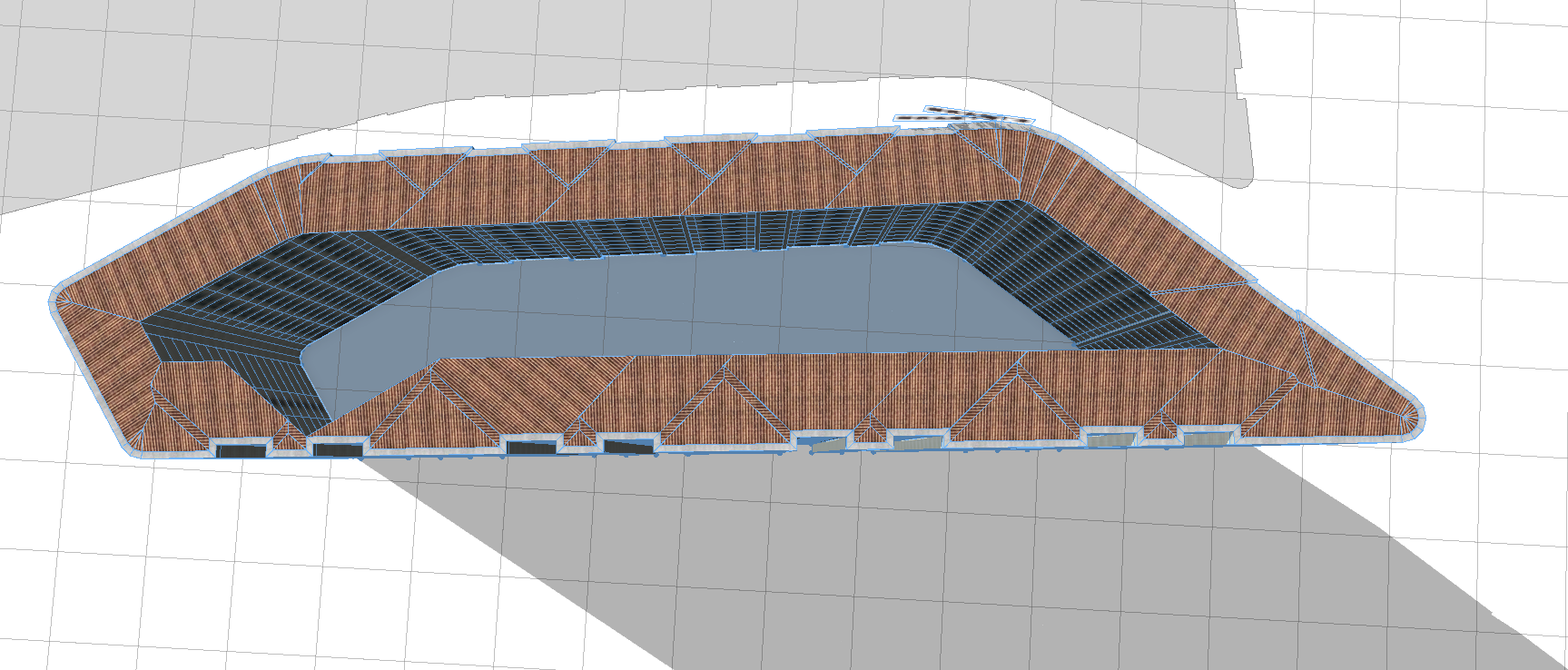
chezhaoli_1-1667438605752.png

But I try to delate a point data of the shape,the roof reappears:
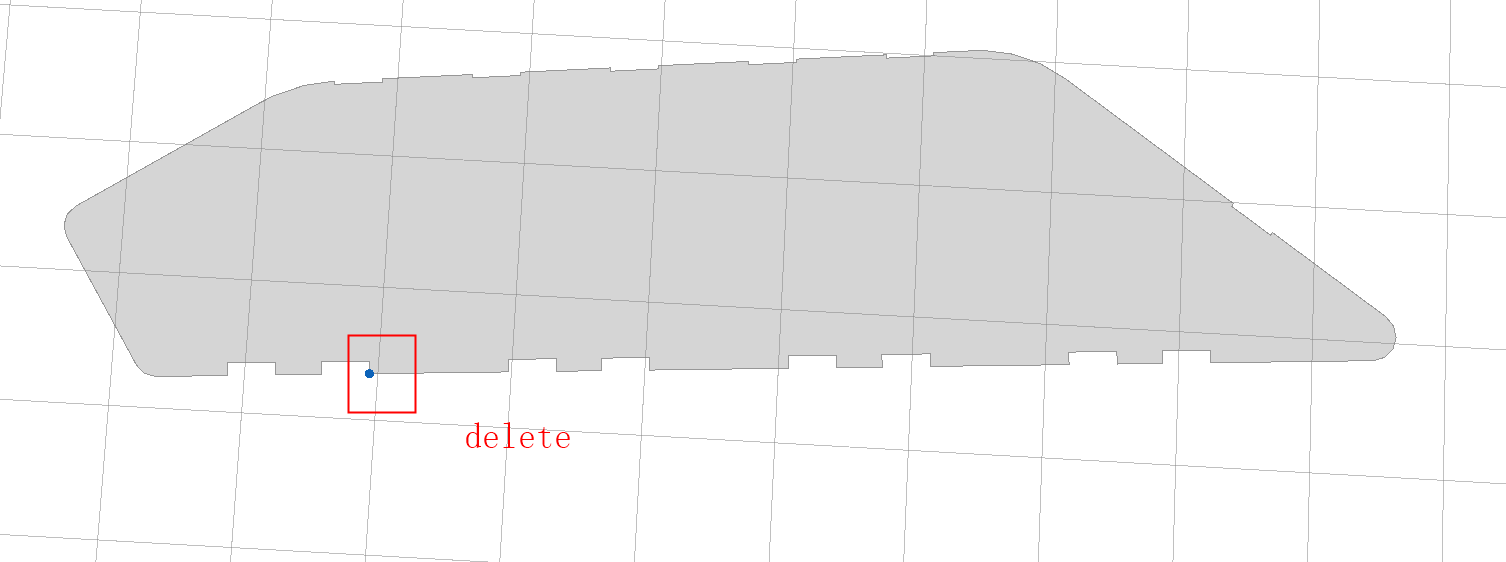
chezhaoli_2-1667438806735.png

chezhaoli_3-1667438856184.png

I wonder when I  using “roofHip”,what are the constraints for vector data,and what I should attention.

This is my roof rule:

Foursideroof-->
offset(-0.5)
comp(f) { border : shuini|inside:roof1}

roof1-->
roofHip(byAngle, 20)
split(y) { '0.5 : redpoding }

redpoding-->
comp(f) { aslant : roof | top : roof_top}

roof-->
case roof_color == "roof_red":roof_red
case roof_color == "roof_black":roof_black
case roof_color == "roof_darkgray":roof_darkgray
case roof_color == "roof_lightgray":roof_lightgray
else:NIL


I hope somone guys can help me ,Thanks!

0 Kudos
3 Replies
JonasObertuefer
Esri Contributor

Hi @chezhaoli,

To find out whats going on we would need to have a look at the shape. Can you attach a .cej scene file with the shape from the screenshot here?

0 Kudos
chezhaoli
Emerging Contributor

Of course! this is the shape:

chezhaoli_0-1668043255263.png

looking forward your reply JonasObertuefer.

0 Kudos
JonasObertuefer
Esri Contributor

Hi again,

What I would need is the actual geometry of the shape and not just a screenshot of it.

So you either need to attach or directly send me via DM:

  1. a CityEngine .cej file with the shape in it OR
  2. a list of the vertices of that shape, so I can re-create it manually

Otherwise I can't help you. 1) would be the prefered solution obviously.


0 Kudos