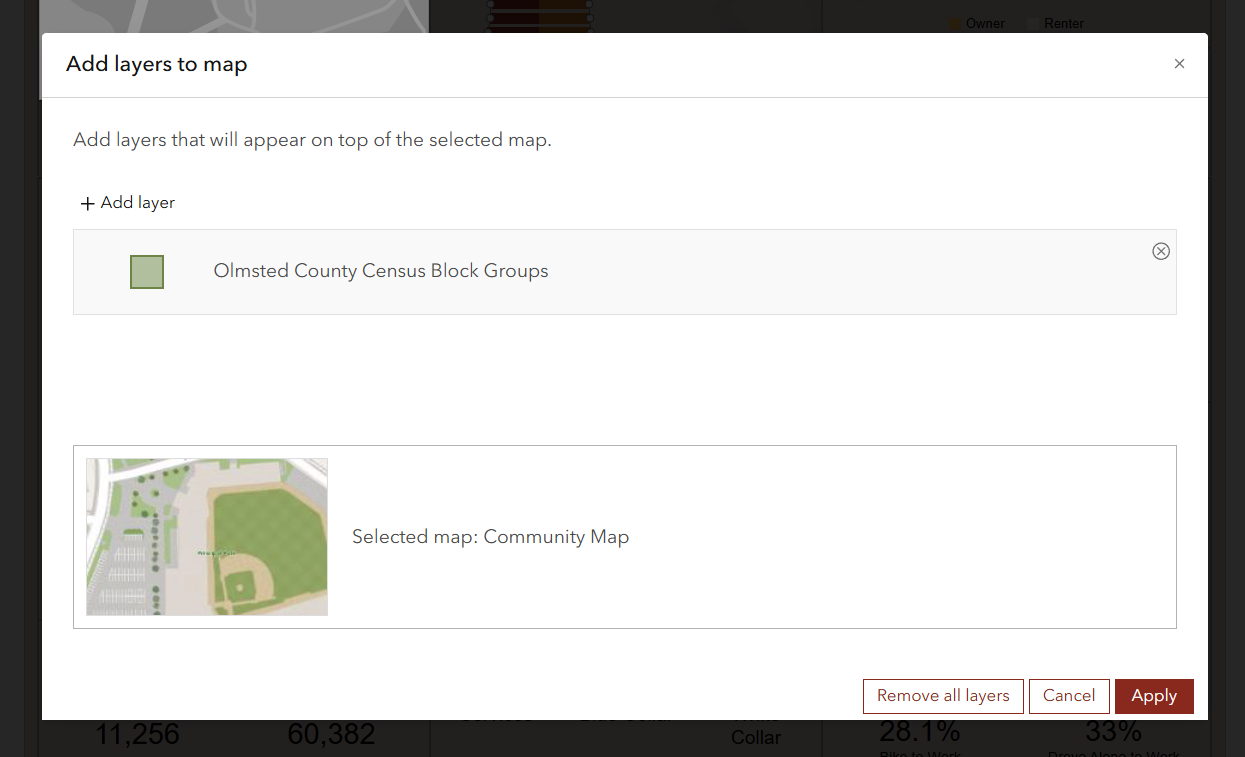
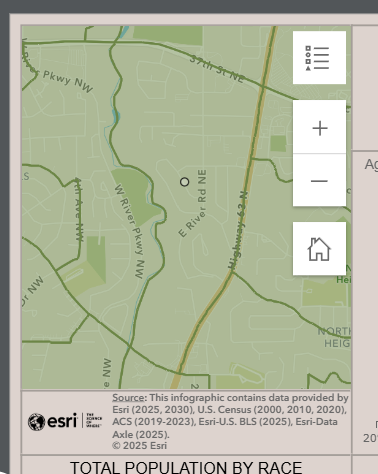
Hi! I'm wondering how do I change the color of the layer when I bring it into a map widget? I searched in all the properties in BA, I changed the Symbol field JSON for the layer in AGOL:
{"type":"esriSFS","color":[0,0,139,150],"outline":{"type":"esriSLS","color":[0,0,0,255],"width":1,"style":"esriSLSSolid"},"style":"esriSFSSolid"}I checked the visualization on the layer I want to pull in which is public. I created a public view for it where I set visualization. No matter what I do, I can't get it to stop being green. And only one color.
None of this impacts the color of the layer when bringing a layer into the Map widget.
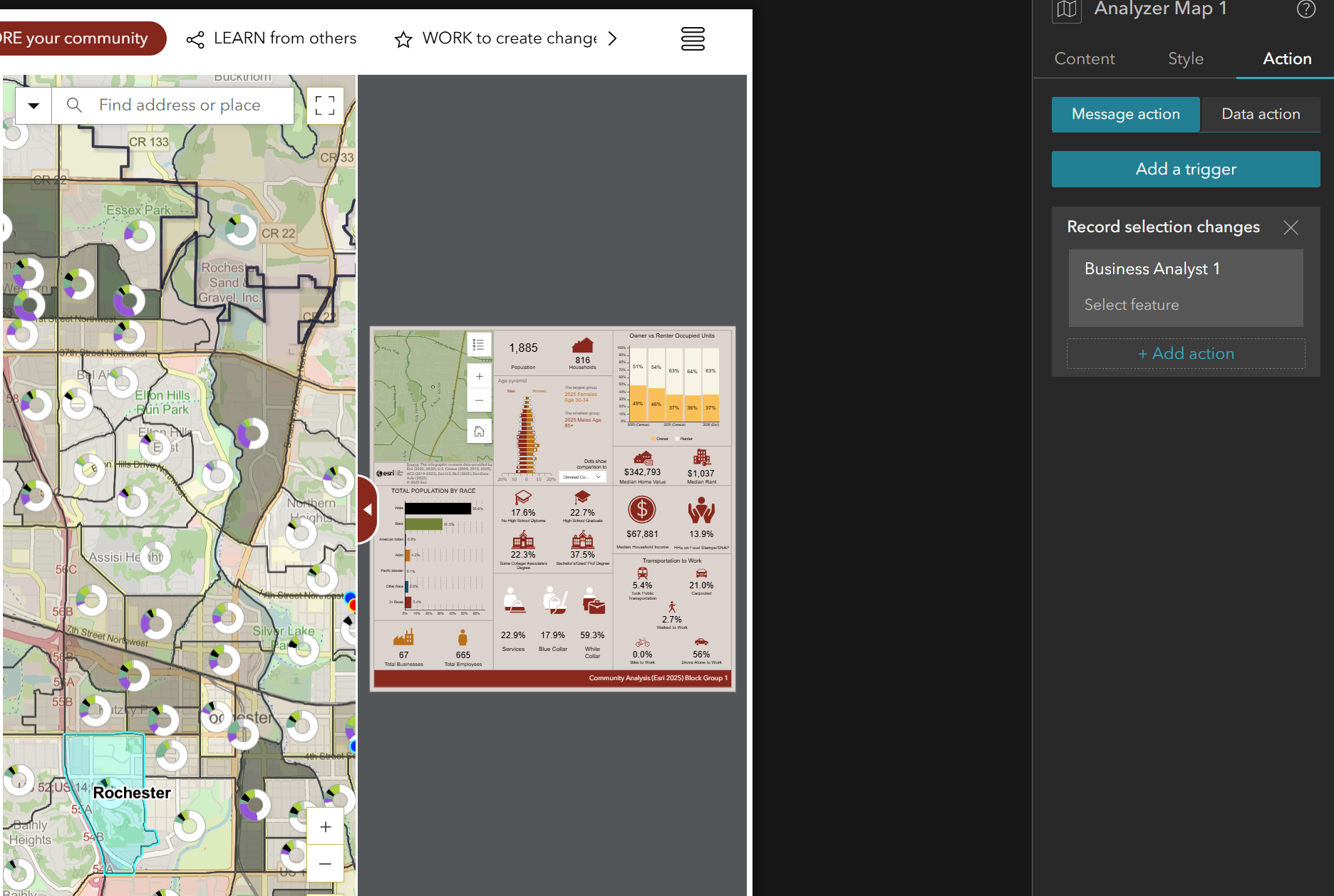
And really ultimately what I want is the selected area used for the infographic to be highlighted so it's really obvious that the infographic stats are based on that area - but there doesn't seem to be a way to add a trigger from a map click to transfer that to the BA widget (in ExB). Like it runs the infographic, but doesn't highlight the feature selected in the BA widget - it just pans and zooms.