The core of my issue is I have a hosted feature class, in a web map, in a web app built with Web App Builder. The user needs to be able to view and export the Attribute Table within the Web App, however when you click to open the Attribute Table widget, the table is stuck loading forever and ever, regardless of if you have "Filter by map extent" toggled on or off.
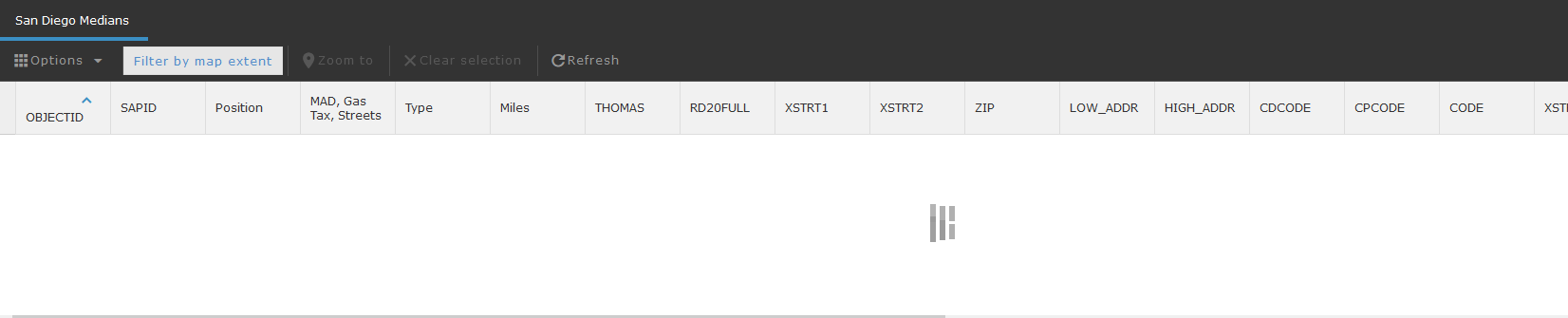
The Attribute Table opens and loads just fine in the web map, in Pro, etc.
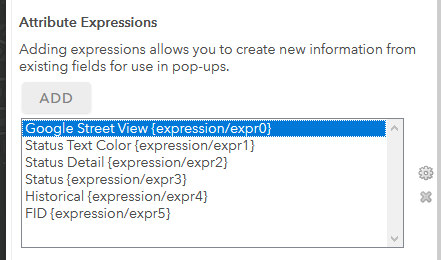
Through troubleshooting, I found if I removed an Attribute Expressions field (which is populating a Google Street View hyperlink) that I am using to populate a hyperlink in the pop up, the table loads as expected in my Web App -- so, this field seems to be breaking my attribute table. My other fields built via expressions (to change text color and the link) are simpler and do not cause the same issues.
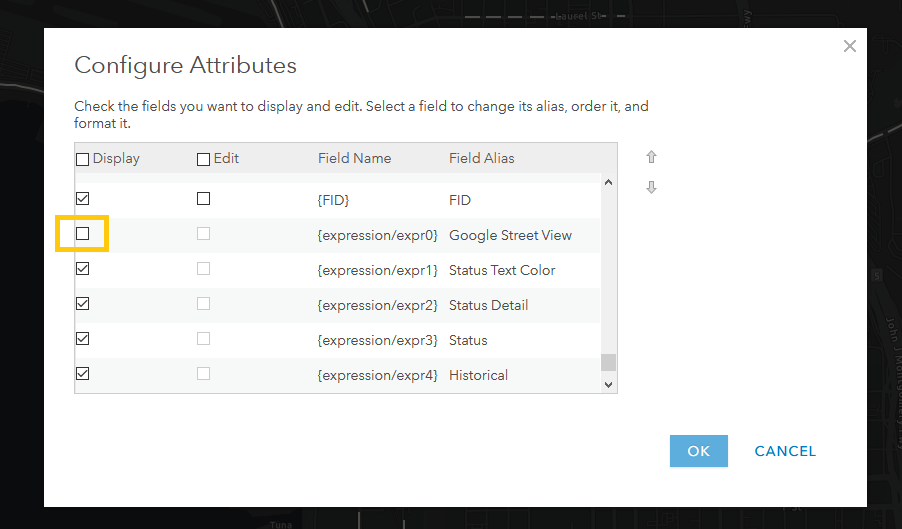
So my question becomes, how can I hide this custom expression field in the Attribute Table, in the same way I can hide the native fields by deselecting "Display" in the Configure Attributes settings of the pop up? When I deselect it for "Display", it still shows up in the Attribute Table. I did not seem to find any additional functionality to support this in the Beta version of the web map editor.
Any suggestions or workarounds are appreciated.
The Arcade expression I am using was borrowed from here /blogs/spatialninja/2019/07/16/using-street-view-applications-with-arcgis
Thank you all for your help.


