Following Use Feathering to Accentuate the Area of Interest in Your Map , I have a feature class with attributes like this. What I did was follow Use Feathering to Accentuate the Area of Interest in Your Map , then add "ZPAR" with the values in the opposite order:
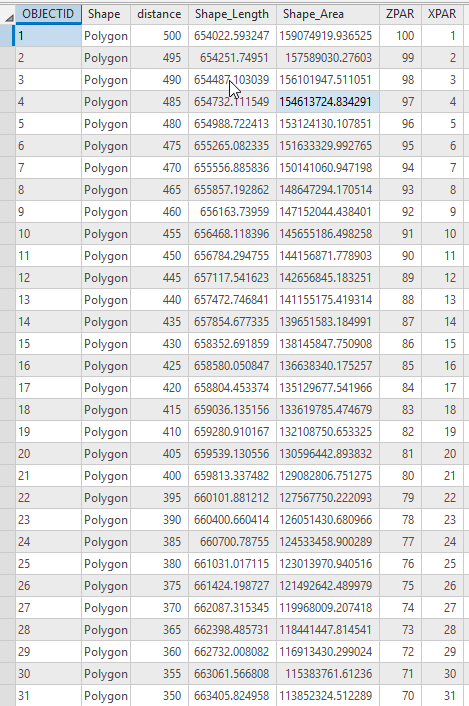
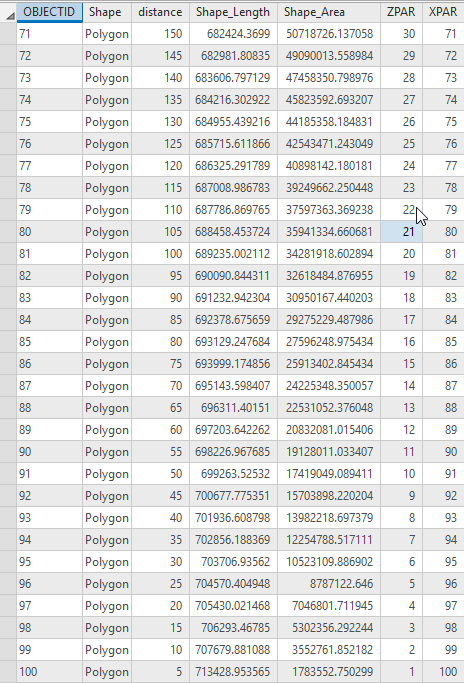
Because what I want is the opposite of Use Feathering to Accentuate the Area of Interest in Your Map , I want the INNER ring to be 100% transparent, and the OUTER ring to be 100% solid.
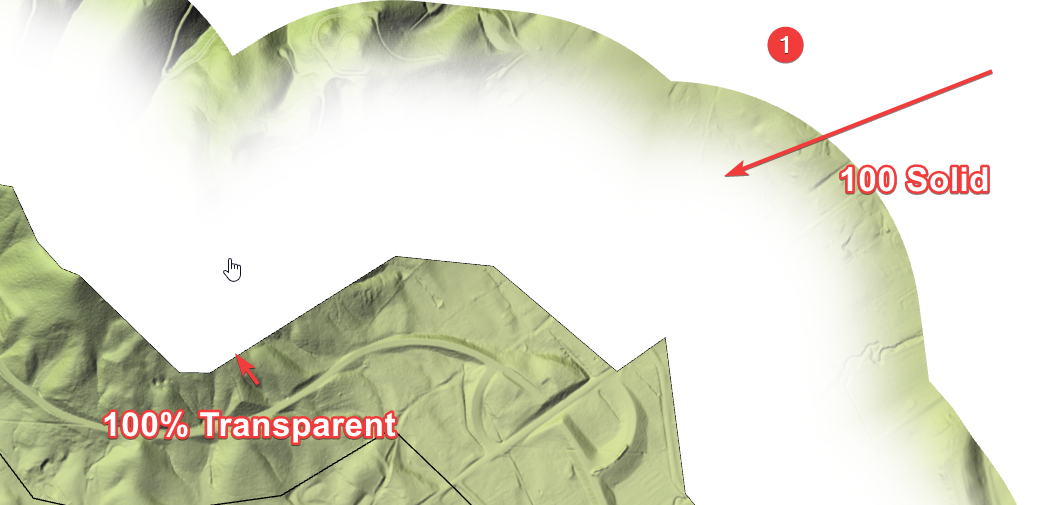
No Matter what I do here:
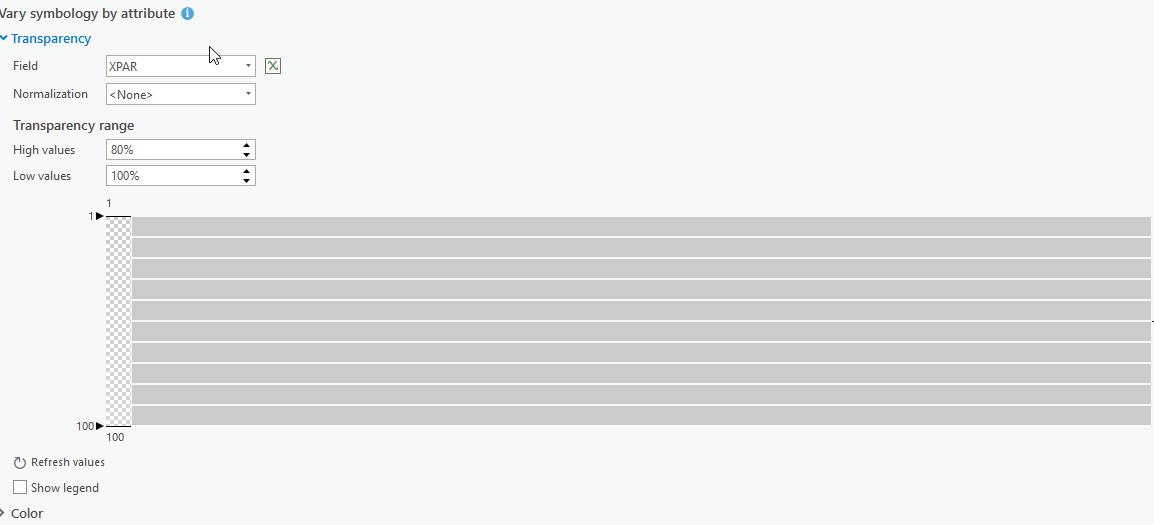
Or here
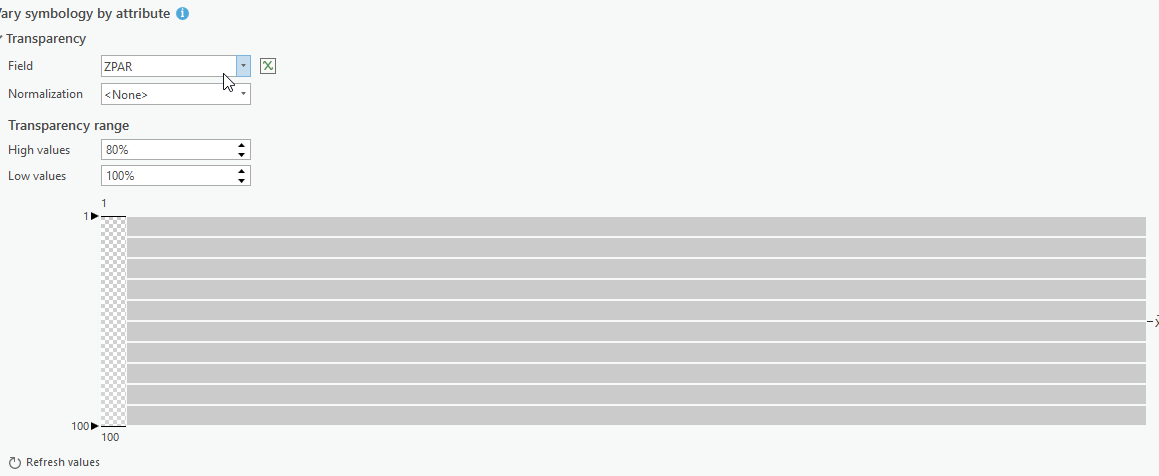
I always get, 100% of the time, a feathered ring mask where the outer ring is transparent and the inner solid, opposite of what I need. I have used every single setting in the Transparency Settings in Pro, and used every field, and tried every combination of every single button and number I can type in, been at this for days, always the same result. Is there a bug in Pro regarding transparency, or is there another hidden button I'm missing?




