ArcGIS Pro - Symbology Tab How to turn off <all other values>
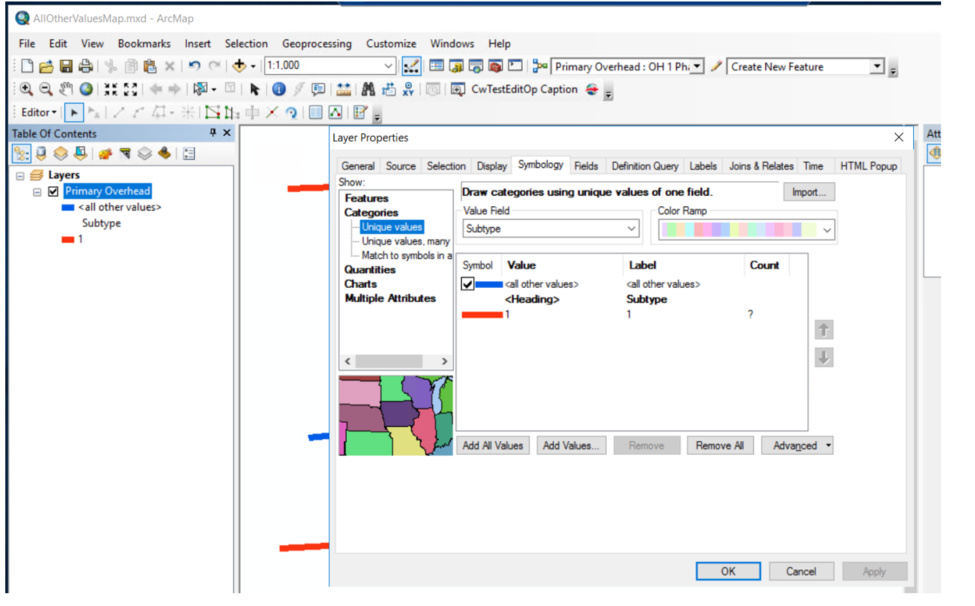
In ArcGIS Desktop 10, in the symbology for a layer in the map, for the "<all other values>", there is a check box that can be unchecked so that the "<all other values>" do not display in the map, see the following snapshot,
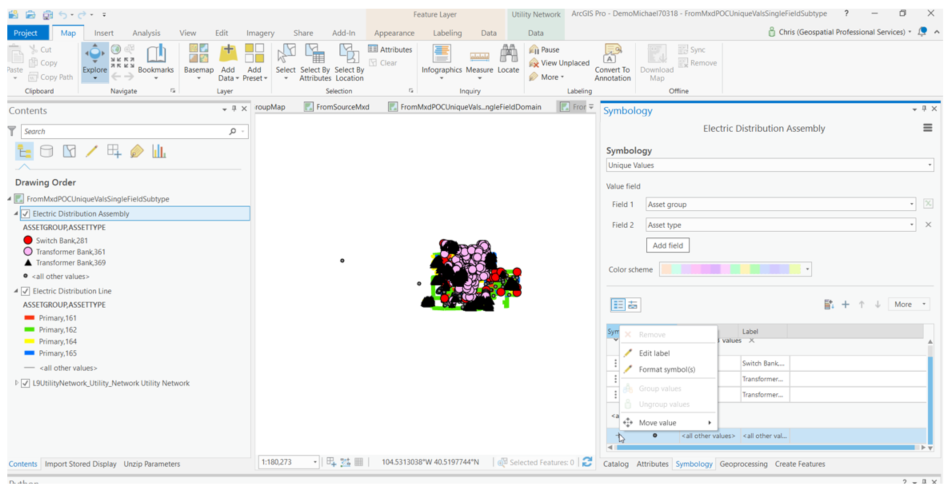
However, in ArcGIS Pro 2.1.3, For the "<all other values>" , there is no checkbox to turn off their display in the map, and on the right click menu, the "Remove" menu entry is grayed out, see the following snapshot:
Is there a way in ArcGIS to turn off the display of the "<all other values>" in the map, similar to how they can be turned off in ArcGIS Desktop 10?







