When viewing the Attachment Viewer on desktop, a user can select a point and continue viewing the map as a whole:
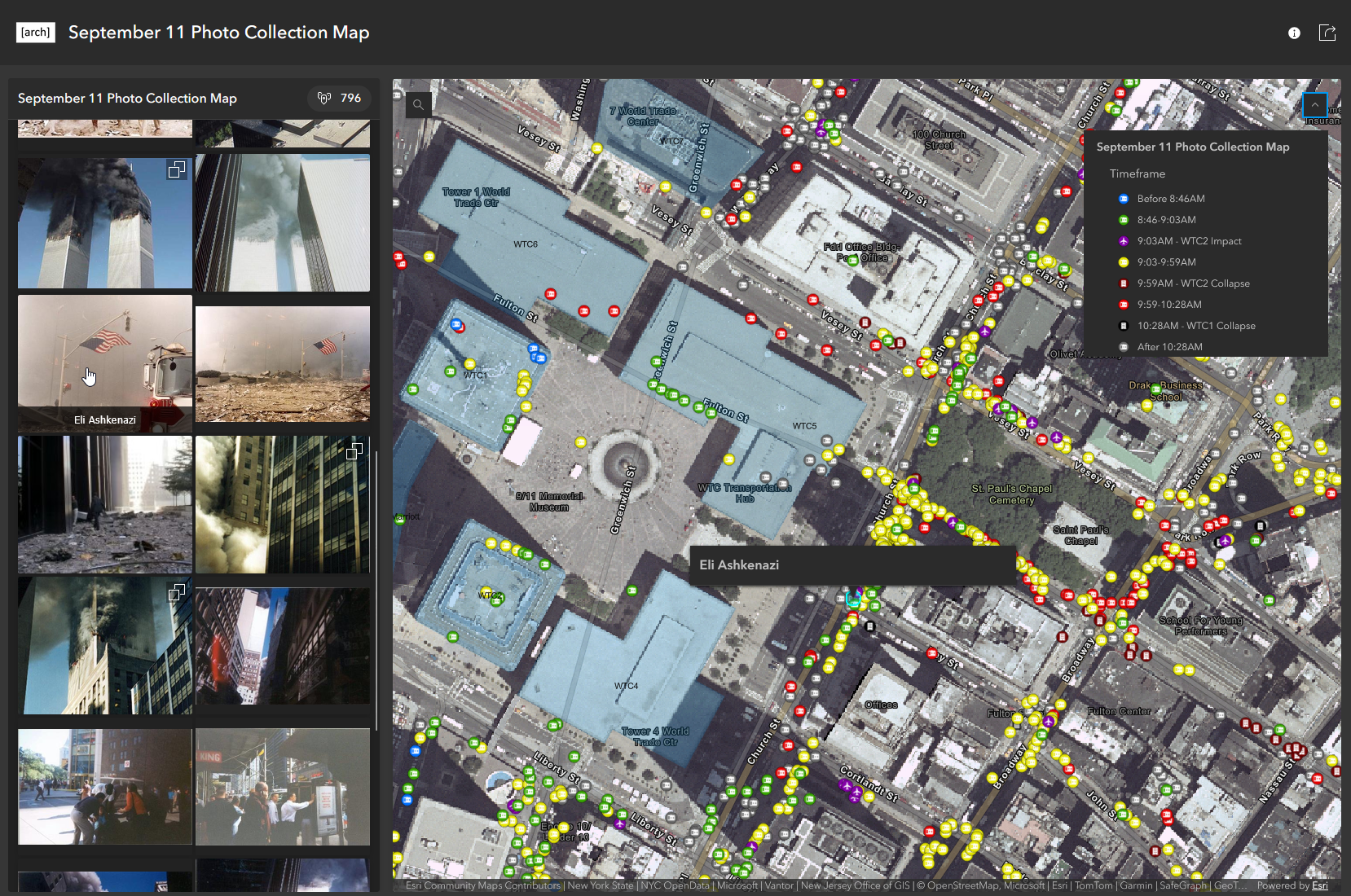
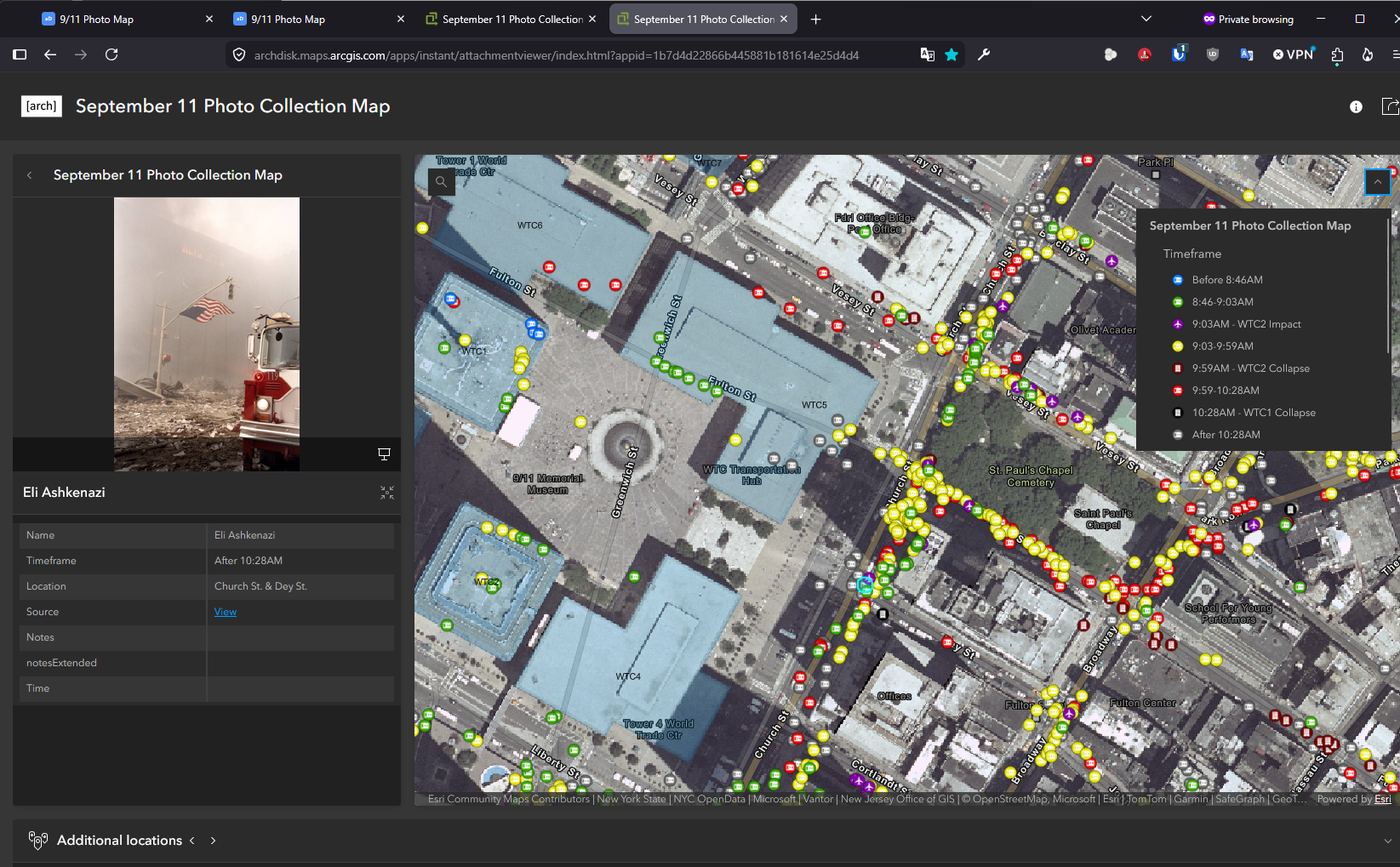
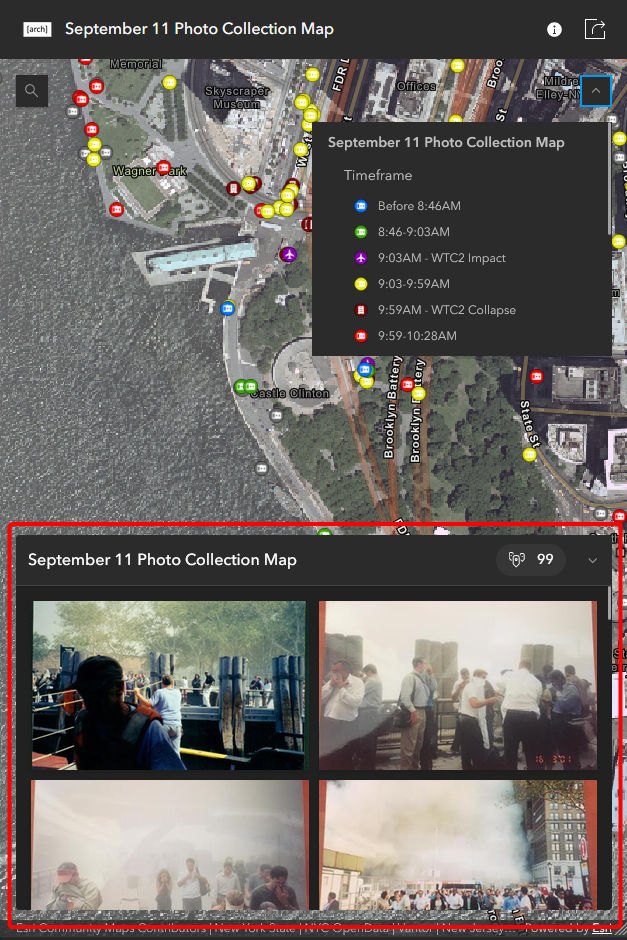
However, on mobile, the ability to scroll the gallery while viewing the map was a great addition, but when clicking on a point, it fills the entire screen:
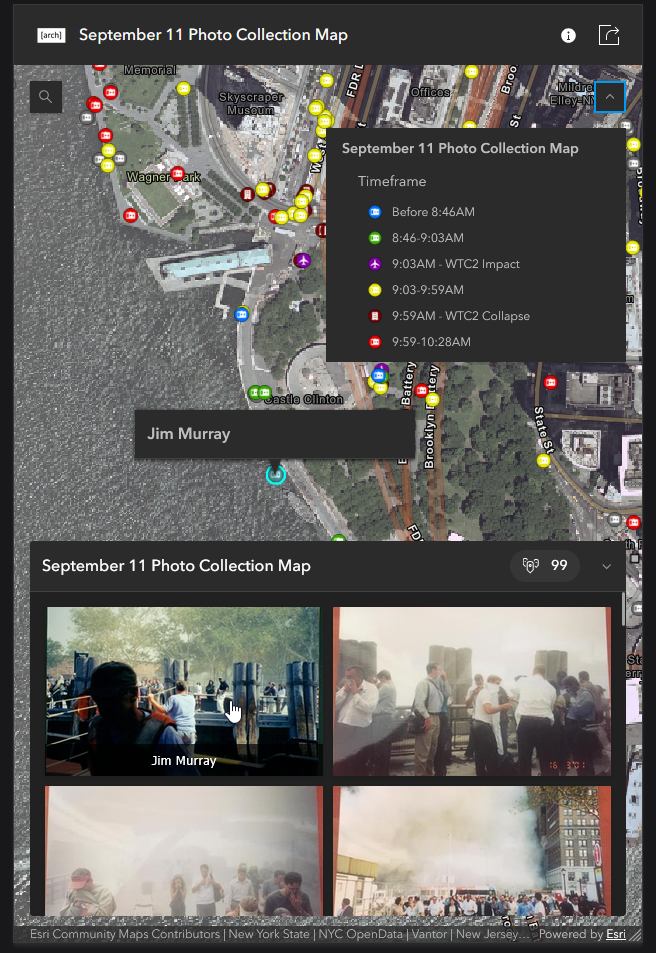
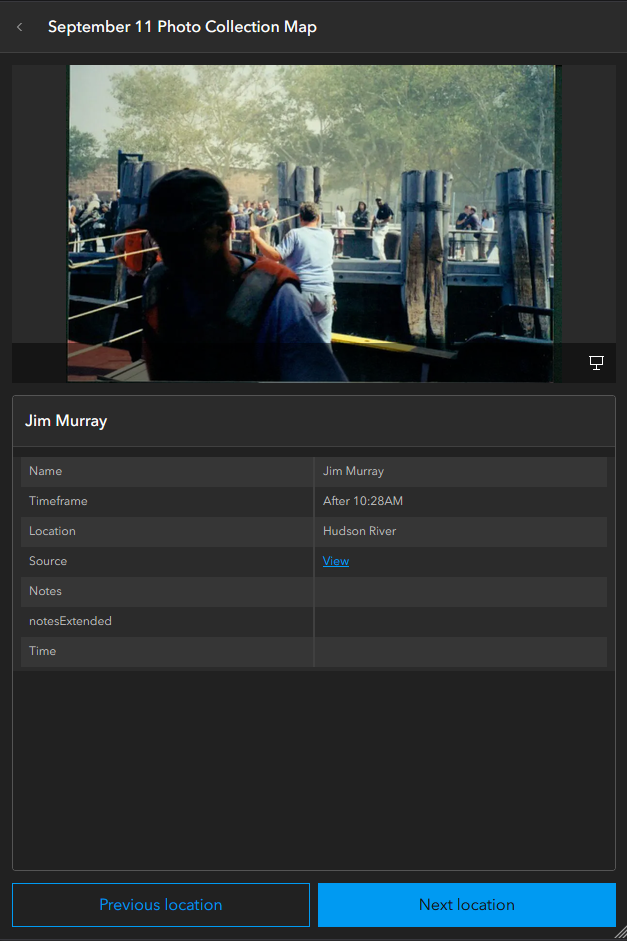
If at all possible, it would be helpful for viewers if the details for the point could appear in that same gallery viewer, similar to desktop. This way users can continue to scroll around the map while still viewing the information of the point they clicked.
Thank you!
