We are in the process of migrating our ArcGIS widgets to the new web components - within our large Angular 21 application.
As we have many custom project requirements, we are making some custom DOM changes to the custom components like TimeSlider, Sketch, Editor or FeatureTable. These changes include for example adding actions to the component DOM. With currently no slots being available, we do not see alternative options to manually altering the components' shadowDOM after the component finished rendering.
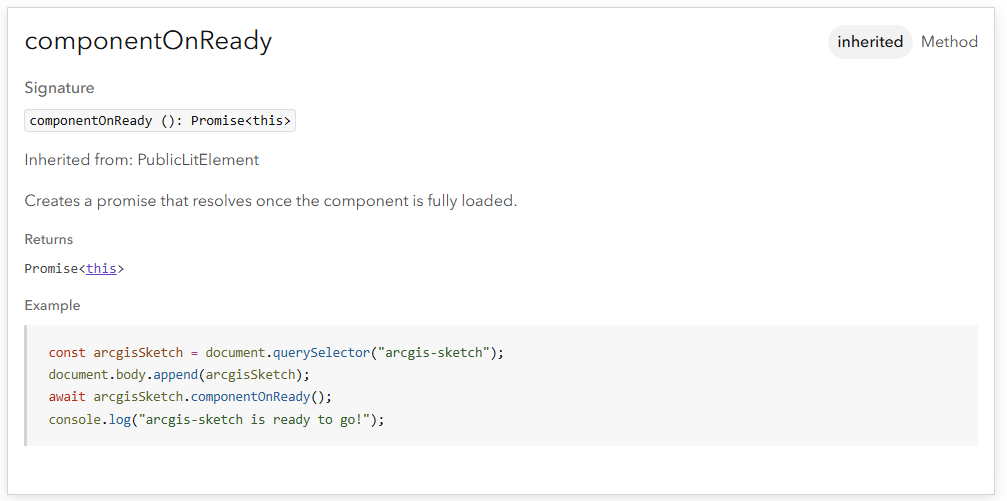
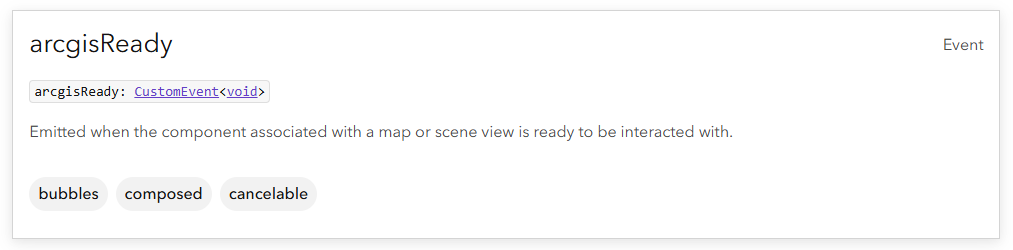
The problem we are facing is that we do not know how to properly await the time when the component truly finished rendering, meaning that also the shadowDOM finished rendering (for the first time or after changes). We tried awaiting the "componentOnReady" promise and reacting to the "arcgisReady" event, but both options do not work, as the shadowDOM does not seem to be fully rendered at this point. It does seem to exist, but is mostly empty, so that the elements we search for cannot be found yet.
Our current workaround is to use a MutationObserver to observe the shadowDOM and wait for the elements we need to appear within this shadowDOM. This is not a very elegant or efficient solution though.
Are there any alternative approaches? Or potential reasons why the shadowDOM is not fully loaded although the docs say that the component should be ready to be interacted with at that point: