Hi. I am trying to edit the attribute data of a hosted feature layer in Excel using the ArcGIS for Excel extension. Editing, editor tracking, and exporting are all enabled on the hosted feature layer.
When first opening Excel to edit the data, the edits save and appear as they should on the portal.
However, upon re-opening the Excel file to make additional edits, I am get these errors:

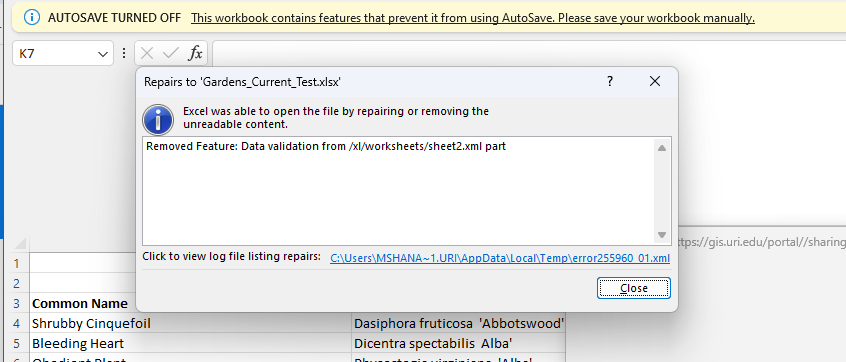
The previous edits are there, but Excel makes me save as a new file when I attempt to close. As a result, I am unable to keep updating the same Excel file when I want to make edits. I need to save as a new file at the end of every editing session, which is problematic for my end users.
After some experimenting, I realized that this is a problem with the specific feature layer I am trying to edit because I do not encounter these errors on other hosted feature layers.
Does anyone know any possible reasons for these errors? Could it be a problem with the cell character limit in excel? I have some text fields with high character limits. This dataset is also very large, with over 1,110 features and 30 fields. Additional info: I am using Portal 11.2.


