We are pleased to share the latest update for ArcGIS for Excel 2023.2.0.0.22 which has a NEW feature (one you all have asked for), quality of mapping improvements, and bug fixes.
Updates should be seen at once. If you do not see the changes, you may need to refresh or close Excel and restart it.
Feature update:
- Give the ability to switch to a full-screen view.
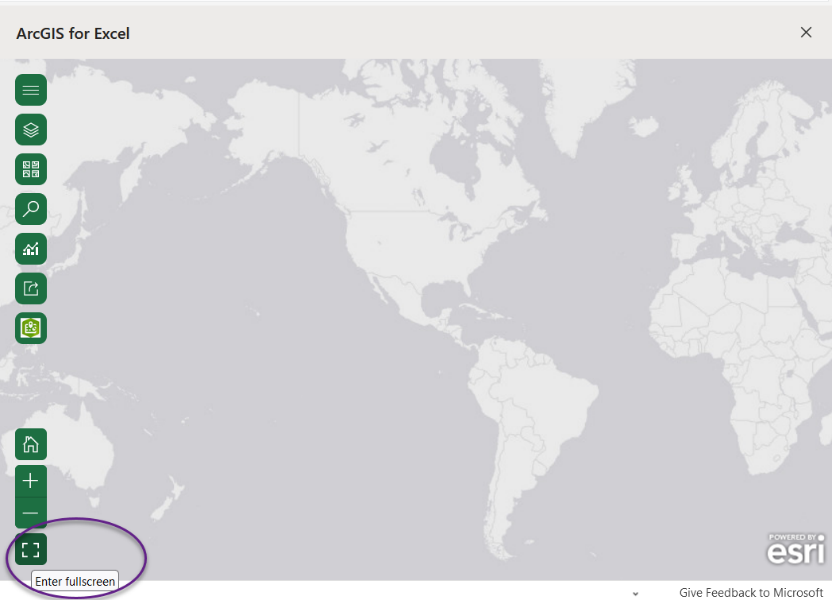
The Enter Full screen icon is located lower left of the map
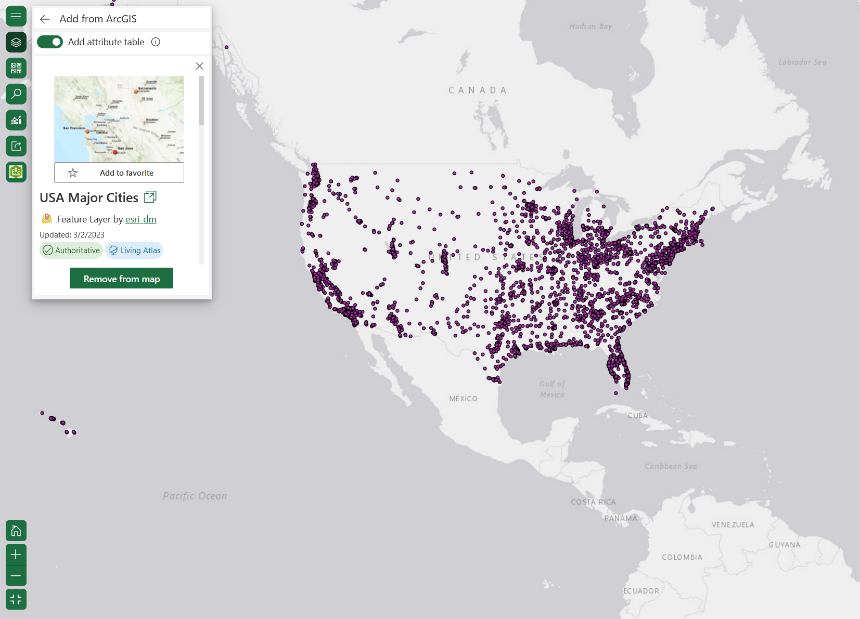
You may interact with the map as normal, however, you will see only the Full-screen window and not Excel
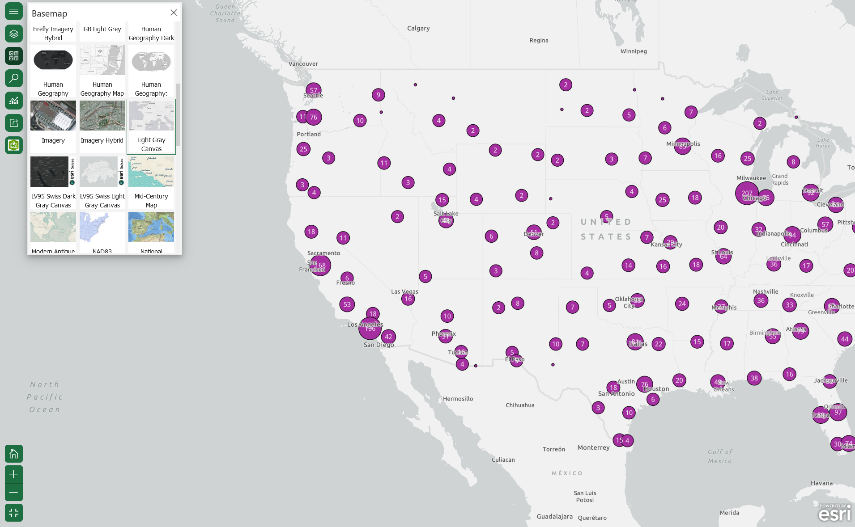
Full screen mode is great for presenting
Quality of Mapping:
- Enable the Search toolbar, even when you are not signed in.
- Incorrect privileges were required to access the Infographics card feature and buffer/drive time analysis tools.
- Support for ArcGIS Online geocoder set up within the ArcGIS Enterprise environments.
- Updated titles for the Disconnected environment installation packages.
- Improved Q is null error message when changing to gray basemap.
- Adding an ArcGIS layer containing no data, a message is displayed stating that the layer cannot be added to the new worksheet.
- A message is displayed when a layer contains more than the maximum number of supported records in Excel.
Several bugs have been fixed, including:
- Certain fields in pop-up settings were unformatted.
- Layer setting options are disabled for private layers when the user is signed out.
- Executing Microsoft Macro removes features from the map.
- Attribute table is added when Export Data is disabled.
- When selecting features, the option to unhide the hidden features was missing.
- Geocoding functions in the Function Builder UI (User Interface) should be disabled when the geocode service is not enabled on the ArcGIS Enterprise.
- Changing the format type of a column gave the error message, “Cannot read properties of null.”
- Switching focus to a different worksheet causes an error message, “The argument is invalid or missing or has an incorrect format.”
If there are other areas of improvement for ArcGIS for Excel that you would like to see covered in a future blog post, please leave a comment below.
Till next time!
