How do I move the locate map button on mobile views?
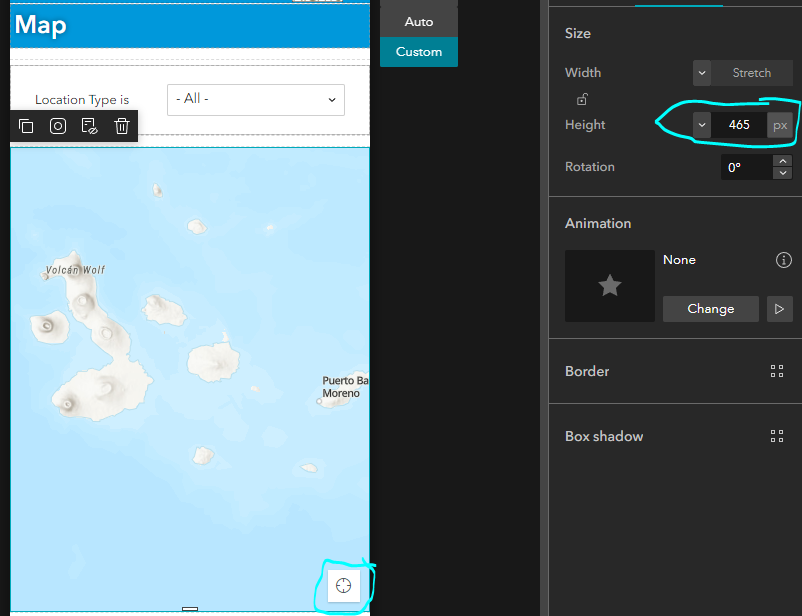
Currently on the mobile view the locate button is set to the bottom right of the map, and it appears needs a minimum size of 465px. Anything smaller and the locate button disappears. For mobile this seems likely to be the most important functionality, what's near my current location?
Can I move the locate button to the top of the map? It's really the only button I need on the map.
The application I am working on will be used mostly on mobile, I think it will be something like 95% mobile, 5% desktop. Making the mobile configuration the most import. The minimum map size is taking up a lot of the mobile view screen space and a much smaller map would be ideal. Around 350-400px
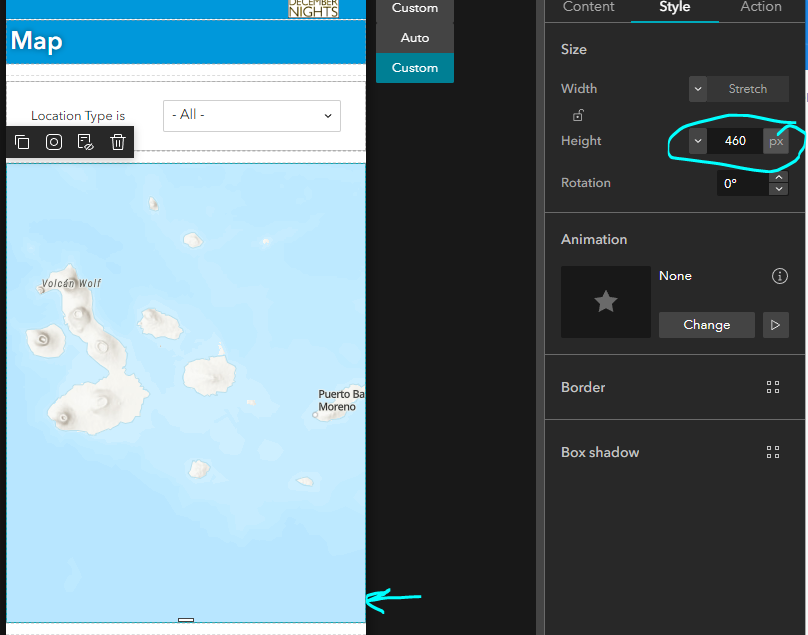
Less than 465 pixels:
Greater than 465 pixels: