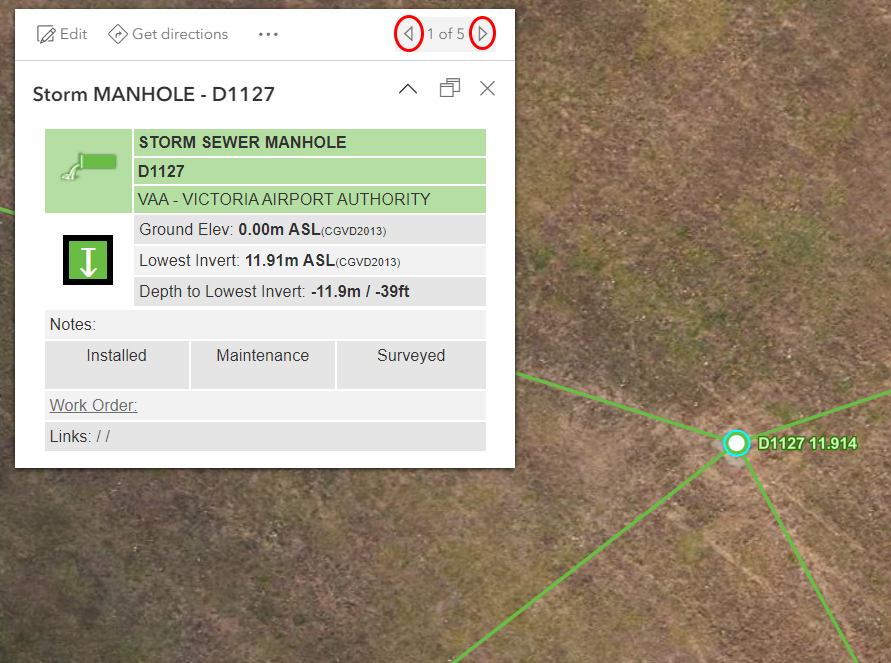
In AGO Map viewer when multiple items overlap the popup window shows one item and you need to click the "Next Feature" or "Previous Feature" arrows to see the other items. Most users don't see the arrows and if they do they find it very frustrating to have to keep clicking it to find the item they want.
But in the Field Maps App multiple items are shown as a list. Then users click on one of the items to see the full popup for that item. Most users find this very easy to use and quickly figure it out.
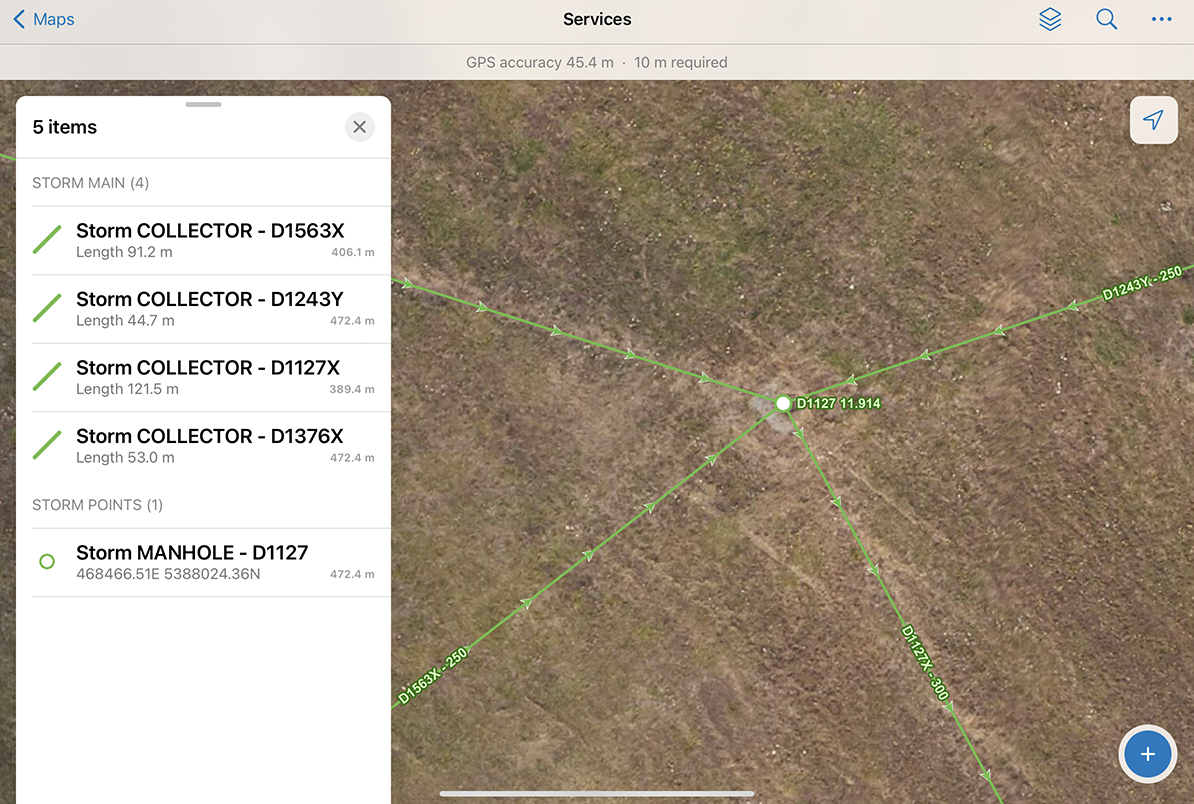
Could an option be added to the AGO Map's settings to allow the Popup for multiple items to work the same way in Map Viewer as it does in Field Maps?




