Hi All,
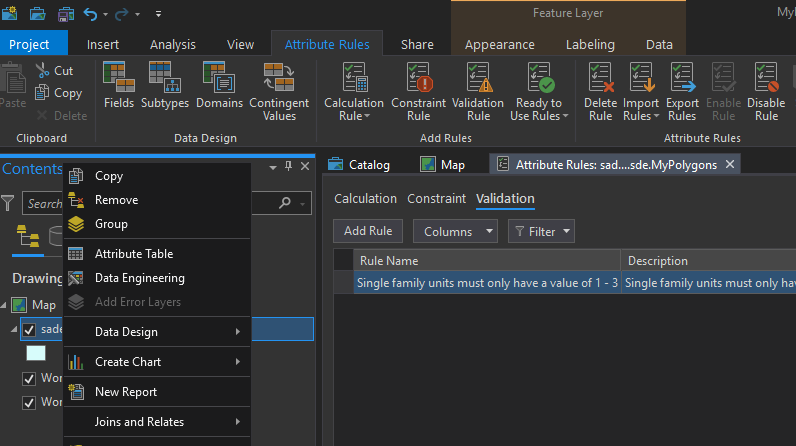
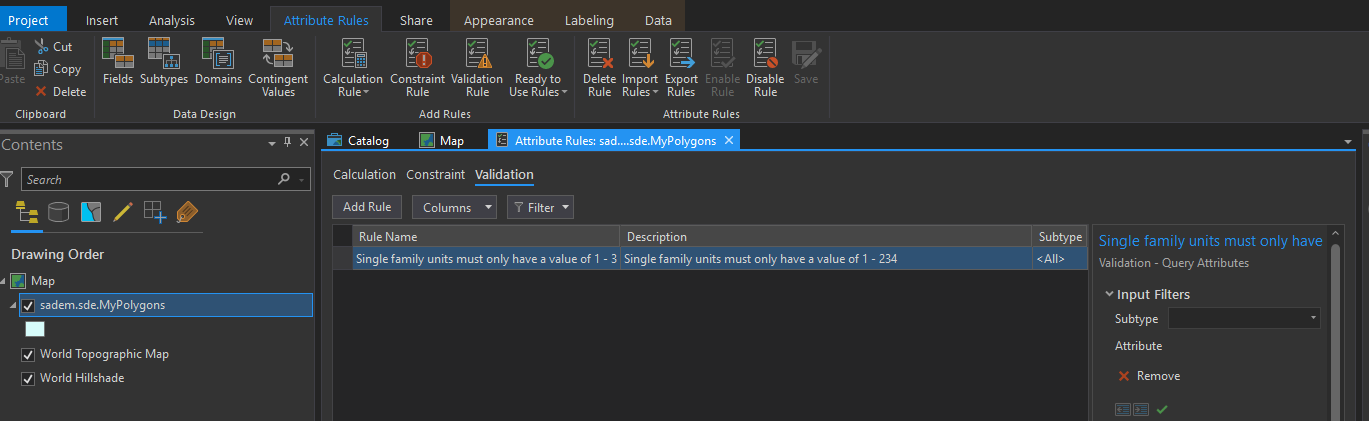
I have a feature class that has 1 of the data-reviewer "Ready to use rules", the feature class resides in an Enterprise geodatabase, branch versioned, database connection is using data owner account. The validation feature classes are all created and also branch version enabled.
I am trying to add the error layers to Pro map, but the option is disabled. Any idea what am I missing?
@JordanCampbellUAF This is an old thread with a marked solution. Best to post your new question as your use case / ArcGIS Pro version may be different.
The following links may help:
Share datasets with attribute rules
Implement automated quality control
how do I do the first two points?
Hello,
did you solved this issue?
Thanks.
DLL
Hi Ihab,
I am having a similar problem now. I created validation rule using Arcade script for datasets in Enterprise GDB, and then I published. But when I add the published feature service to ArcGIS Pro, the "Add Error Layers" option is greyed out. I tried the steps that you mentioned as solution but it still did not work for my case.
Did you use only "Read to use rules" function when you created validation rules?
Did you add all the four error layers (e.g. ValidationObjectErrors, etc.) into Pro map when you publish the service?
Thanks for your help.
Signed in members can post, follow updates, and more. New here? Register a free account.
Find useful guides, FAQs, and documents to help you navigate and make the most of Esri Community.