Hi all
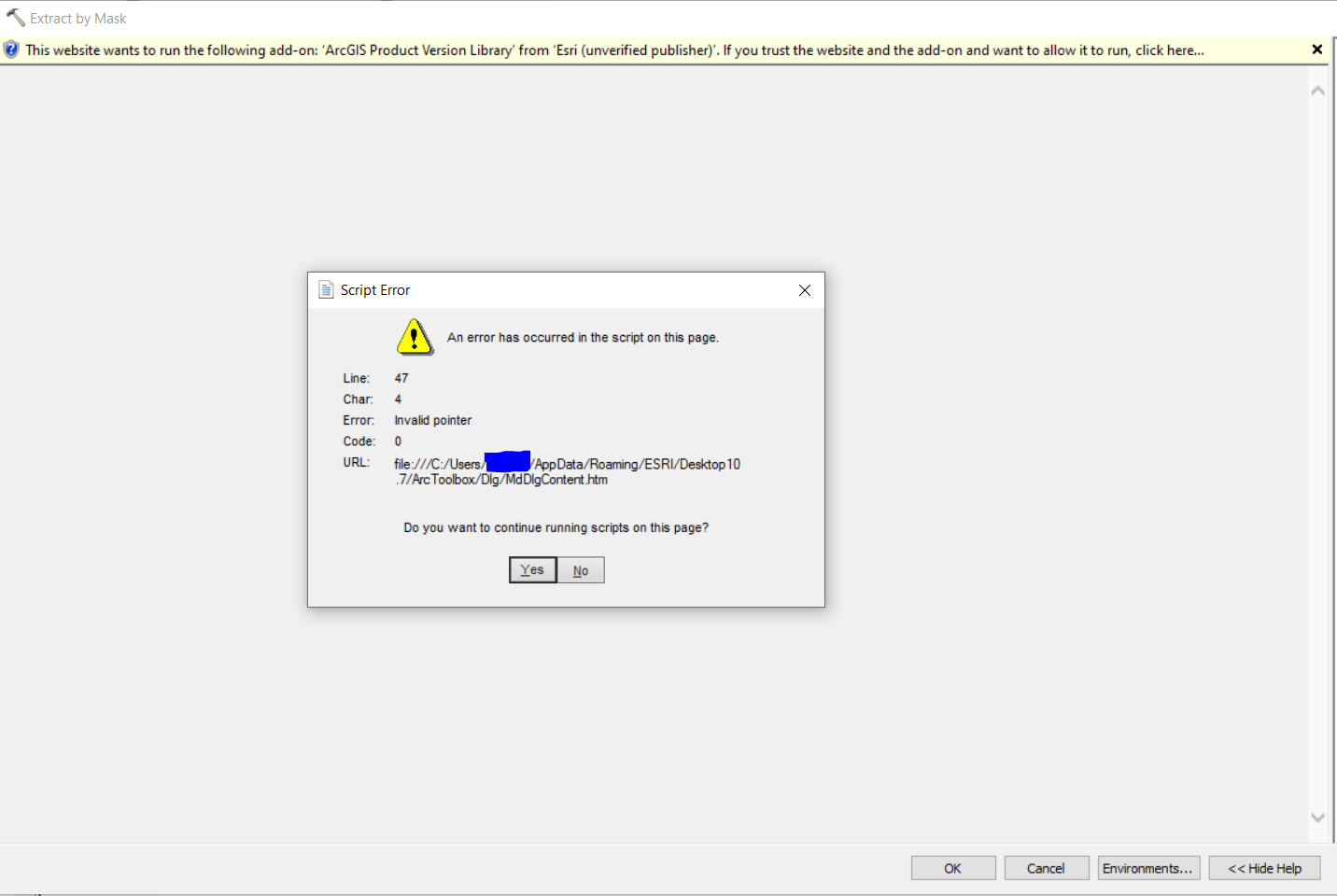
To be clear, this error came out of nowhere. Everything was working perfectly yesterday, and today this started. No settings have been changed on my computer between yesterday and today. It occurs with every single tool I try to run, whether it be in Spatial Analyst, Data Management, Conversion Tools... Example below from when I try to run Extract by Mask. If I click yes to continue running the script, ArcMap crashes. Background Geoprocessing is disabled.
Running ArcMap Desktop 10.7 on Windows 10 (Chrome is and always has been my default browser, I do not use IE or Edge). I know this was an issue on older versions of Desktop, but I was under the impression it was resolved? And why would this randomly start occurring out of nowhere when it was working fine yesterday?
Any ideas on how to fix?