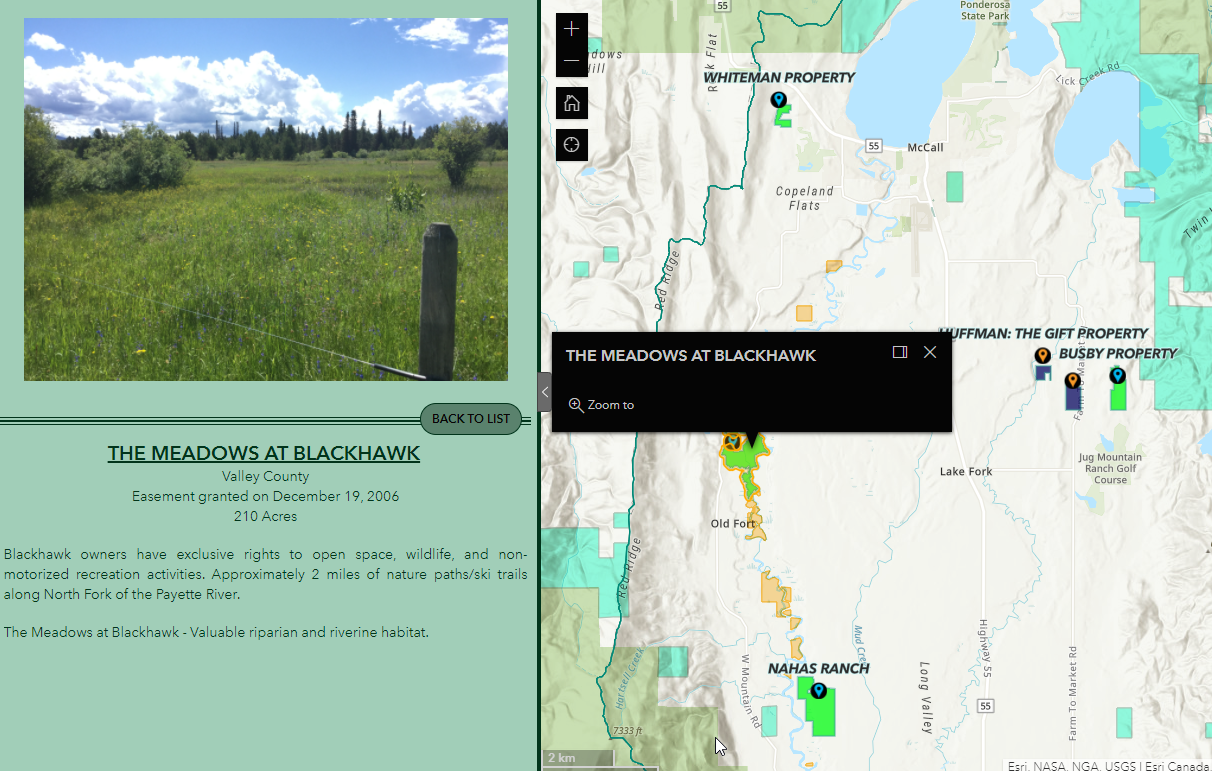
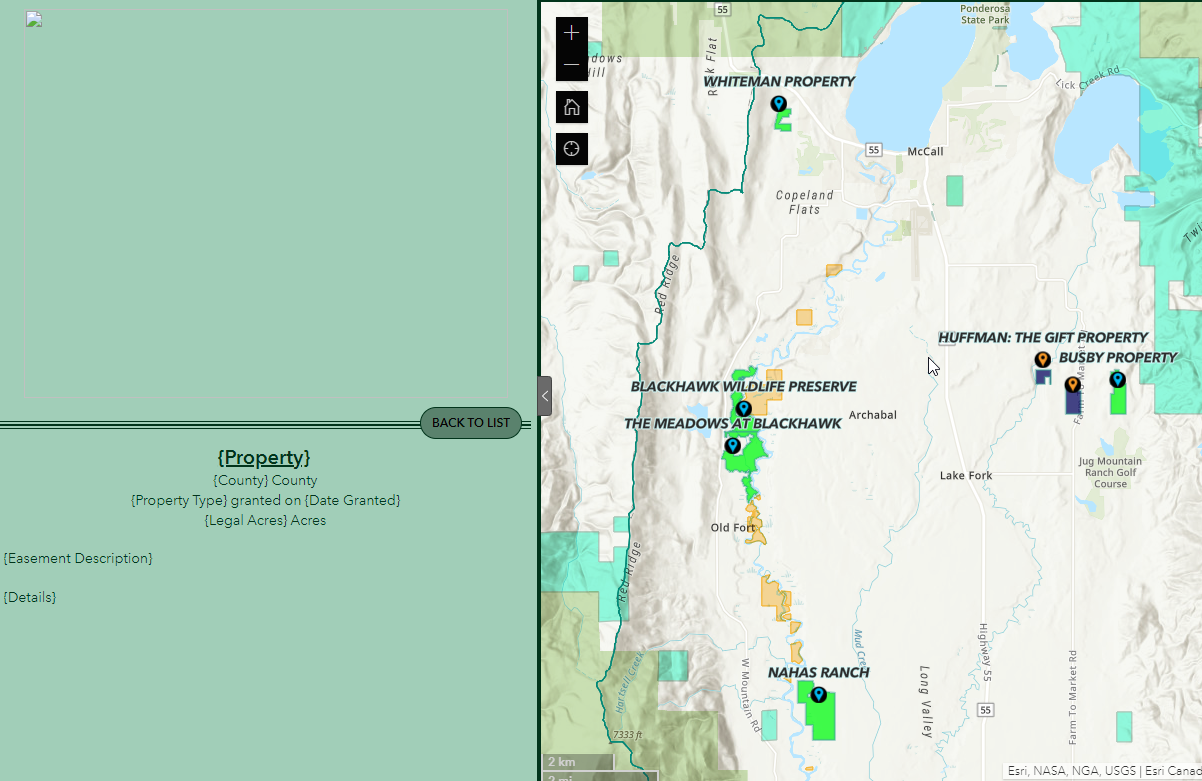
I have two views, the second view only appears when something is selected from the list. Users also have the ability to select things in the map manually, and when they select something in the map, the view 2 information will change to show the associated information with the new selected (screenshot 1 below). However, when the user clicks X to exit out of the pop-up that appears in the map, the view 2 information disappears and shows the attribute names and layout that is configured on the backend which is very sloppy looking.
Inherently, view 2 should only be showing when something is selected. Why doesn't the side panel go back to the list view when something is unselected in the map? I would think this would be a natural progression for this type of action and relationship. Does anyone know a workaround to this issue?
Here is a link to my experience:https://experience.arcgis.com/experience/50d0b8bf5d53465e88e8a42927c333ad/
When the message comes up for login, either log in with your own username and password or press CANCEL and it will take you into the experience. The only thing that will not appear in the experience if you press cancel is the basemap which I am working on fixing.
@ShaneClarke


